25.1.9.1.7.2 Controlling Parameter Visibility
Control which task parameters appear on task details pages.
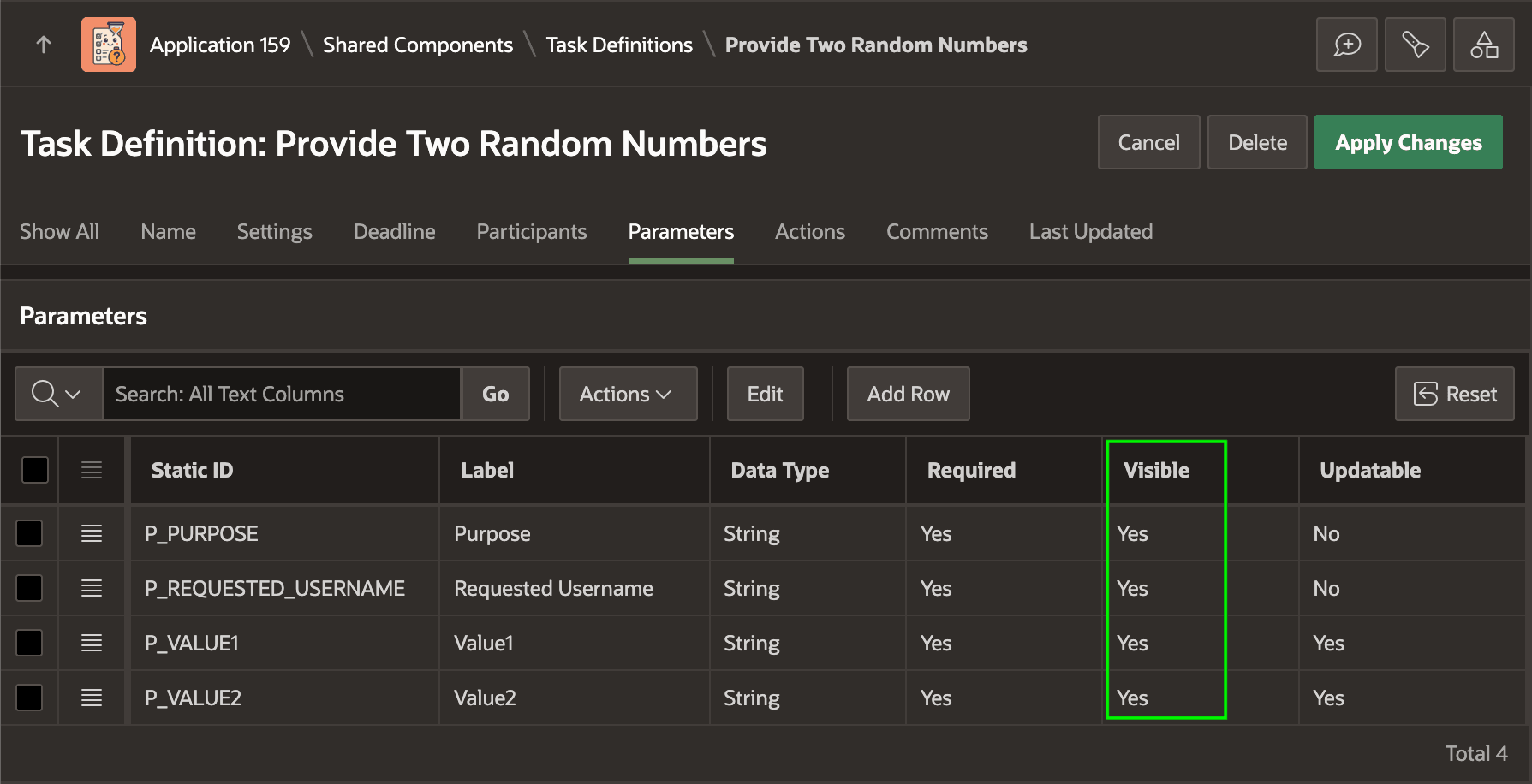
Use a parameter's Visible setting to control whether it appears by default in
the task details page. This visibility hint lets you avoid displaying the parameter even
in a custom task details page by including IS_VISIBLE='Y' filter
in your query against the APEX_TASK_PARAMETERS view.
Figure 25-29 Disable Visible Flag to Hide a Parameter from the Task Details Page
Parent topic: Collecting Data Using a Human Task