3.2 Creating Pages Quickly
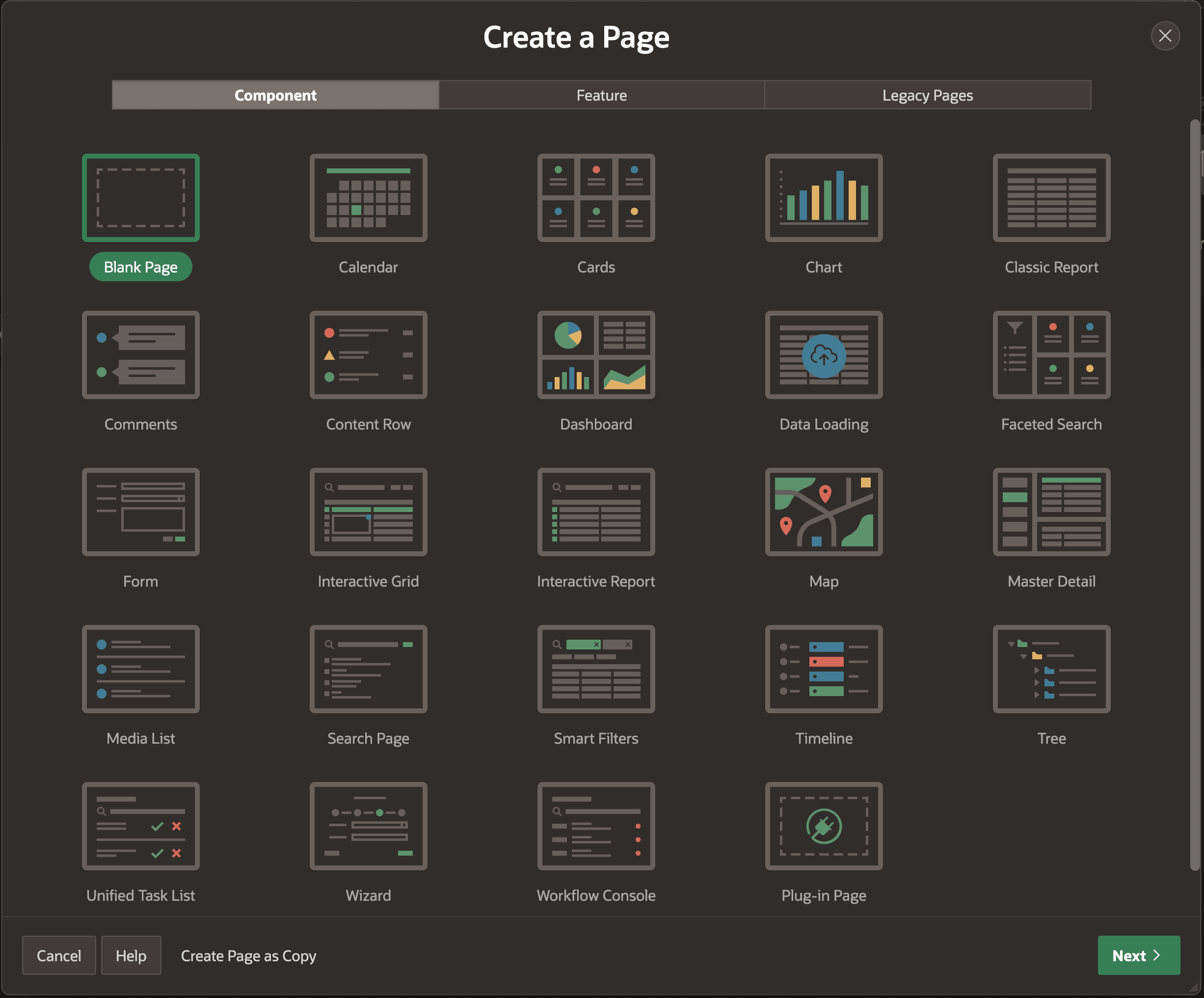
After creating a new application or editing an existing one, as shown below, the Create Page wizard shows a gallery of the most common page types.
After picking a page type, the wizard lets you start with sample data or select a data source. You can opt to include additional context with a breadcrumb as well as add an application menu entry. In a few clicks, you get a page you can iteratively enhance in the Page Designer and run anytime. For several of the report region types, the wizard also lets you create a related form page to create new rows, edit the data of a selected row, or delete rows no longer needed.
Related Topics
- Creating a Report Using the Create Page Wizard in Oracle APEX App Builder User’s Guide
- Creating a Form Using the Create Page Wizard in Oracle APEX App Builder User’s Guide
- Creating Master Detail Forms in Oracle APEX App Builder User’s Guide
- Creating Unified Task Lists in Oracle APEX App Builder User’s Guide
- Creating the Workflow Console and Details Page in Oracle APEX App Builder User’s Guide
Parent topic: Simplifying User Experience Design