2.1 Database Concepts Primer
The Oracle APEX engine and App Builder run inside the Oracle database.
When your applications work with data in the same database, your development activities and applications benefit from zero-latency access. This performance advantage is unique to local database access, since using remote data from another Oracle database or from REST APIs requires network requests.
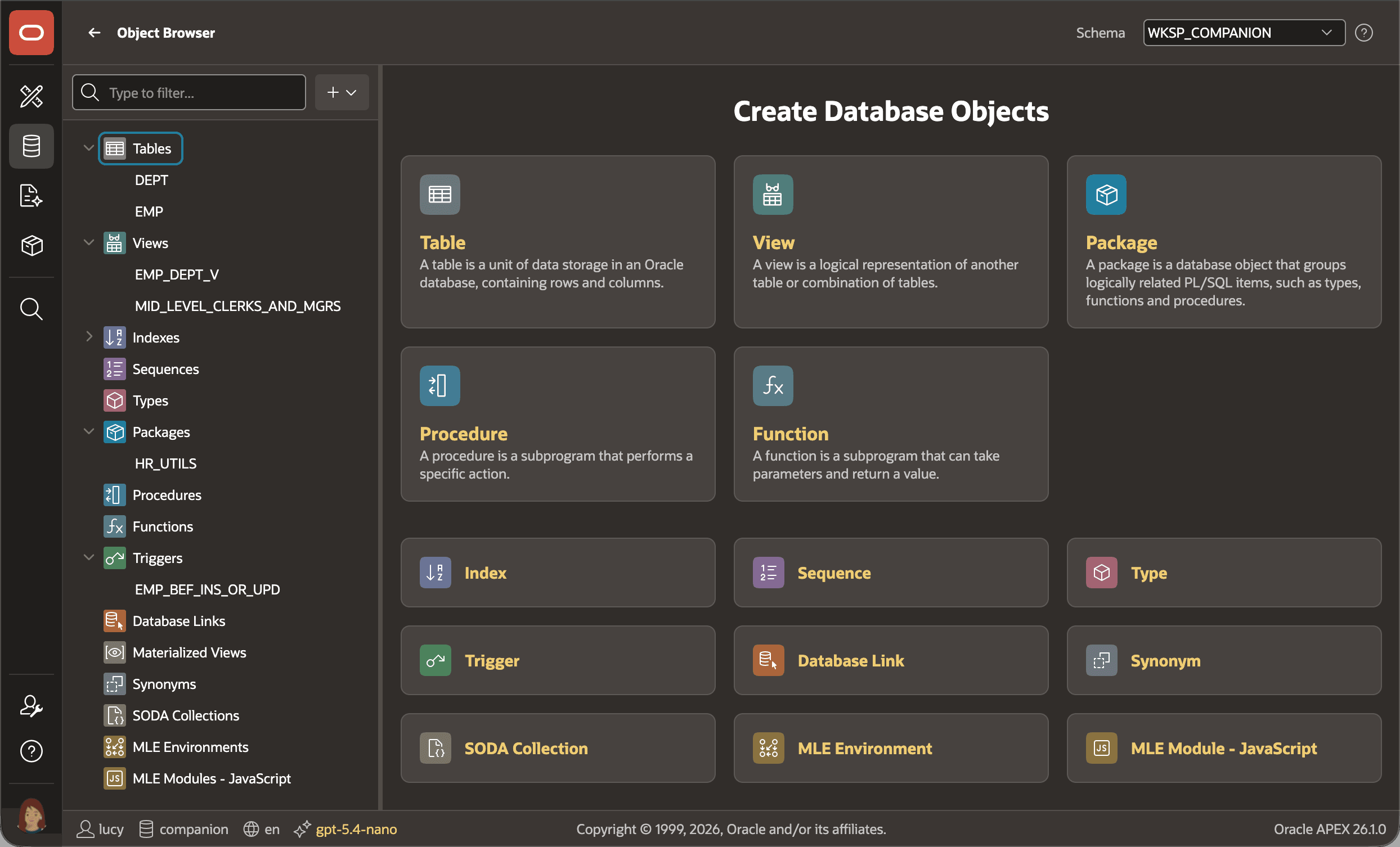
You create and maintain all the local database objects your application needs using the Object Browser in App Builder. In addition to creating tables for application data storage, you can also create views to easily reuse specific queries by name, define triggers to enforce business logic, organize custom code into packages, and more. The figure shows the Object Browser landing page, with the names of tables, views, a package, and a trigger visible in the navigator on the left.
Figure 2-1 Maintaining Database Objects in Object Browser
- Database Tables
You organize an application's data into tables, each representing a business entity like an employee or a department. Each column in a table corresponds to a property of that entity, like an employee's hire date or a department's location. Every column has a data type that defines the kind of information it holds, like text, numbers, or dates. - Structured Query Language (SQL)
While building your Oracle APEX application, you use the industry-standard Structured Query Language (SQL) to specify the data you want to work with in a simple, declarative syntax. - Database Views, Triggers, and Packages
While tables store your application data, it's important to understand how views, triggers, and packages complement them.
Parent topic: Working with Local Data