16.9.6.1 Displaying Bucket Files with Content Row
Display object bucket files in a Content Row region with built-in selection support.
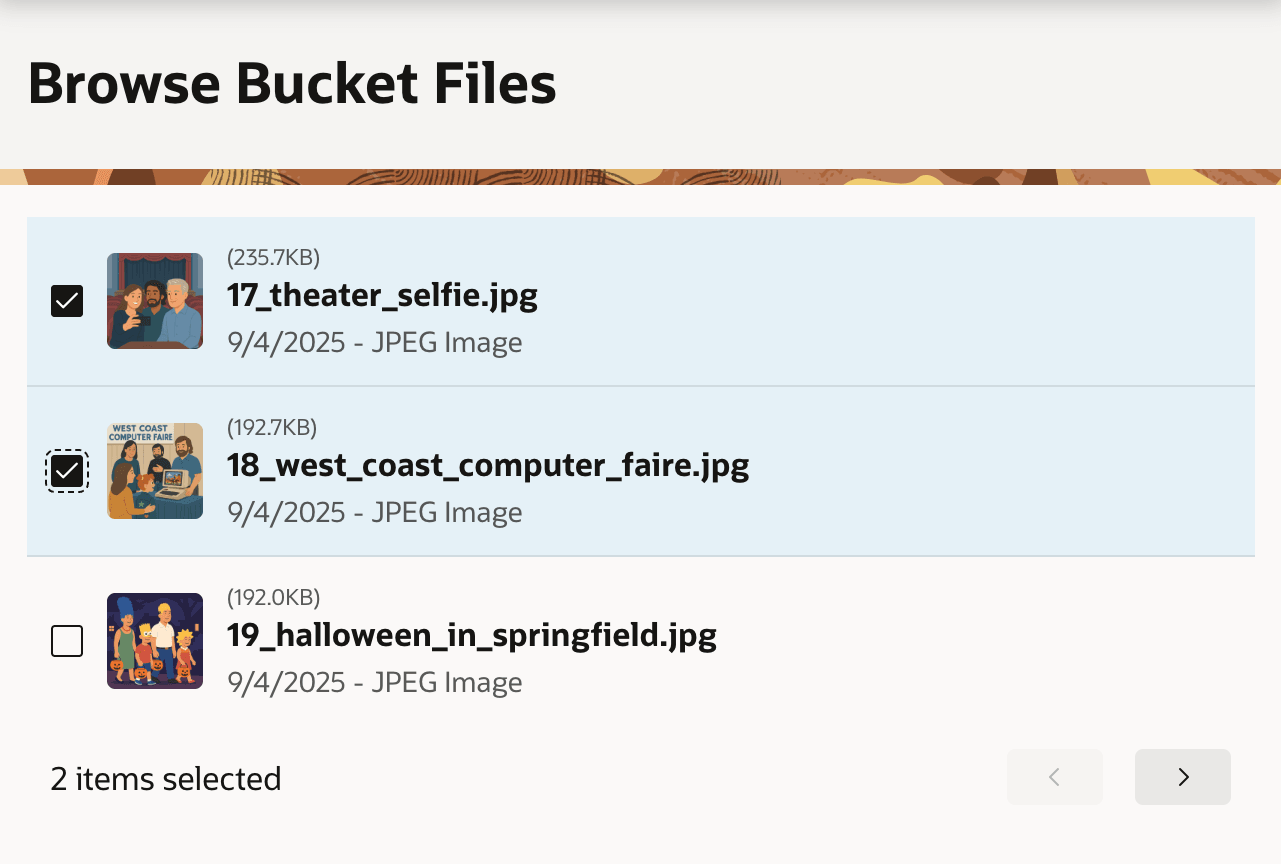
As shown below, a Content Row region works well to display a paginated list with an optional "avatar". This visual representation can be an icon or an image. This region type also has native support for single and multiple selection. Just configure the name of a page item to hold the primary keys of the selected rows. When necessary, the combination of Content Row with a Bucket Objects REST Data Source is a simple way to let users browse and select bucket files in your app with no code.
Figure 16-90 Browsing and Selecting Bucket Files with a Content Row Region
Parent topic: Browsing and Selecting Bucket Files