15.1.7.6 Including Context Info in Dialog Title
Use JavaScript to set a modal dialog's title to include context information from the calling page.
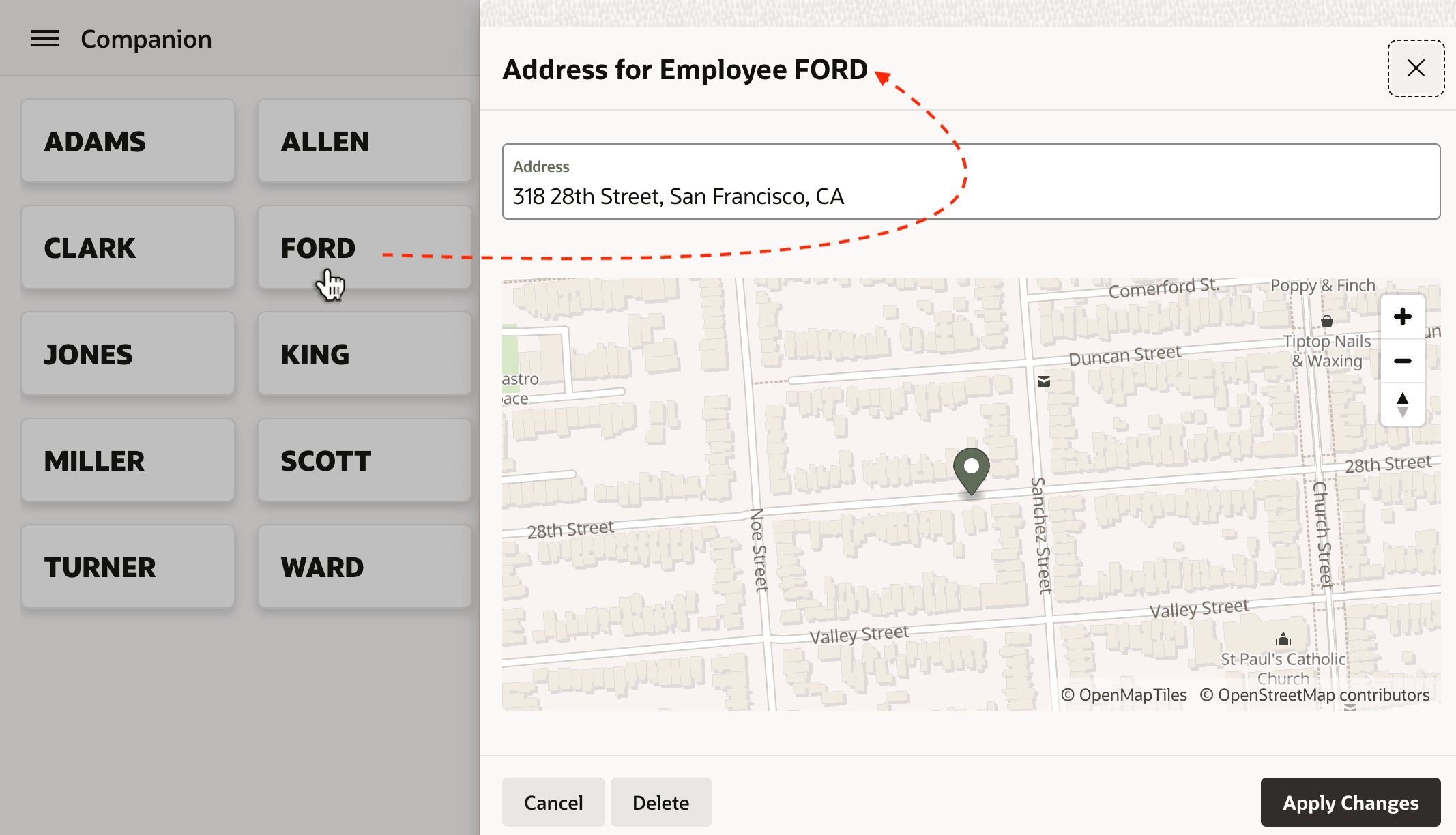
As shown below, when opening a modal dialog, it can be useful to include some context information in the dialog title like the name of the employee whose address the user is editing.
Figure 15-21 Showing ENAME in Modal Dialog Provides Useful Context
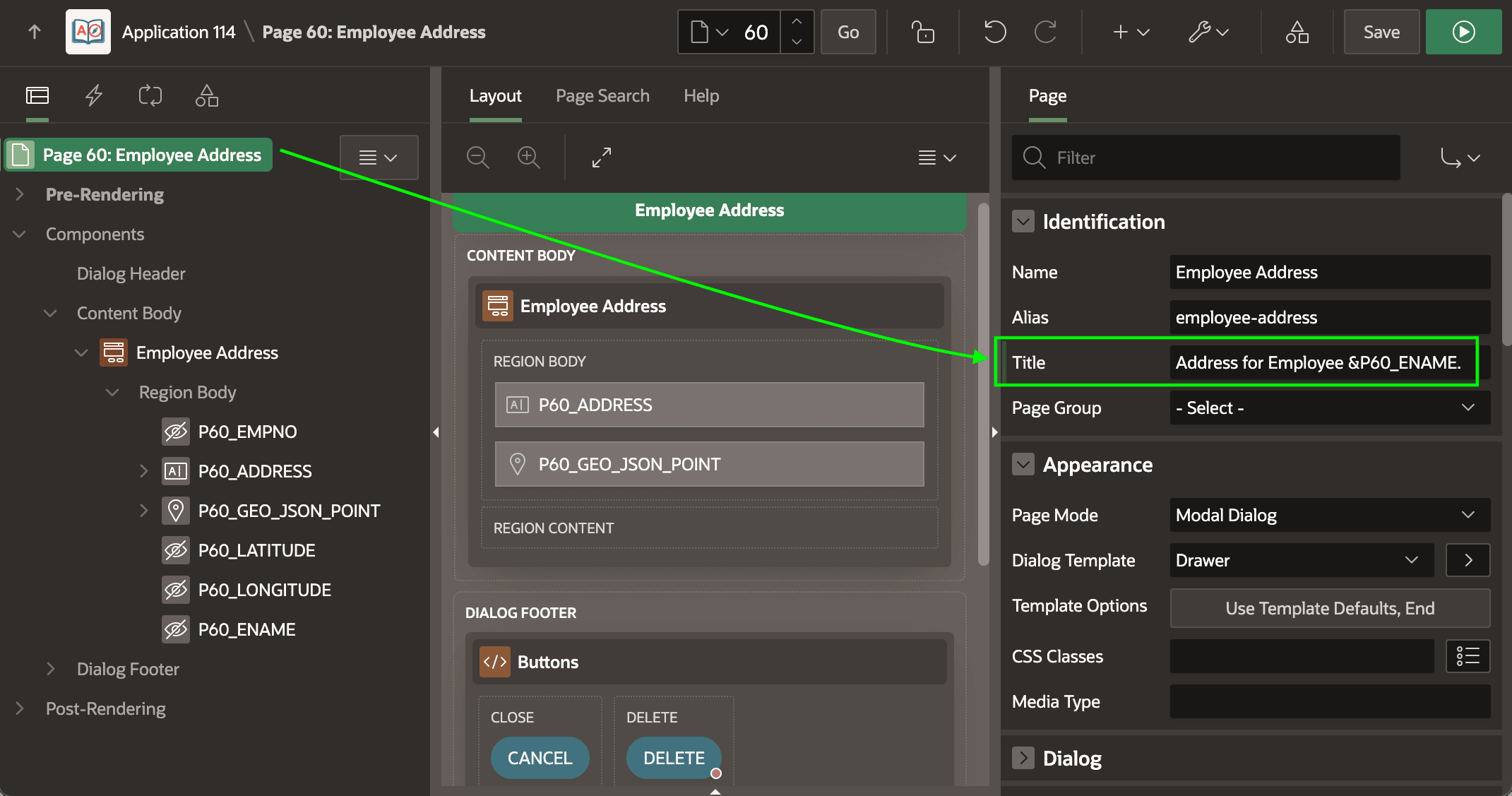
The Form region in the modal drawer page 60 includes the P60_ENAME page item, and the Form Initialization page process automatically retrieves the EMP_AND_ADDRESS view row based on the P60_EMPNO primary key value you pass in. So you already have the ENAME value on hand. Your instinctive first attempt shown below is to include &P60_ENAME. in the Title.
Figure 15-22 First Unsuccessful Attempt to Include Context Info in Dialog Title
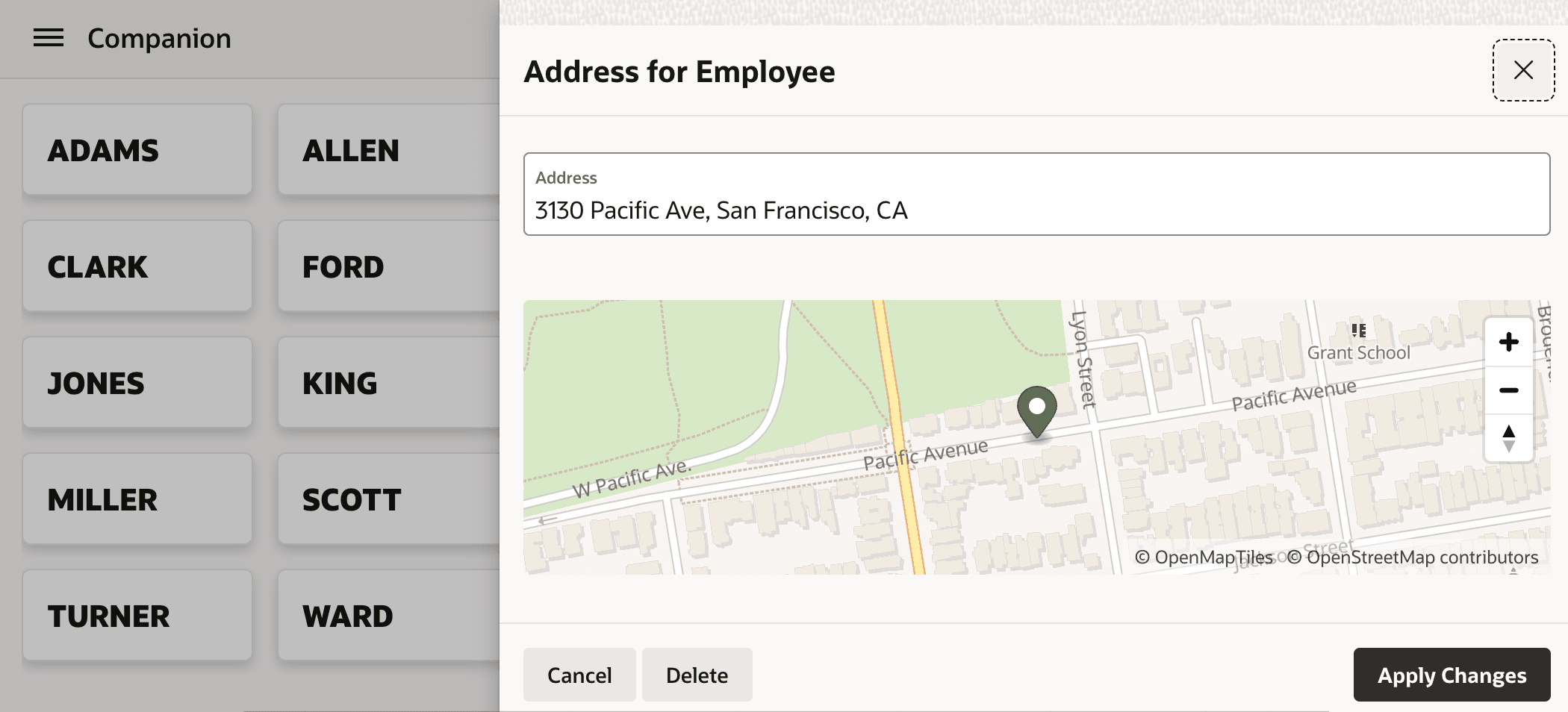
However, when you run the page, the &P60_ENAME. comes up puzzlingly empty as shown below.
Figure 15-23 The &P60_ENAME. in Dialog Title Comes Up Empty
// JavaScript in Page Load event action to set dialog title
apex.util.getTopApex()
         .jQuery(".ui-dialog-content")
         .dialog("option", "title",
                 "Address for Employee " + $v('P60_ENAME'));
Tip:
To avoid having a static title display before your Page Load event sets the dynamic title, reference a non-existent substitution string like &INITIALLY_BLANK. in the page Title in Page Designer.
Parent topic: Exploring Additional Page Features