11.7.10 Making Social Sign-in the Current Scheme
To try out a new authentication scheme at runtime in your application, make it the current scheme.
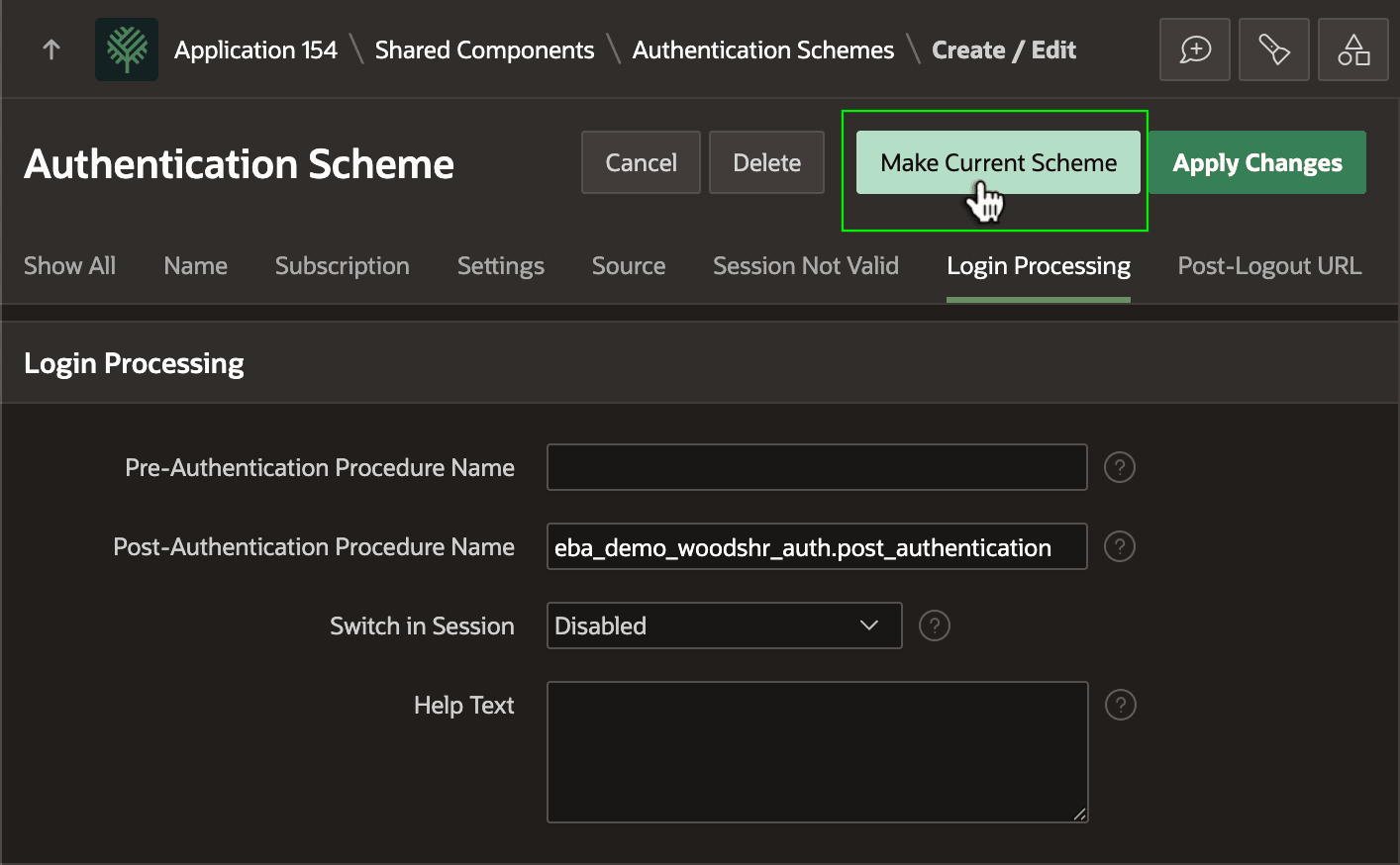
As the final step, as shown below, edit the Woods HR OAuth social sign-in Authentication Scheme and click the (Make Current Scheme) to make it the current one to use by default.
Tip:
For more advanced scenarios, you can enable Switch in Session and dynamically determine by user which of multiple authentication schemes to use. For more information, see Using a Procedure to Configure Authentication at Runtime in Oracle APEX App Builder User’s Guide.
Figure 11-38 Making Social Sign-in Authentication Scheme the Current One
Parent topic: Integrating an External Identity Provider