16.1 Reviewing Break Room and Referrals Pages
Explore two Woods HR use cases: sharing employee photos and submitting candidate CVs for open position referrals.
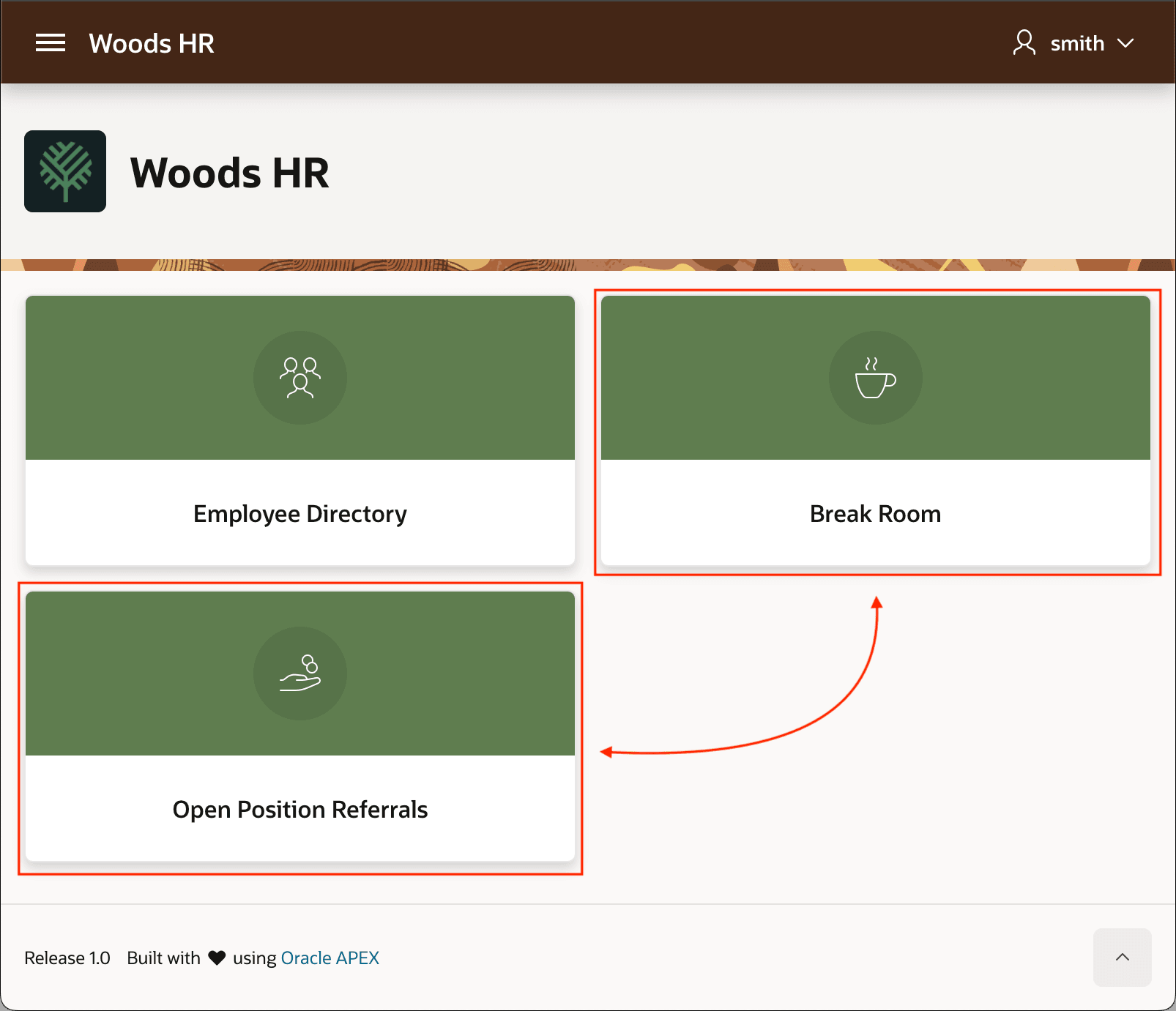
Your Woods HR app lets employees share photos with colleagues on the Break Room page. It also rewards staff who submit a candidate's PDF curriculum vitae (CV) on the Open Position Referrals page if their referral gets hired. The figure shows the home page of the Woods HR application where employees access an employee directory, a virtual break room, and a candidate referral function.
Figure 16-1 Break Room and Open Positions Referrals Pages in Woods HR App
- Sharing Photos in the Break Room
Review the Break Room page, where employees browse shared photos and add one or more images. - Submitting a Referral to Earn a Bonus
Preview the Open Position Referrals page, where employees review, submit, and download candidate CVs for open jobs.. - Studying Supporting Tables and Views
Learn how theEBA_DEMOtables and views support Woods HR photo sharing and job referrals.
Parent topic: Uploading, Viewing, and Downloading Files