14.5.2 Testing Handler with curl or Postman
Test a GET endpoint with curl and jq or
with Postman to inspect the JSON response.
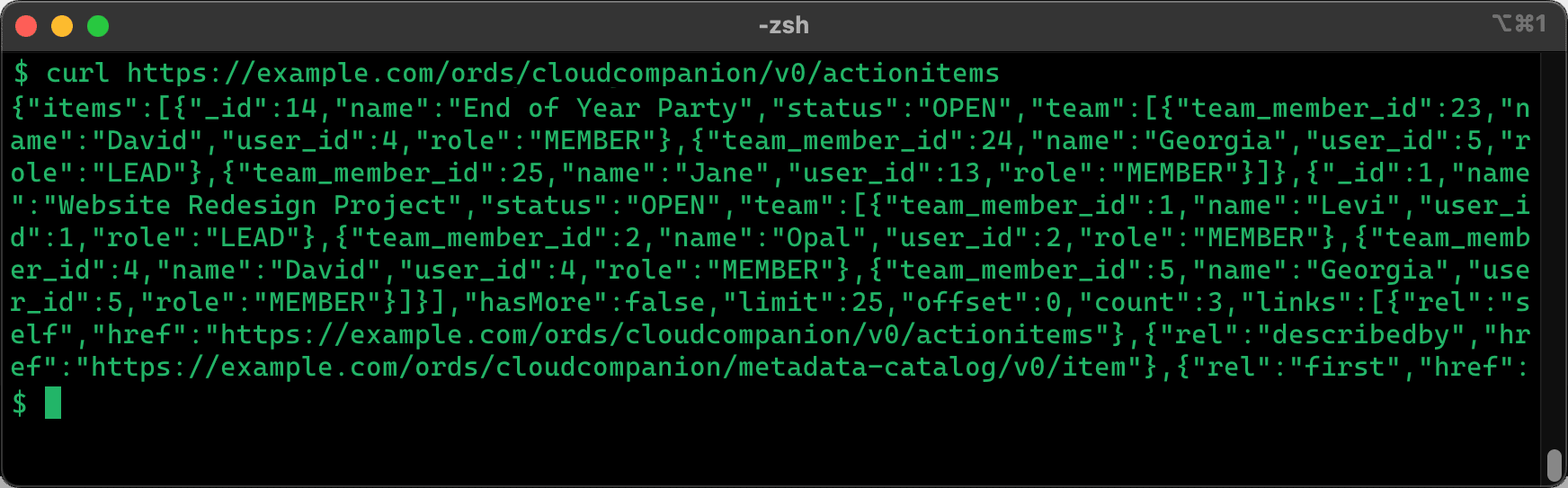
curl. By default
this utility uses the HTTP GET method, so the command is very
simple:$curl https://example.com/ords/cloudcompanion/v0/actionitemsJSON parsers ignore whitespace, so as shown below, ORDS returns data without extra spaces or newlines. On your terminal, the JSON wraps across many lines.
Figure 14-12 Testing ORDS GET Handler on the Command Line with curl
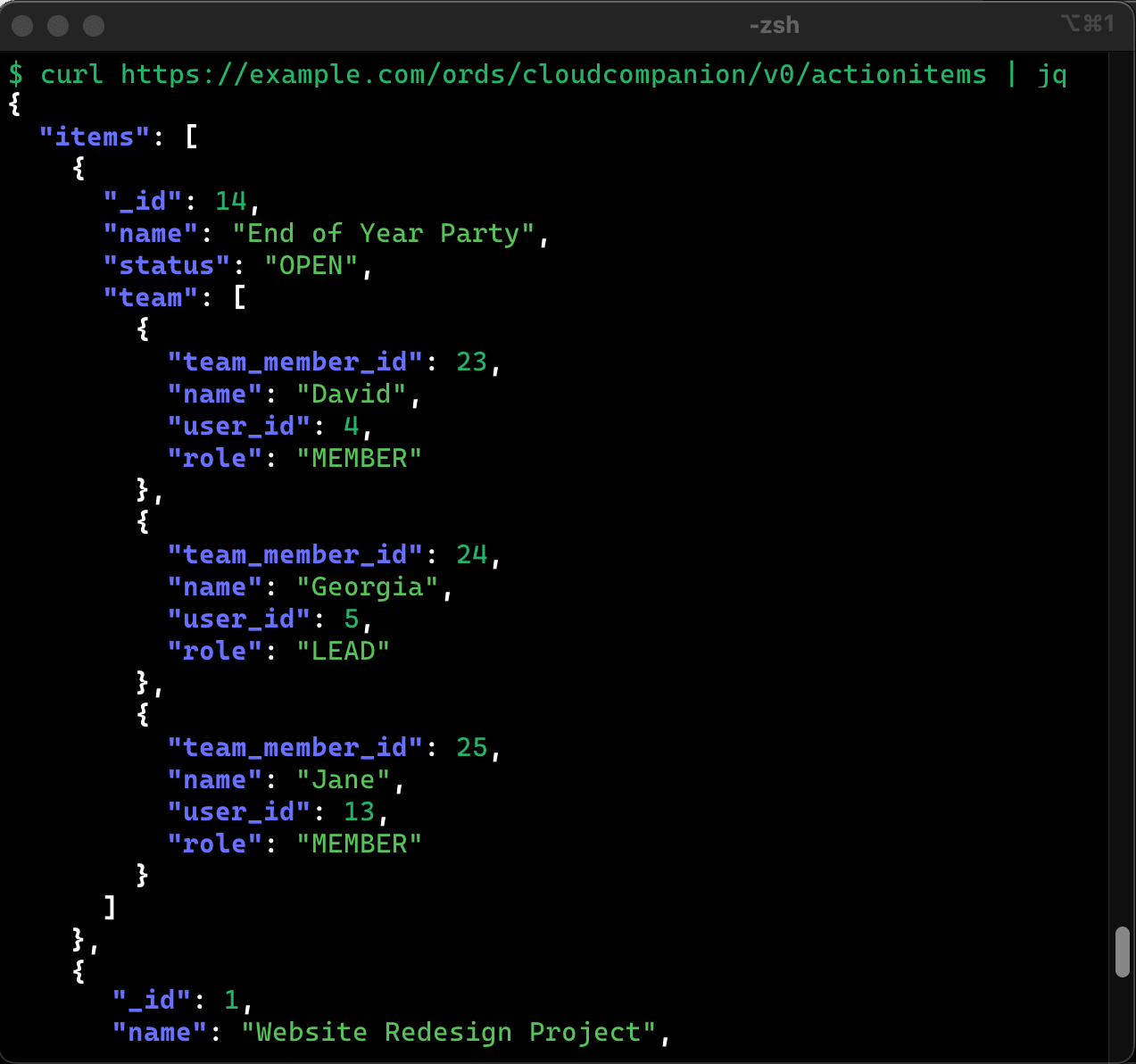
Pipe curl output into jq using | to format it. It indents and color-codes the result for easier reading.
$ curl https://example.com/ords/cloudcompanion/v0/actionitems | jqFigure 14-13 Formatting Output of curl Using jq Command Line Utility
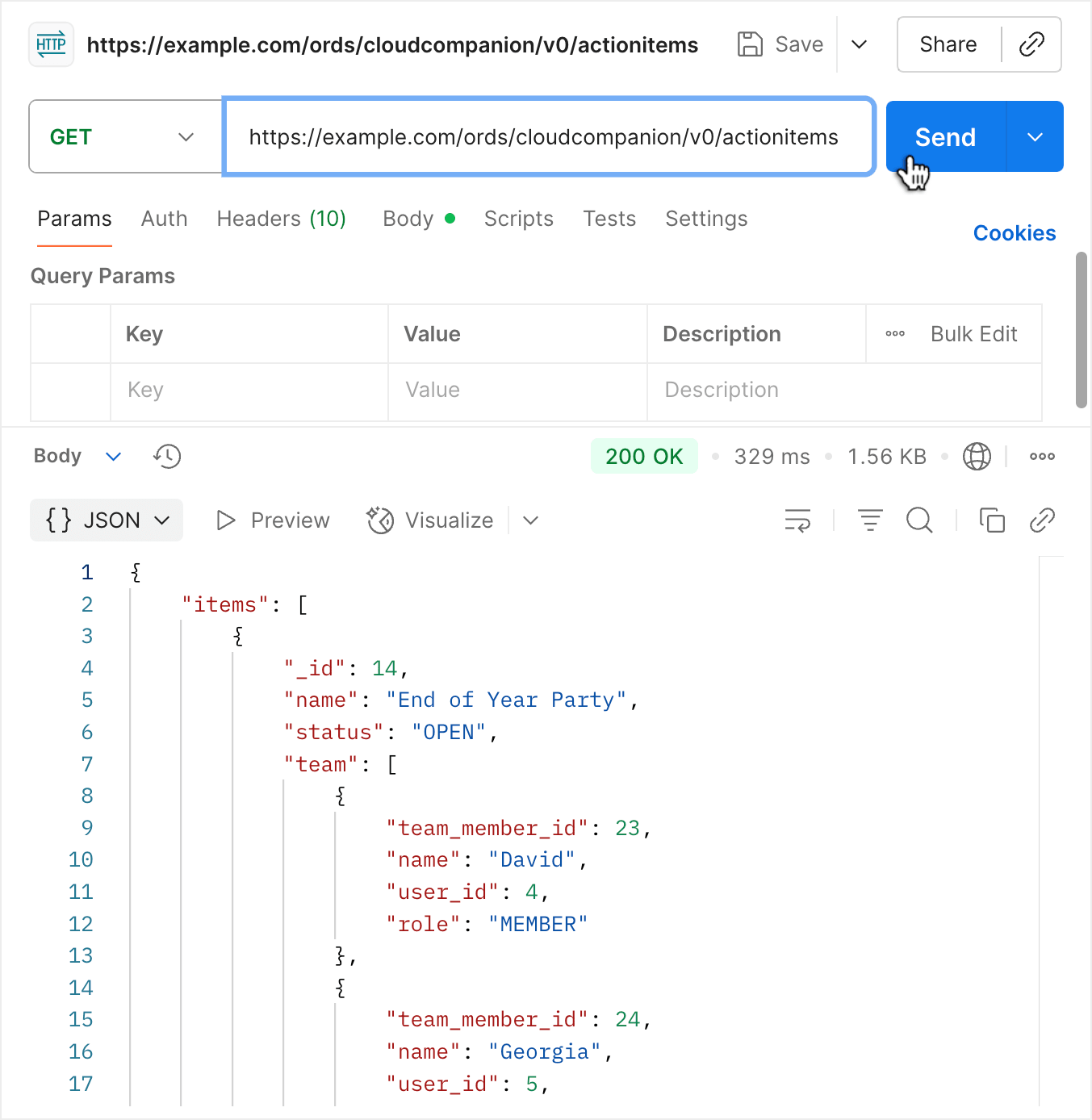
Postman is another popular tool developers use for experimenting with web APIs. As shown below, pick the HTTP method and enter the URL, then click (Send) to see the nicely-formatted response.
Figure 14-14 Using Postman to Access Your New Action Items REST API
Parent topic: Creating and Testing Read-Only APIs