7.5 Running a Page from Page Designer
The Oracle APEX engine dynamically renders and processes pages based on data stored in database tables. To view a rendered version of an application, you run or submit it to the APEX engine.
To run a page in Page Designer:
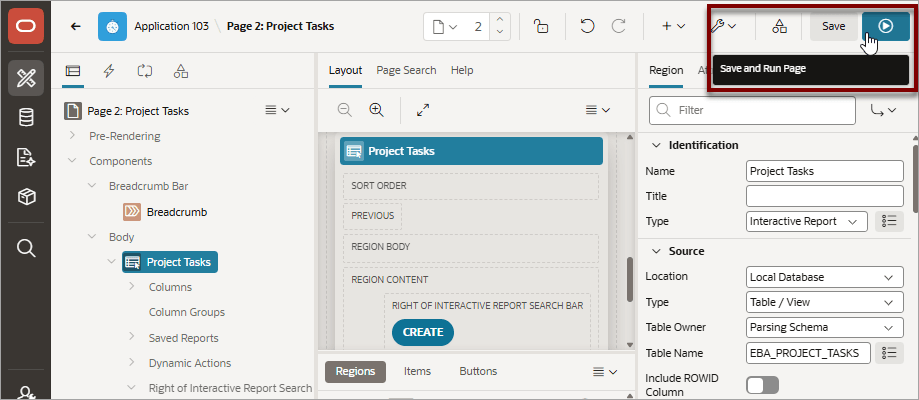
- Click the Save and Run Page button in the upper right corner. The Save
and Run Page button resembles a green right-facing arrow.
Tip:
On a Global page, clicking Save and Run reloads the currently active page, including an open modal dialog. If no page is currently running, the application's main page displays (for example, the home or login pages). On a modal dialog page, clicking Save and Run refreshes the modal dialog if it is open. If not, it reloads the active page or opens the application's main page if no page is currently running.A rendered version of the application page appears.
Related Topics
Parent topic: Editing Pages in Page Designer