4.2.4.6 Setting Labels
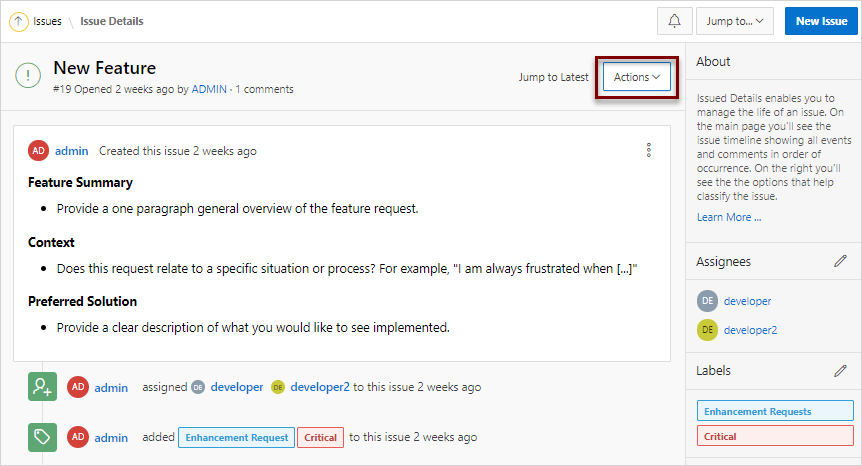
View an issue and then set labels.
To set labels:
- View the issue.
- Click the issue title.
Related Topics
Parent topic: Updating an Issue
View an issue and then set labels.
To set labels:
Related Topics
Parent topic: Updating an Issue