Deleting a Row in an Interactive Grid
Use the Row Actions Menu to delete a row from an editable interactive grid.
To delete a row from an editable grid:
-
Click the Row Actions menu icon adjacent to the row.
-
Select Delete Row.
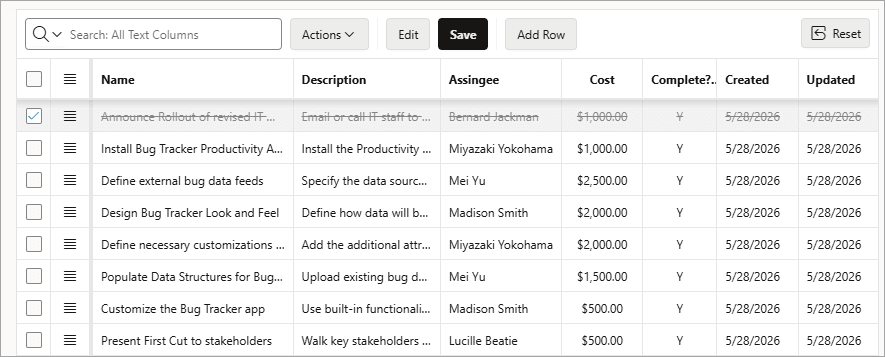
The row is crossed out in the grid.
-
To finalize the deletion, click Save.
The grid reloads with the selected row removed.