Sorting Columns in an Interactive Grid
Specify the alphabetical, numerical, or chronological order of a column by clicking the Sort Ascending and Sort Descending buttons on the column heading.
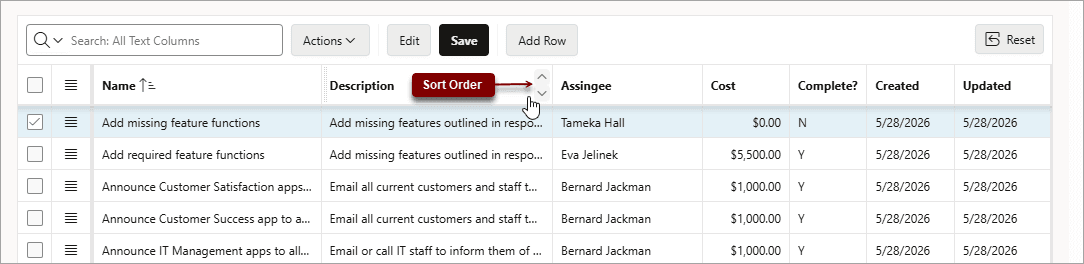
Description of the illustration ig_column_sort_buttons.png
To specify the sort order of a column:
-
Hover the mouse in the column heading.
The Sort Ascending and Sort Descending buttons display.
-
Do one of the following:
-
To sort a column in ascending order (A to Z, 1 to 9, earliest to latest), click the Sort Ascending button (
 ).
). -
To sort a column in descending order (Z to A, 9 to 1, latest to earliest), click the Sort Descending button (
 ).
). -
To remove an existing sort, click the toggled button again (now labeled Don’t Sort).
-
The column sorts.