Acknowledging Receipt of Payment
Record the patient’s payment so the procedure reaches its final status.
Patient Danny Deng gets the email, and reviews the invoice as shown below. He then calls Woods Clinic to pay the balance with his credit card.
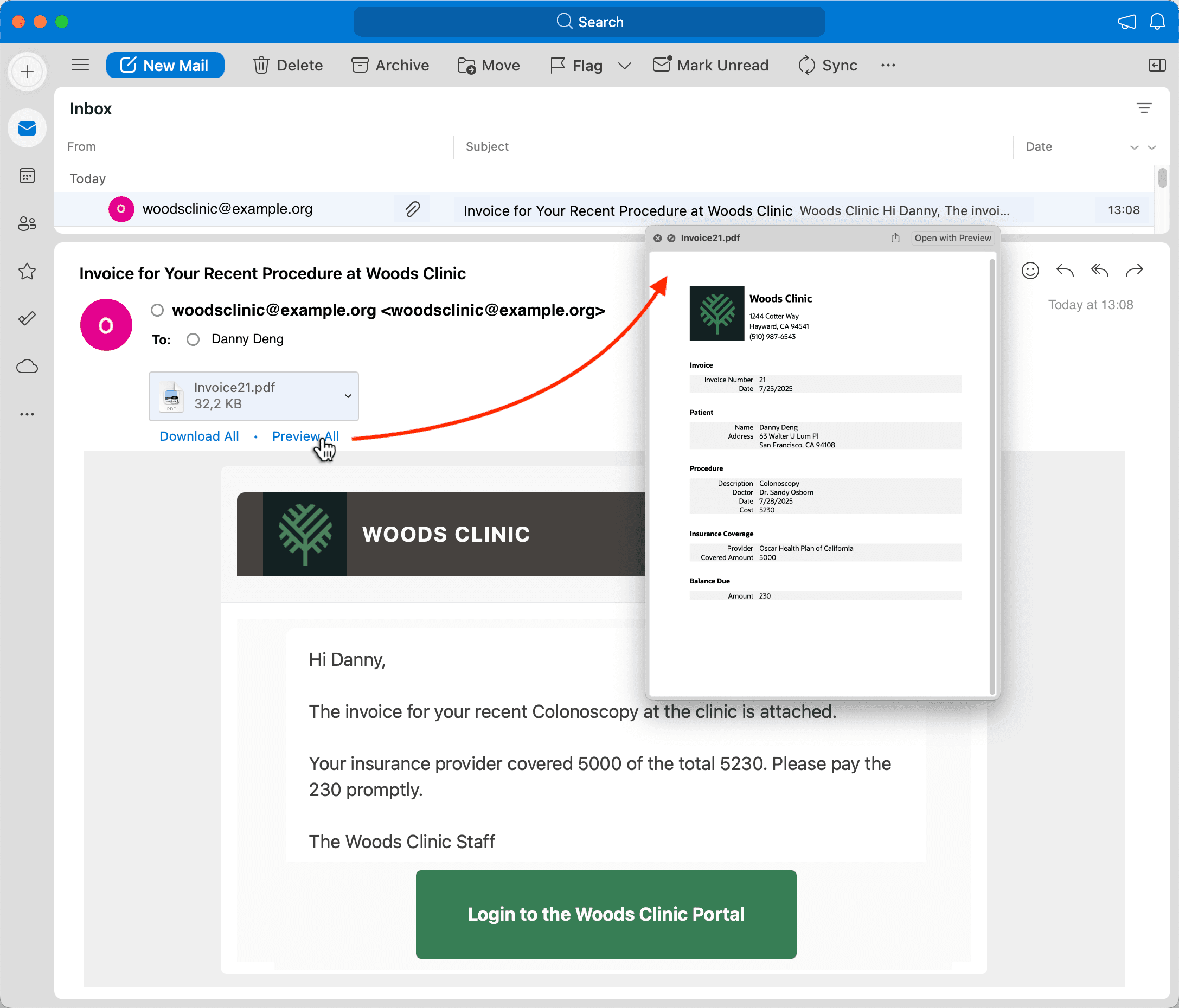
Description of the illustration danny-deng-invoice-email.png
David accepts Danny’s payment on the phone, and, as shown below, he marks the invoice as settled using the Invoice Paid option on the three-vertical-dots dropdown menu.
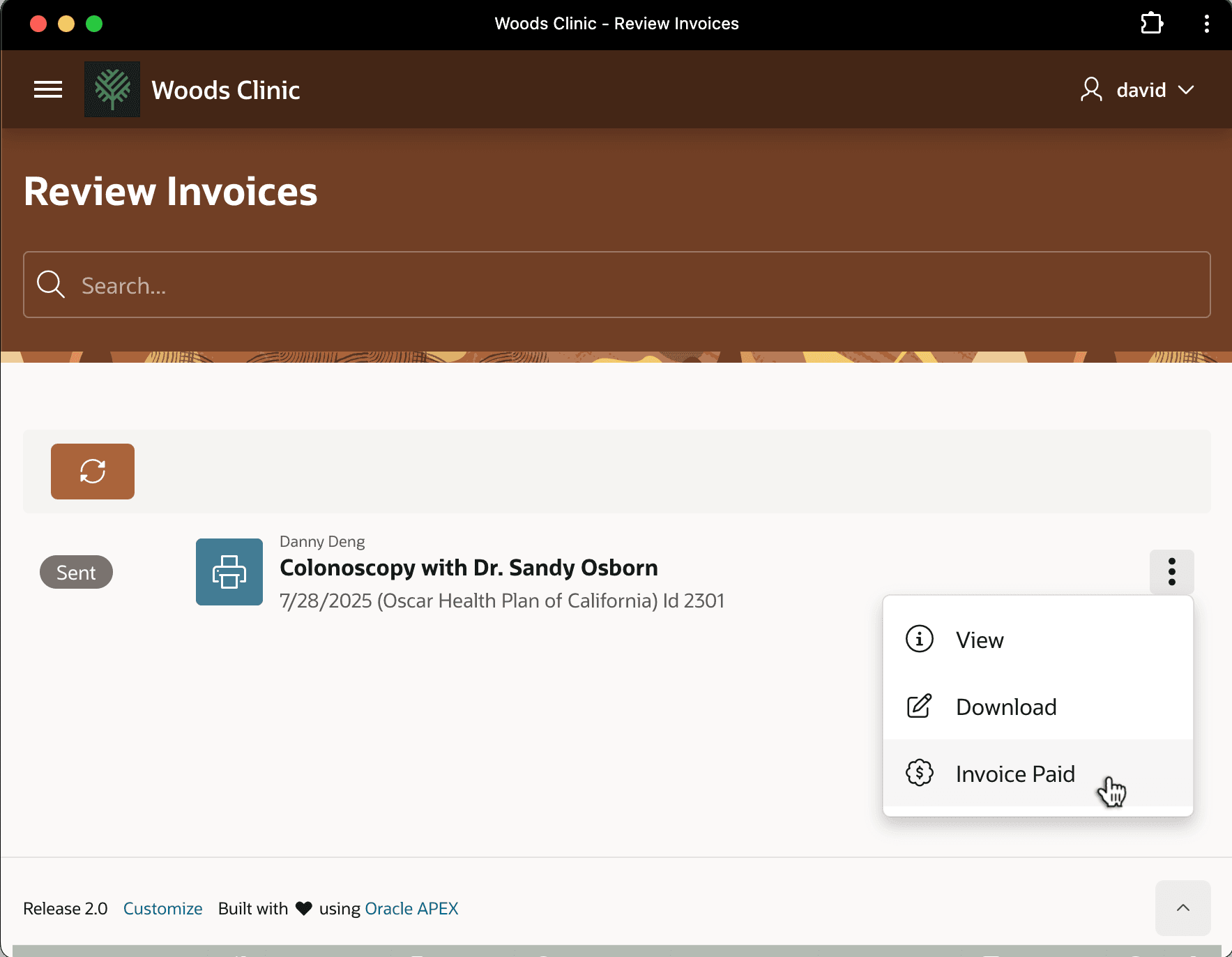
Description of the illustration walkthrough-markinvoicepaid.png
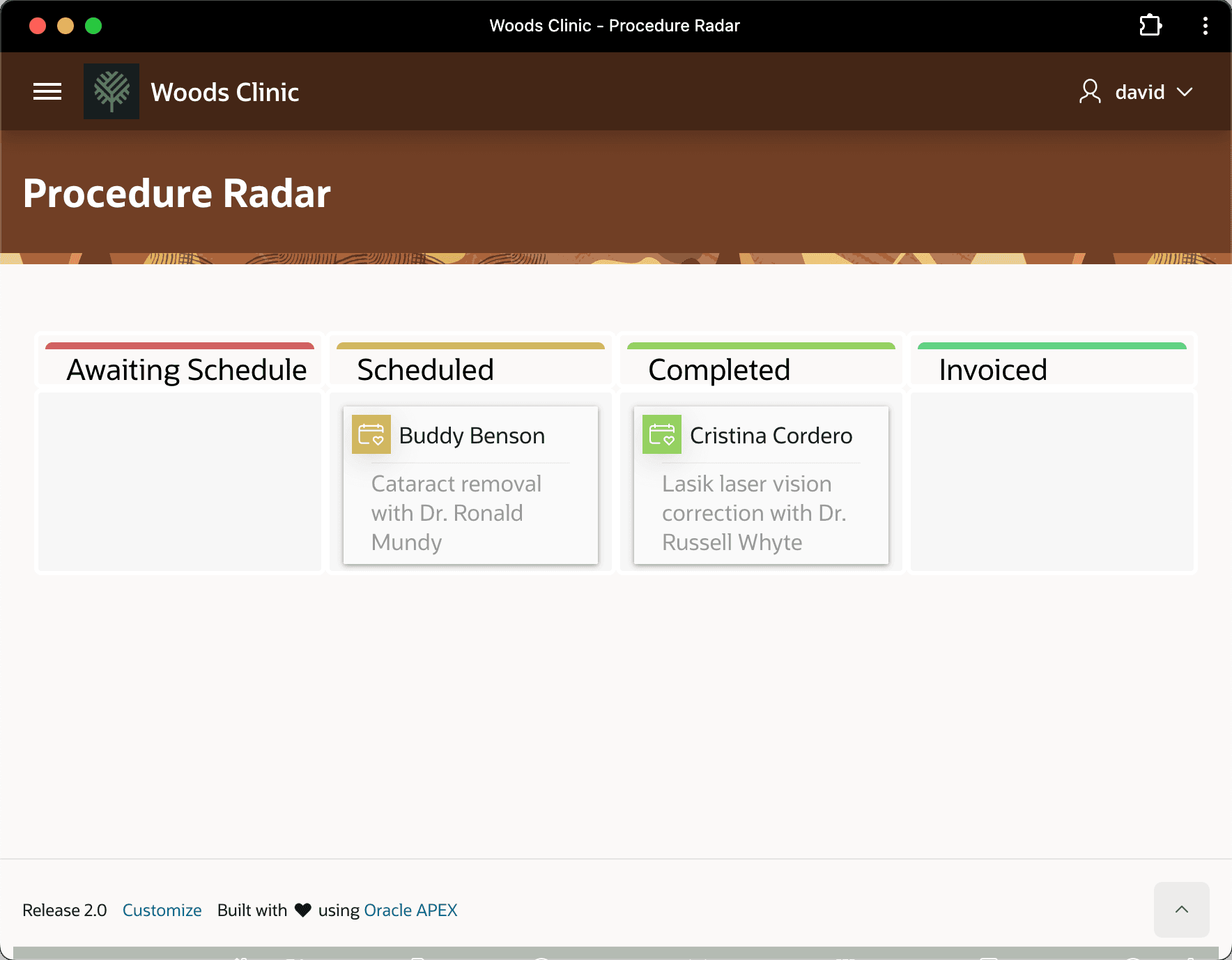
This changes the status of Danny Deng’s medical procedure row to “Paid” and, as shown below, David sees Danny’s has moved off the Kanban board.