Controlling Parameter Visibility
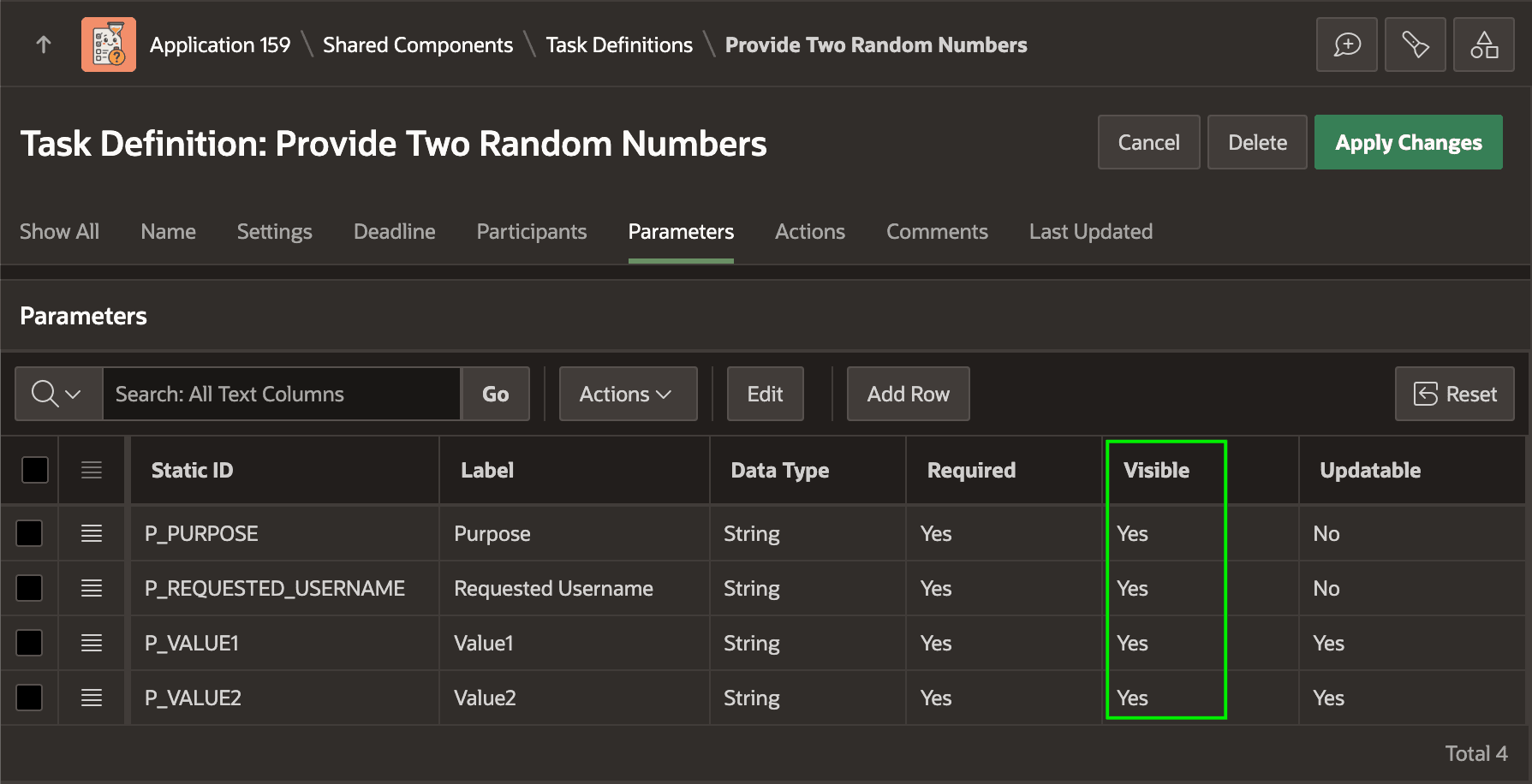
Control which task parameters appear on task details pages.
Use a parameter’s Visible setting to control whether it appears by default in the task details page. This visibility hint lets you avoid displaying the parameter even in a custom task details page by including IS_VISIBLE='Y' filter in your query against the APEX_TASK_PARAMETERS view.