Displaying BLOB Images in Classic Reports
In a Classic Report region, include the size of the BLOB in your query instead of the BLOB column itself.
Use the GETLENGTH function in the DBMS_LOB package to compute it.
select  id,
        title,**sys.dbms_lob.getlength(image) image, /* Size of BLOB Image */**
        file_name,
        posted,
        posted_by,
        updated
from eba_demo_emp_breakroom_photo_v
order by updated desc
As shown below, set the Type of the IMAGE (size) column to Display Image and provide the additional image-related column names in the BLOB Attributes section. These include the BLOB image, Primary Key, Mime Type, Filename, and Last Updated date.
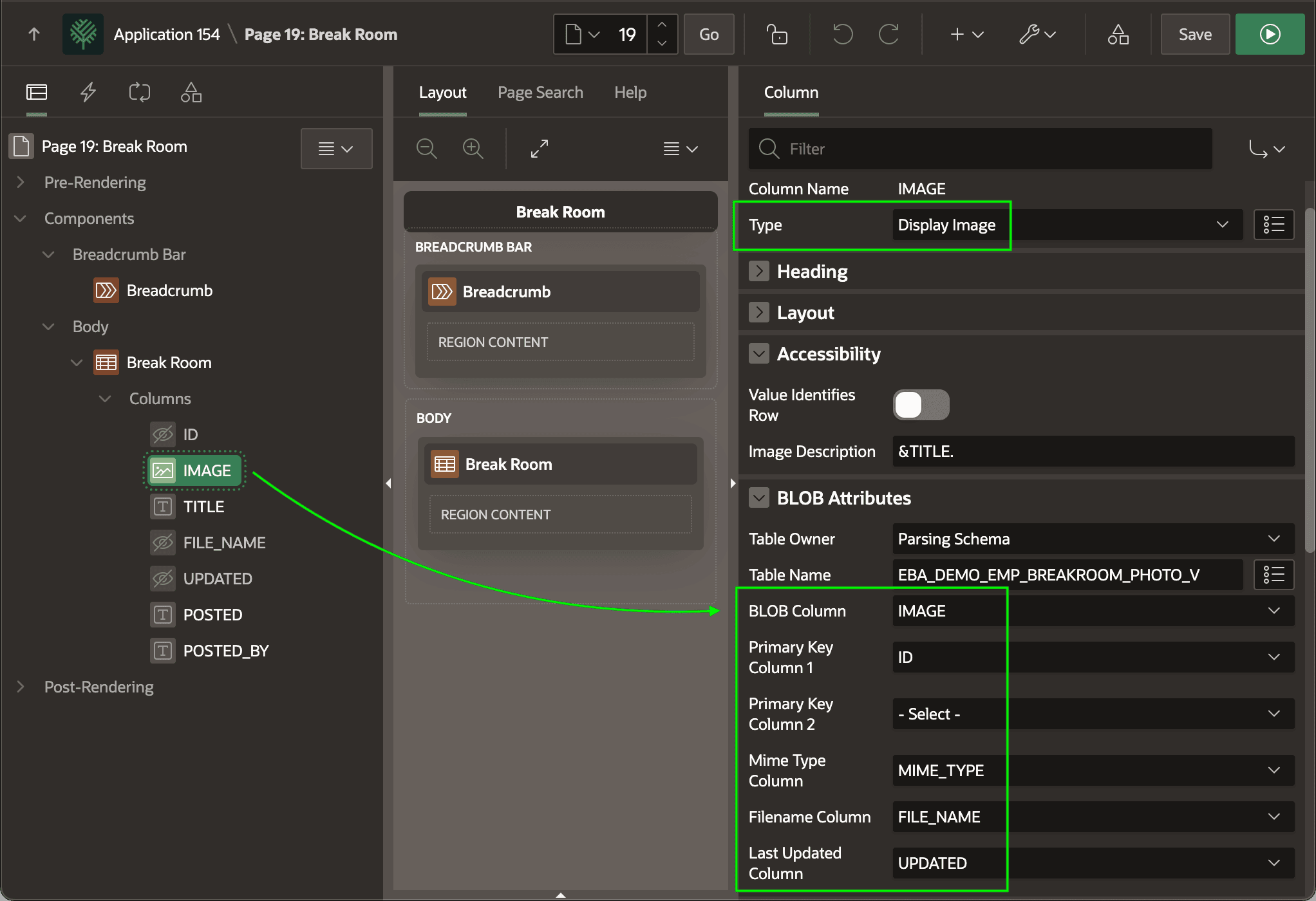
Description of the illustration show-images-cr-dt.png
To control the size of the image preview, add the following rule to the CSS > Inline section of your page. It constrains the height and keeps the image’s aspect ratio. You can also just constrain the width by specifying that property instead of height.
.t-Report-report img {
    /* constrain width or height + keep aspect ratio
     *
     * width: 130px;
     */
    height: 130px;
    object-fit: contain;
}
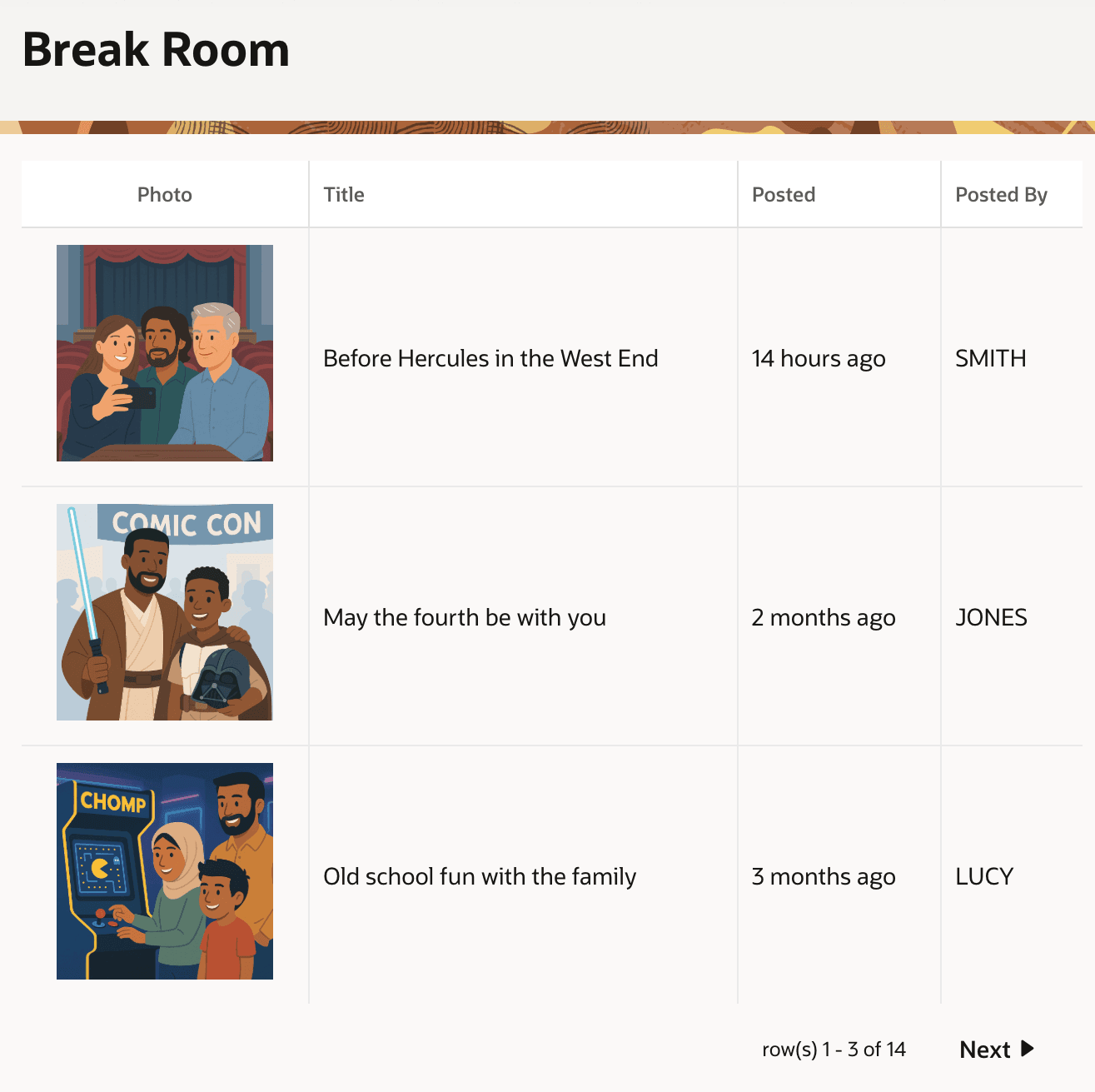
This combination produces an image in each row as shown below.