Downloading and Importing a Plug-in
You can download and import plug-ins to add specific functionality to your application.
Searching the Plug-ins tab on https://apex.world for kanban, the Material Kanban Board plug-in shown below appears. Clicking its download link and unzipping the archive, you find its region_type_plugin_material_kanban.sql export file. The figure shows the plug-in details page on the apex.world site for the Material Kanban Board plug-in.
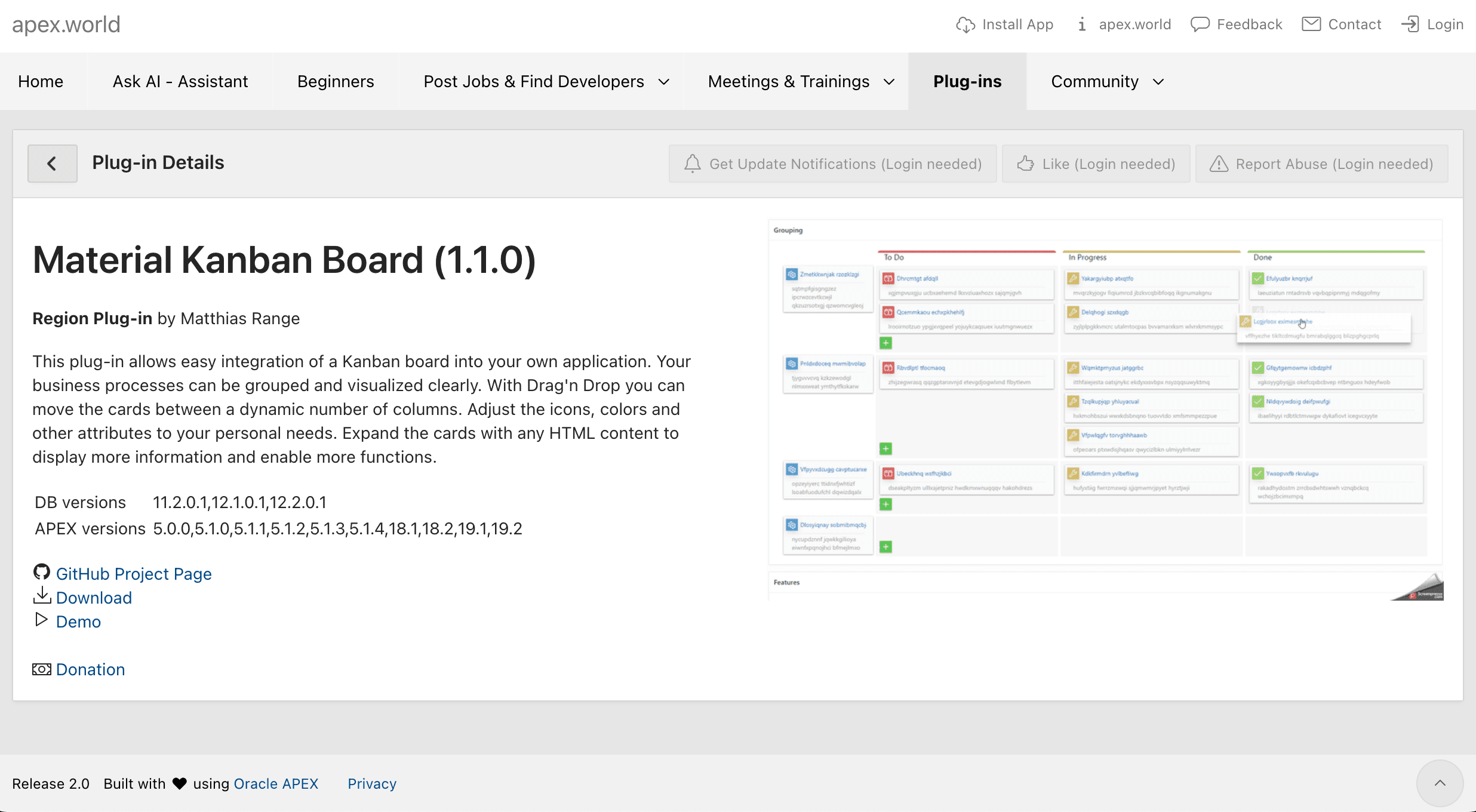
Description of the illustration kanban-apex-world.png
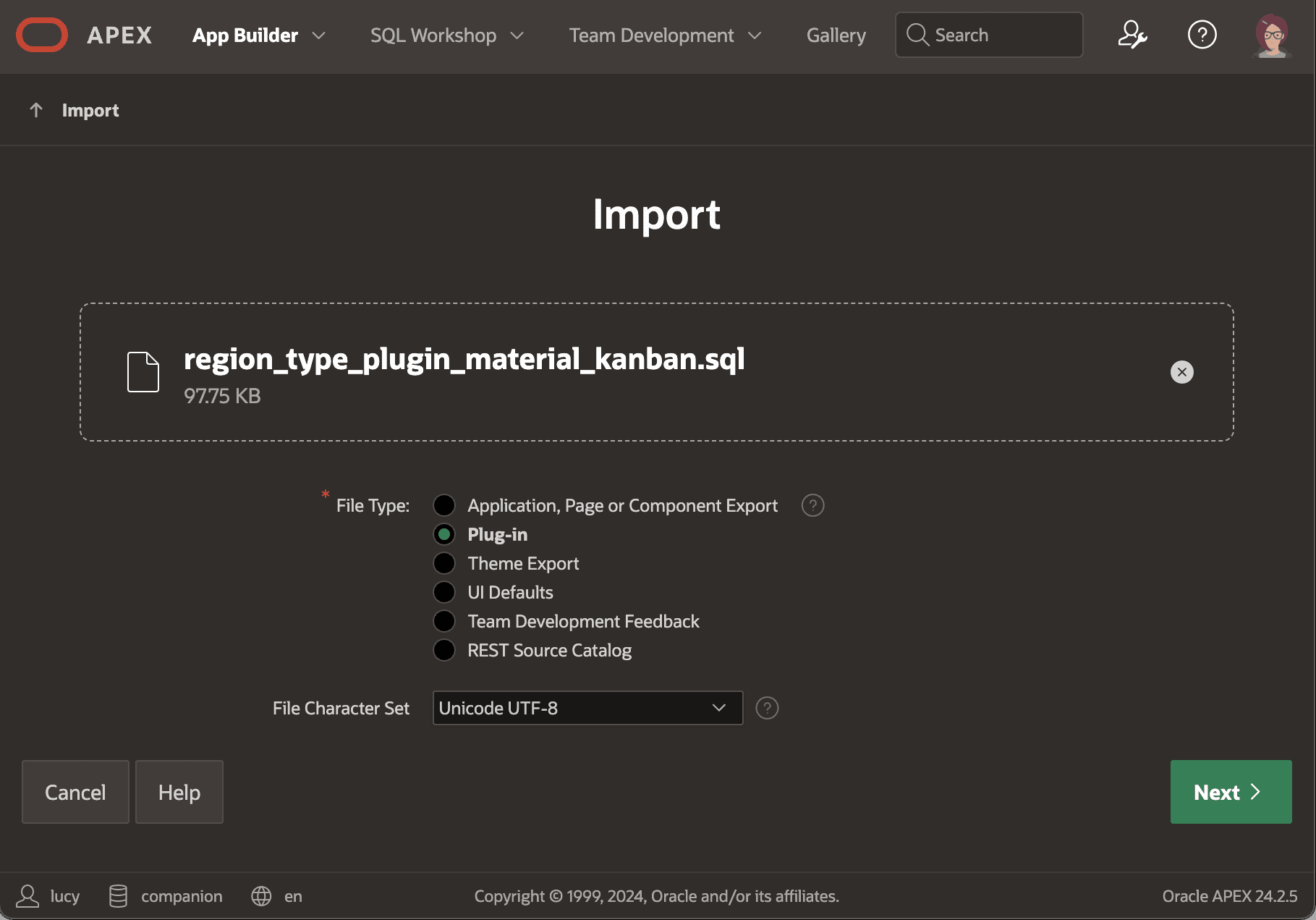
To import the plug-in into your app, visit the Shared Components > Plug-ins list page and click the (Import) button. Choose the region_type_plugin_material_kanban.sql export file you downloaded, and click (Next) to complete the import. The figure shows the Import dialog after selecting the plug-in SQL file. Notice the Plug-in option is selected in the File Type radio group.