Experiencing Report Generation as a User
Follow the user flow from choosing report data to downloading the generated PDF.
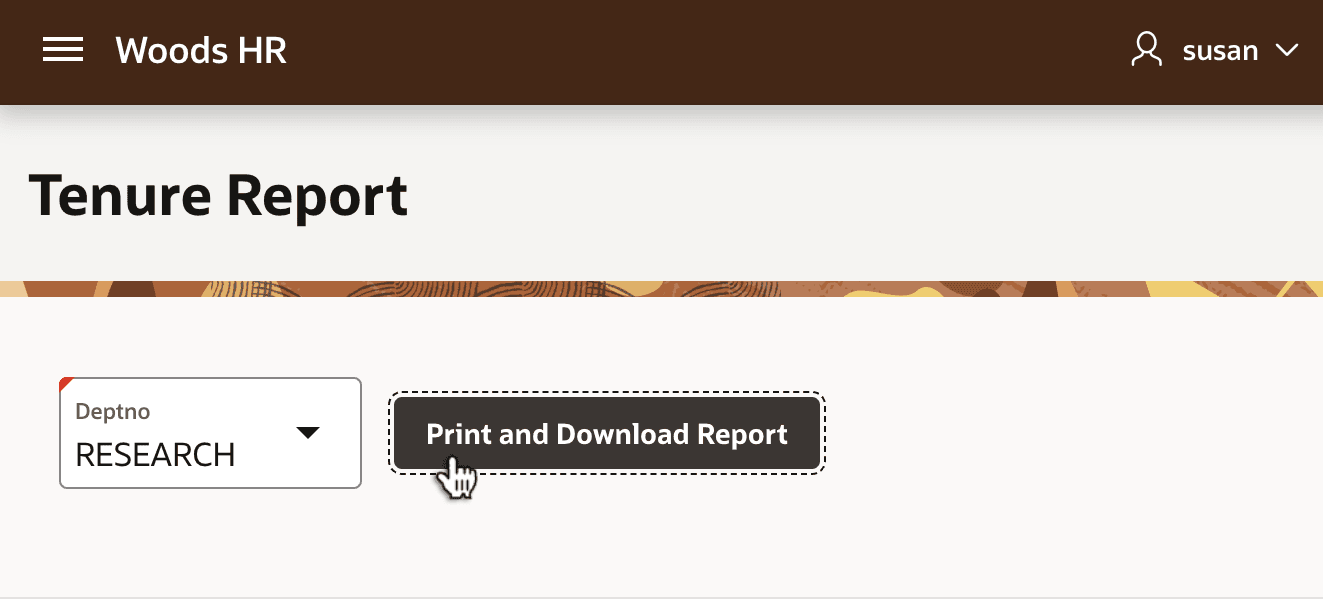
Susan visits the Tenure Report page visible only to HR Representatives, selects the RESEARCH department in the list, and clicks (Print and Download Report).
Description of the illustration susan-prints-tenure-report.png
The APEX engine:
-
executes all the report source queries in the report query definition,
-
formats their results in a JSON file,
-
sends it along with the associated layout to the remote print server, and
-
downloads the resulting PDF file.
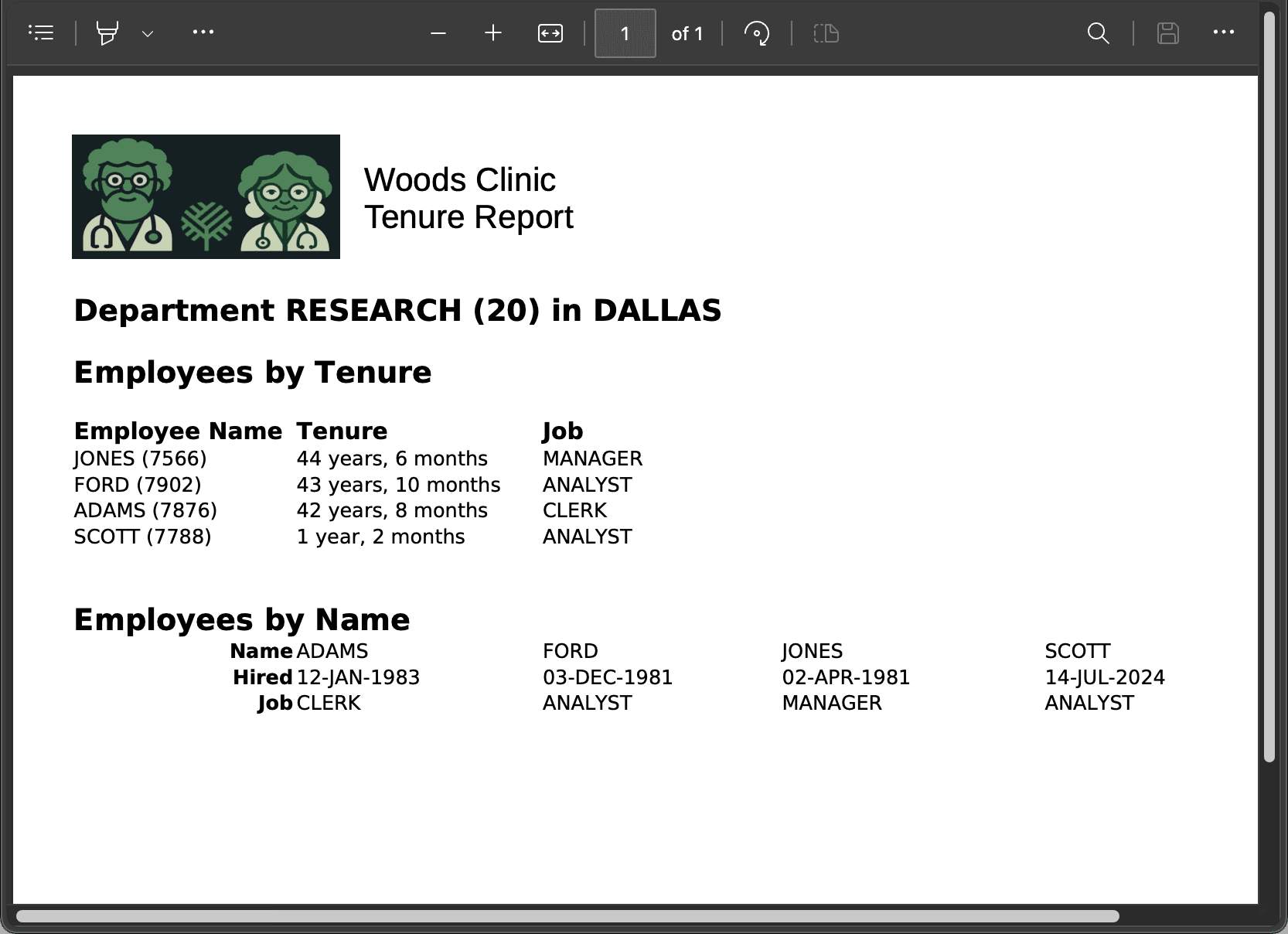
Susan opens the PDF to view the finished report shown below.
The figure shows the PDF Woods Clinic Tenure Report for the RESEARCH department that Susan requested. It includes an Employees by Tenure section with employees listed in a tabular style, one per row. It also includes an Employees by Name section, with employee information one per column across the page.
Description of the illustration tenure-report-pdf-dept-20.png