Formatting the Invoice in a Layout
Create a Word report layout that includes invoice data using special tags.
Your Invoice Report Layout shared component shown below defines a Static ID you use when generating the invoice. It includes the Microsoft Word document template that details how the invoice looks and where it includes data.
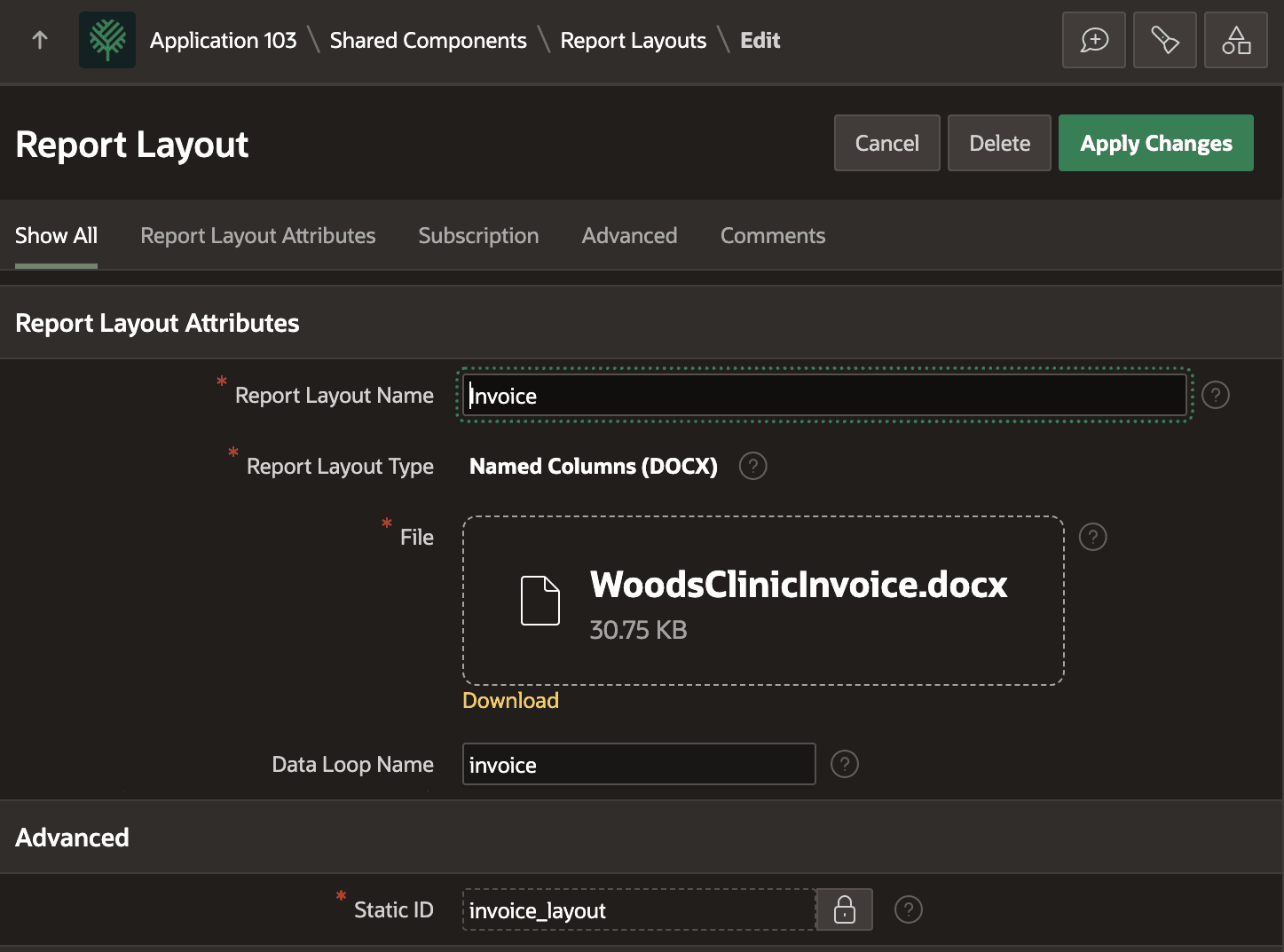
Description of the illustration invoice-report-layout.png
Your Microsoft Word document for the invoice uses the tag syntax the Oracle Document Generator cloud service defines to loop over JSON data arrays and include values of data object properties. Notice the {#invoice} tag opens the data loop and the matching {/invoice} closes the loop. The invoice name in these tags is the Data Loop Name you defined in your Report Query, which used it as the JSON array name for the query result rows. Inside this loop, tags like {patient_name} and {balance_due} among others reference the relative names of JSON properties in the row of invoice data.
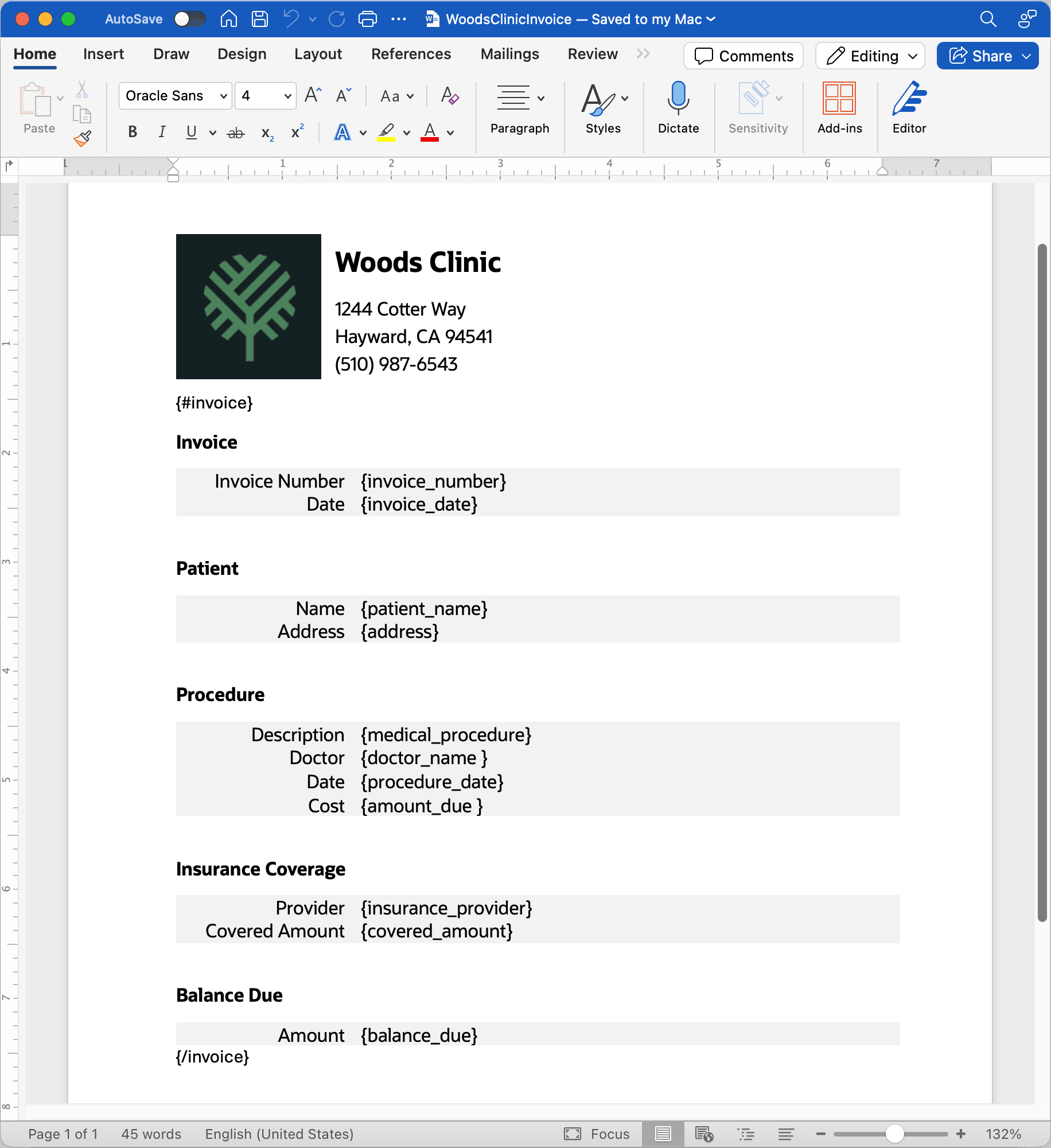
Description of the illustration pixel-perfect-word-doc-layout.png