Navigating ORDS Service Definitions
Navigate from modules to templates to handlers in SQL Developer Web REST Designer.
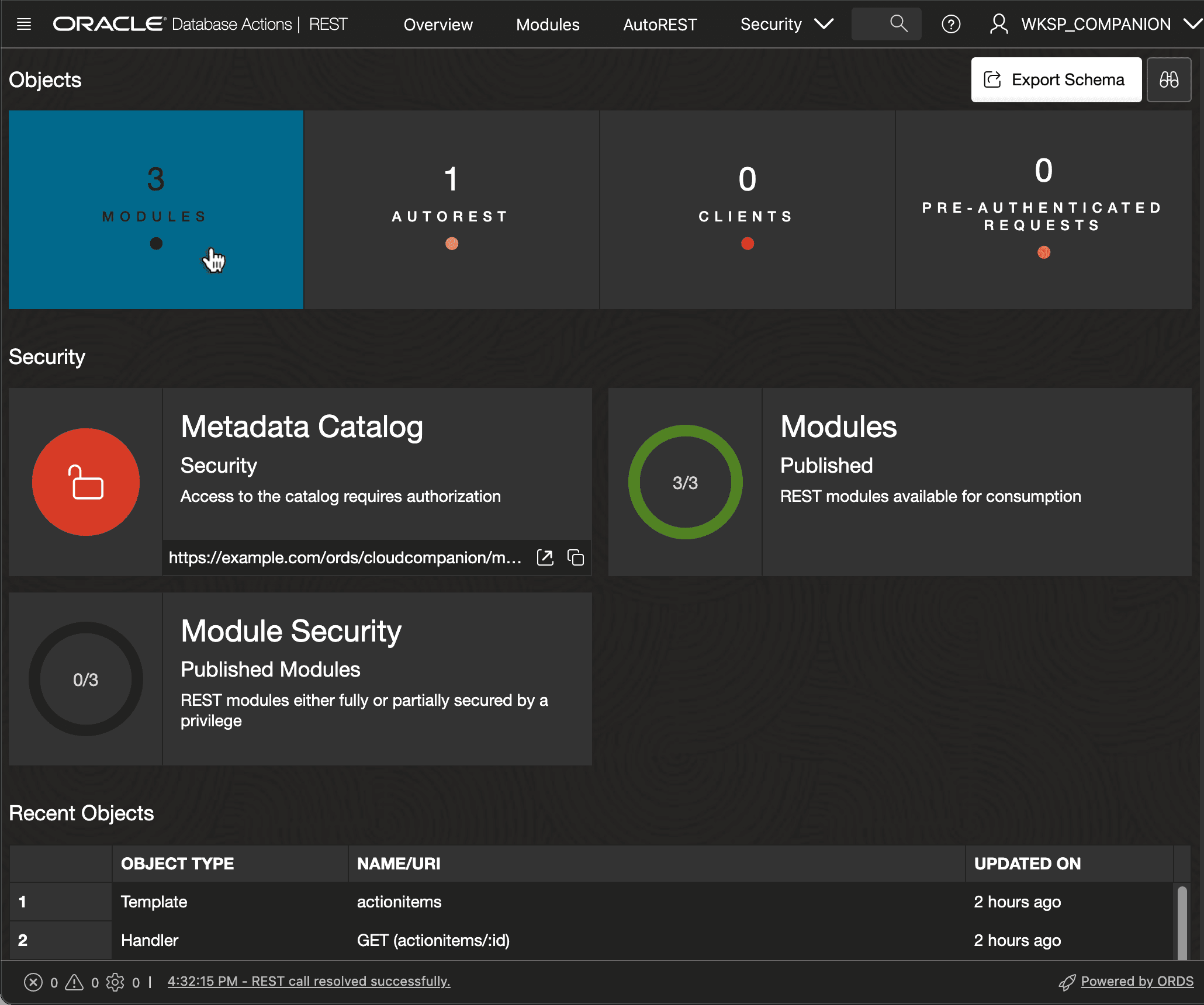
When you access SQL Developer Web’s REST Designer, as shown below, you start on the landing page. The dashboard at the top shows the count of your modules and other information. Click on the Modules tile to see the module list.
Description of the illustration navigating-sqldev-rest-modules.png
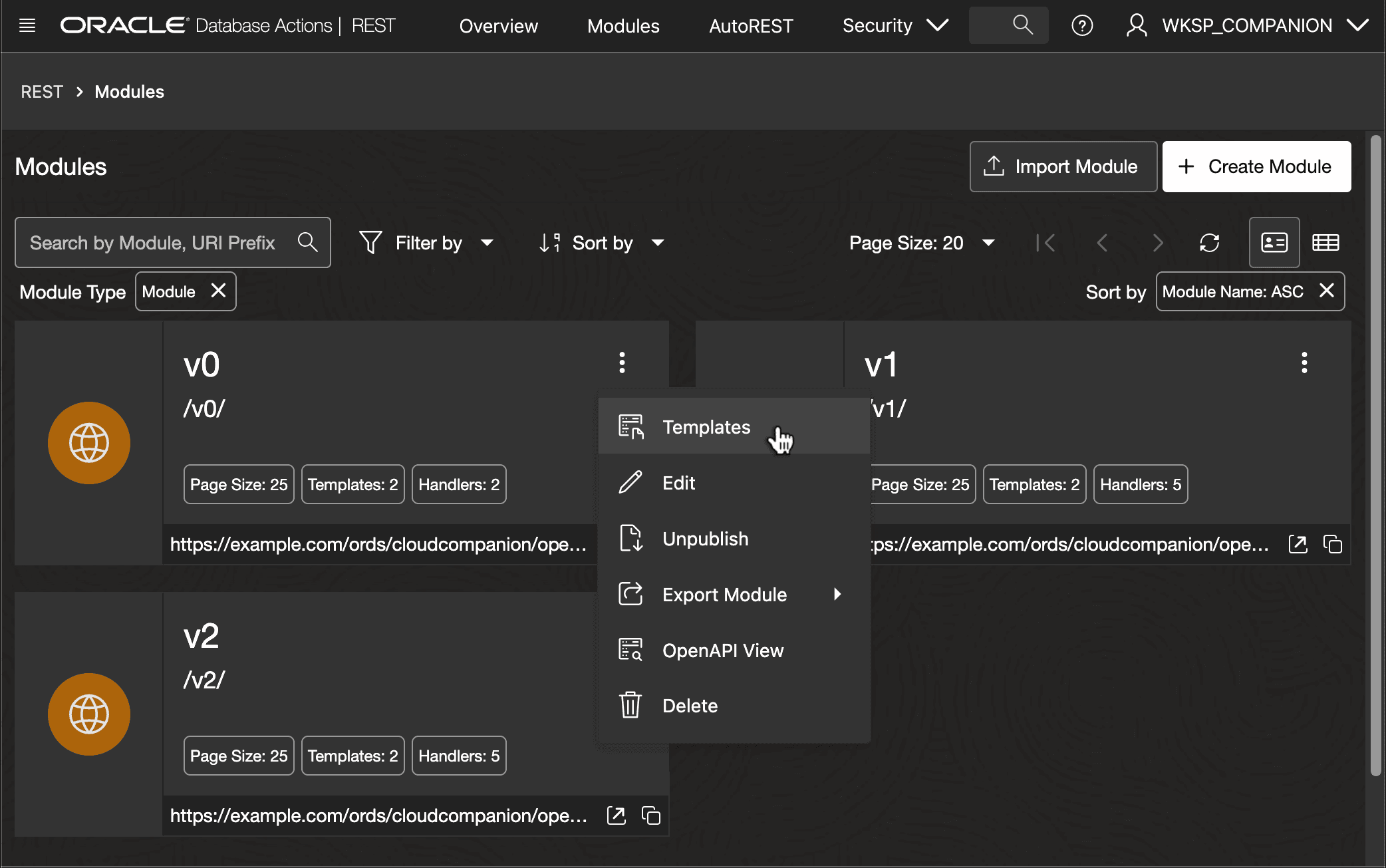
The Modules list displays a tile for each, with summary information. From here you can create a new module, or use the three-vertical-dots menu as shown below to access an existing module’s list of Templates.
Description of the illustration sqldev-web-modules-templates.png
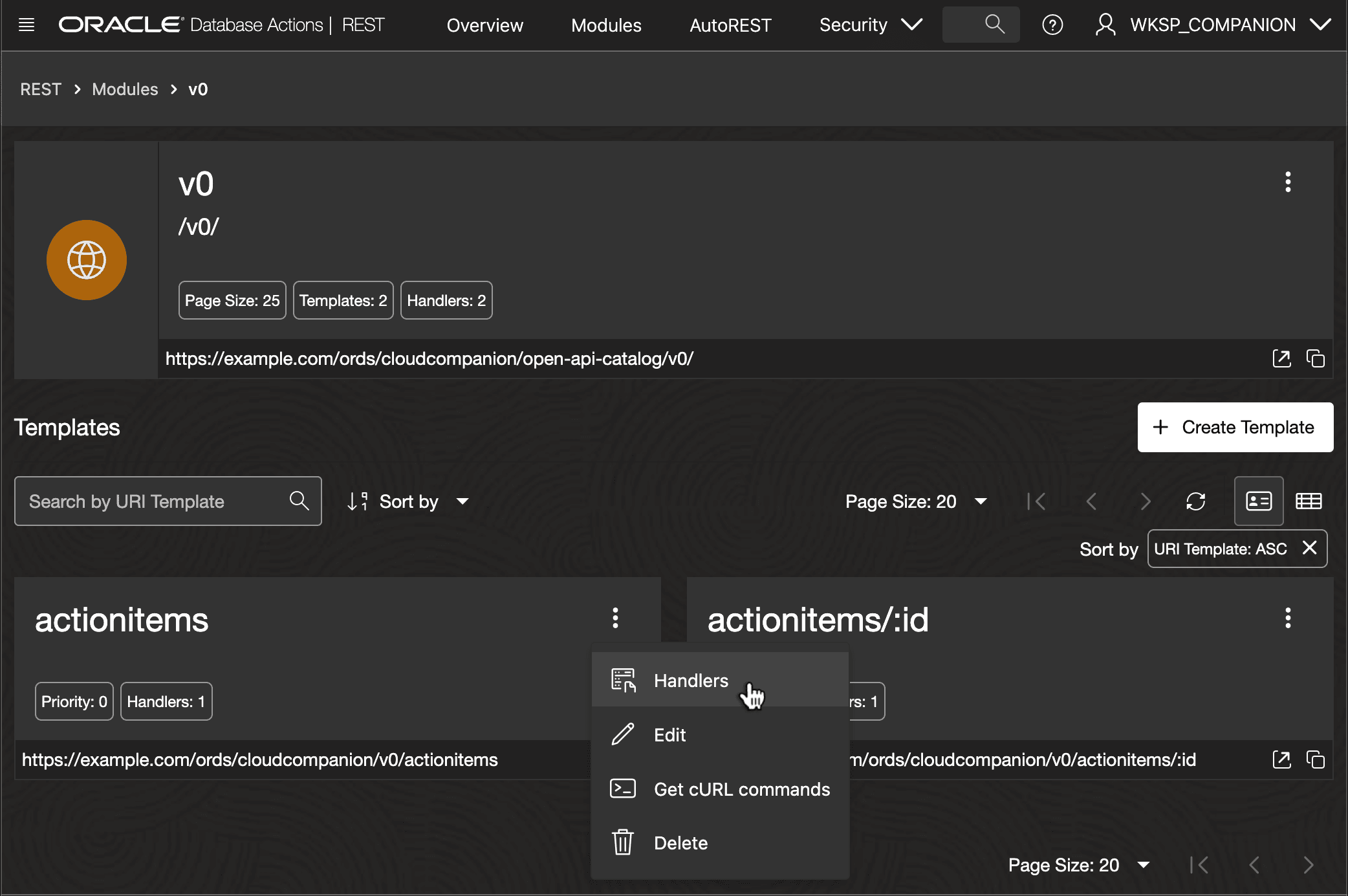
The Templates list displays a tile for each, with the service URL and a button to quickly copy it to the clipboard. From here, you can create a new template or use the three-vertical-dots menu as shown below to access an existing template’s list of Handlers.
Description of the illustration sqldev-web-templates-handlers.png
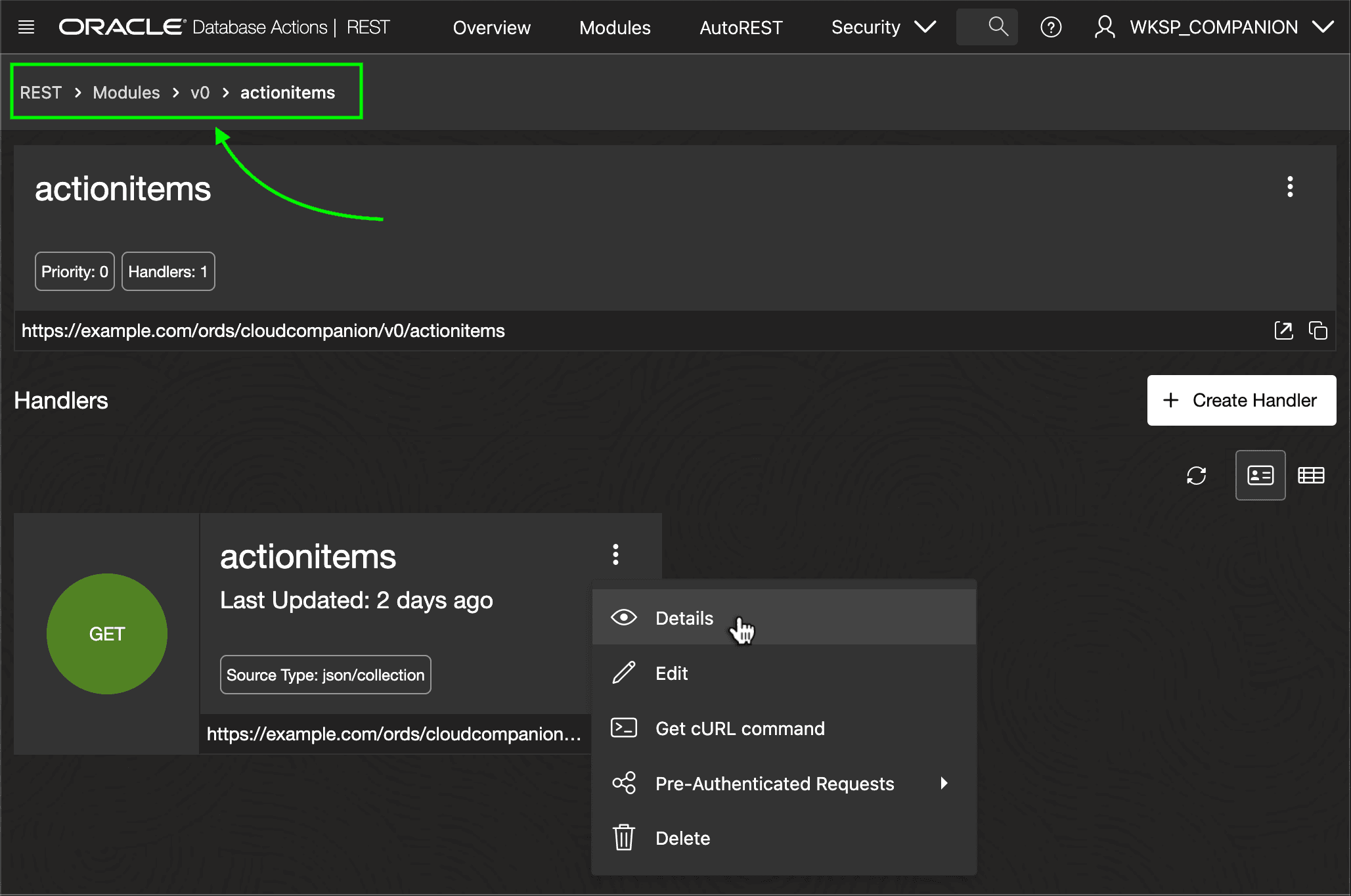
The Handlers list displays a tile for each. Use the three-vertical-dots menu as shown below to view or edit the handler’s details. Also notice the “breadcrumb” bar with a hierarchy of links you can click to return to the v0 module’s list of templates, the Modules list, or the REST designer’s landing page.