Navigating to Page Using Email Link
Open a notification link to enter requested data on a deep-linked page.
When a user receives a notification containing an absolute URL page link, as shown below, they can click the link to navigate to the page.
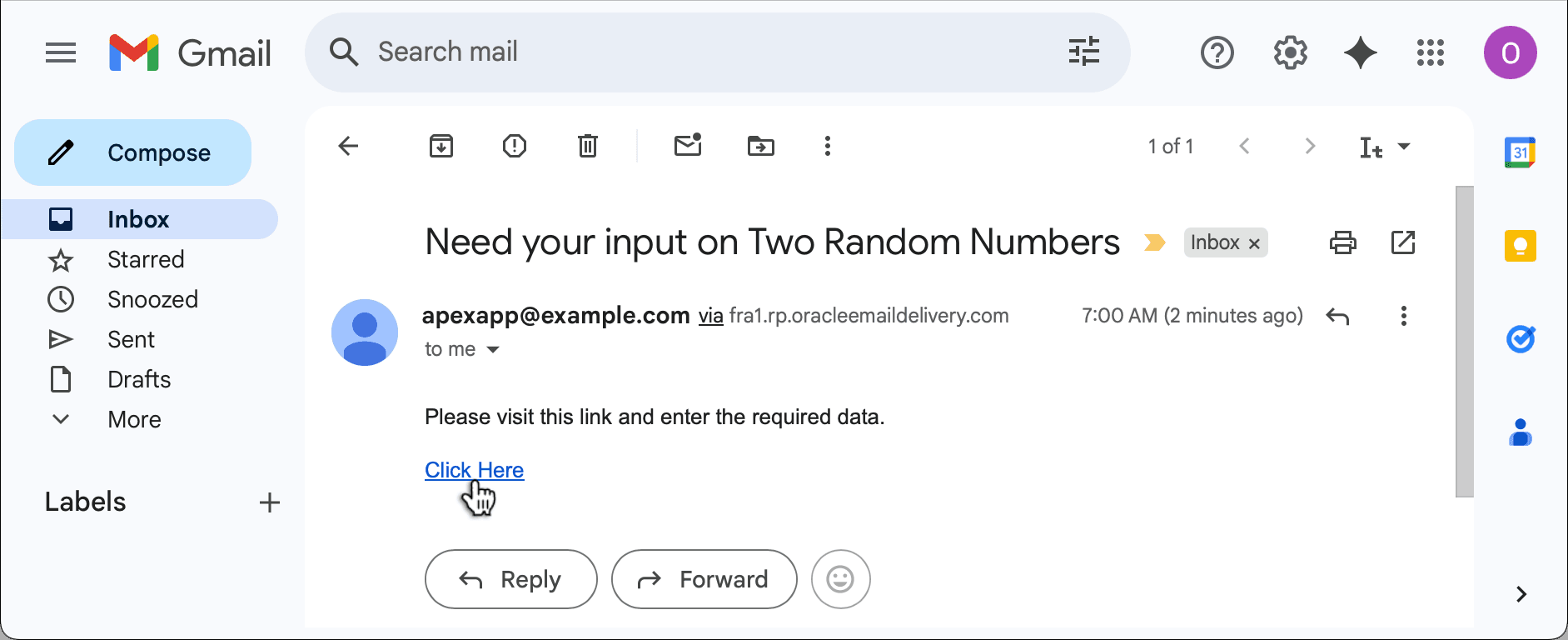
Description of the illustration workflow-provide-two-values-getemail.png
After logging in, since you enabled Deep Linking, they navigate to the page where they can provide the additional data and click (Submit Info) button to confirm their input. Notice the page uses a Static Content region with the Hero template to show an application icon and title. The title includes the workflow instance title and the label of the Wait workflow activity.
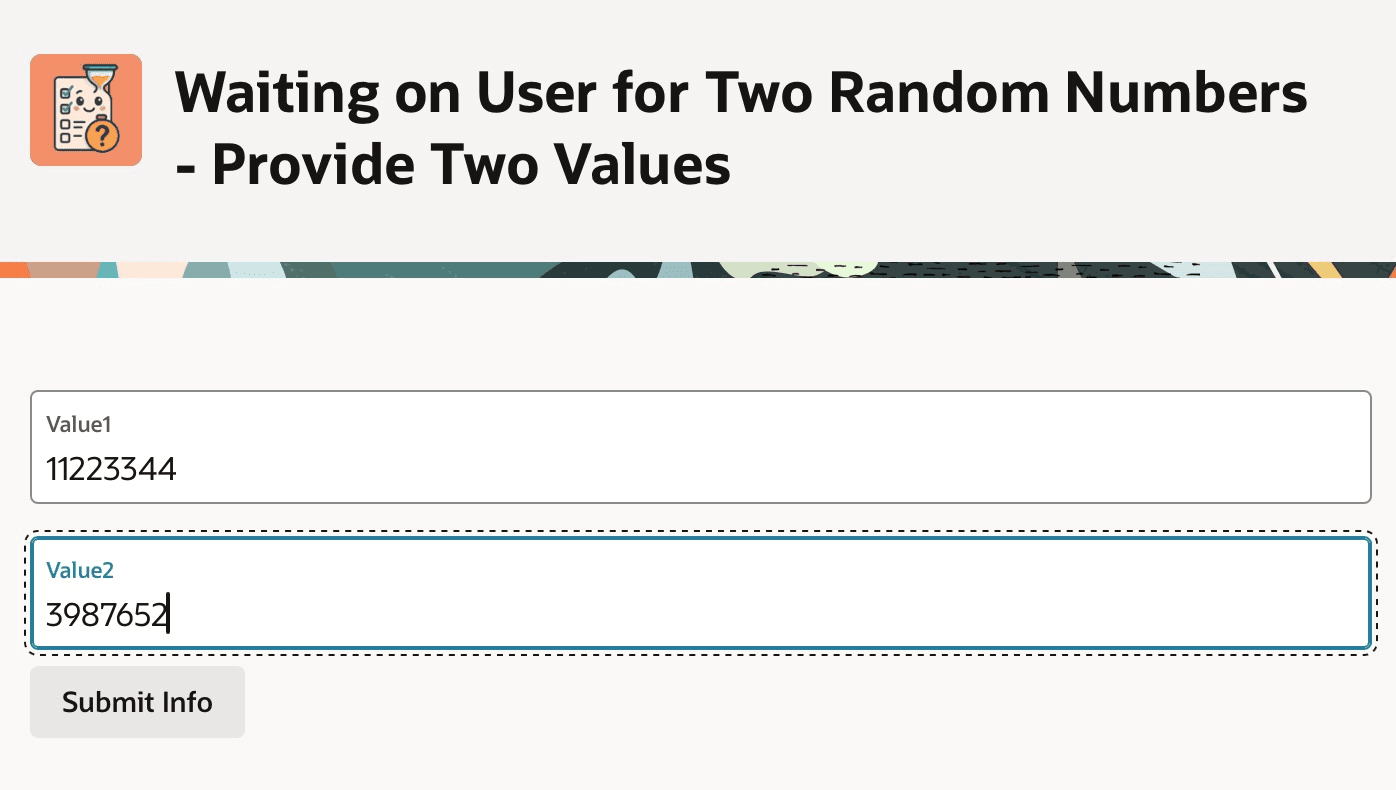
Description of the illustration workflow-provide-two-values.png