Reviewing Master/Detail Wizard Patterns
Create master-detail pages using stacked grids, side-by-side selection, or drill-down editing.
Enterprise apps often work with related data. An application data model usually contains many examples of tables in a one-to-many relationship. Even the simple EMP/DEPT sample dataset contains two such relationships:
-
One department can be the organization unit for many employees
-
One employee can manage many other employees These kinds of one-to-many relationships go by many names, but three familiar ones are Header/Lines, Parent/Child, and Master/Detail.
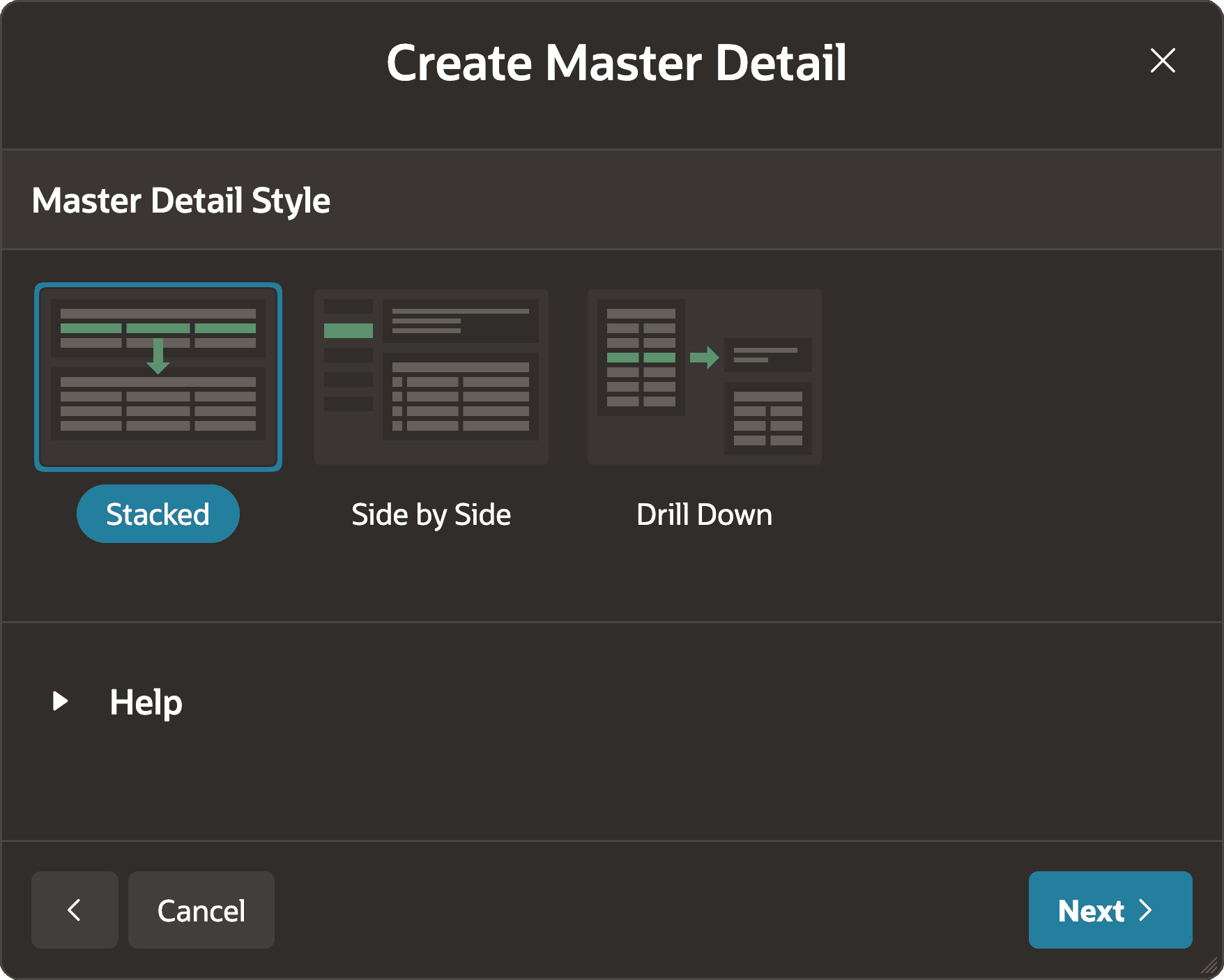
End users commonly need both master and detail data to complete a task. In the App Builder Create Page Wizard, choose a master-detail interaction pattern, then specify the master table, detail table, and relationship. The figure shows three popular patterns as icons on the wizard’s first step:
-
Stacked - Edit master and detail rows in coordinated Interactive Grids
-
Side by Side - View more info and detail rows for a master selected from a compact list
-
Drill Down - Edit master and detail rows for the master row selected on the list page.