Testing Handler with curl or Postman
Test a GET endpoint with curl and jq or with Postman to inspect the JSON response.
Test your endpoint from the command line using curl. By default this utility uses the HTTP GET method, so the command is very simple:
$**curl https://example.com/ords/cloudcompanion/v0/actionitems**JSON parsers ignore whitespace, so as shown below, ORDS returns data without extra spaces or newlines. On your terminal, the JSON wraps across many lines.
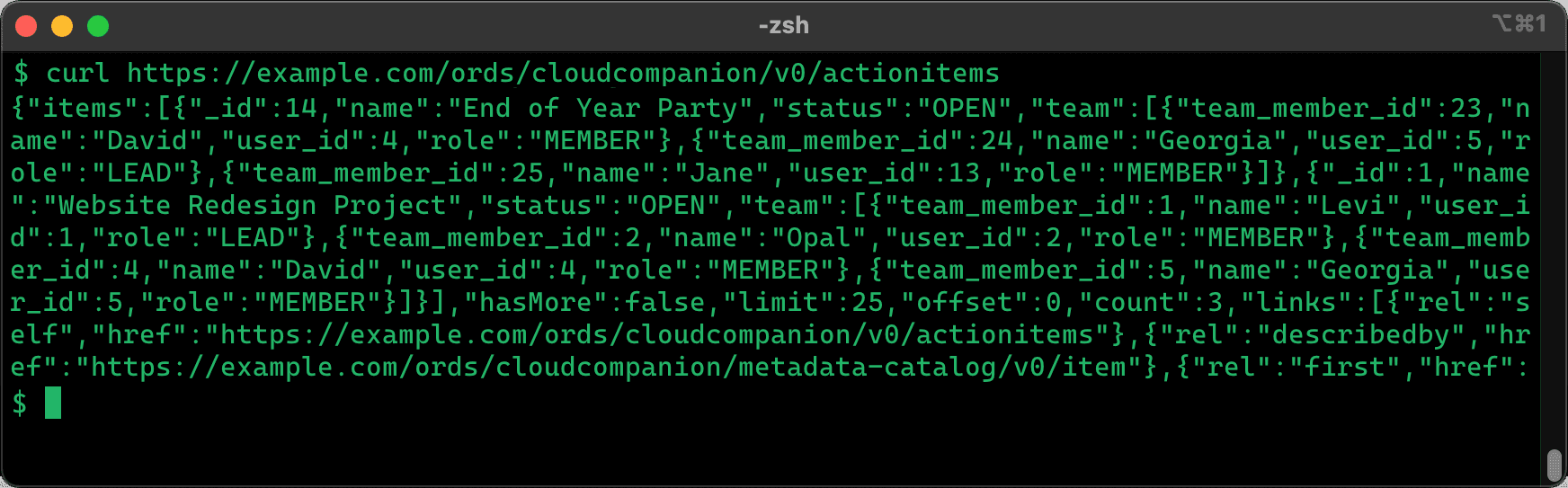
Description of the illustration curl-test.png
Pipe curl output into jq using | to format it. It indents and color-codes the result for easier reading.
$ curl https://example.com/ords/cloudcompanion/v0/actionitems **\| jq**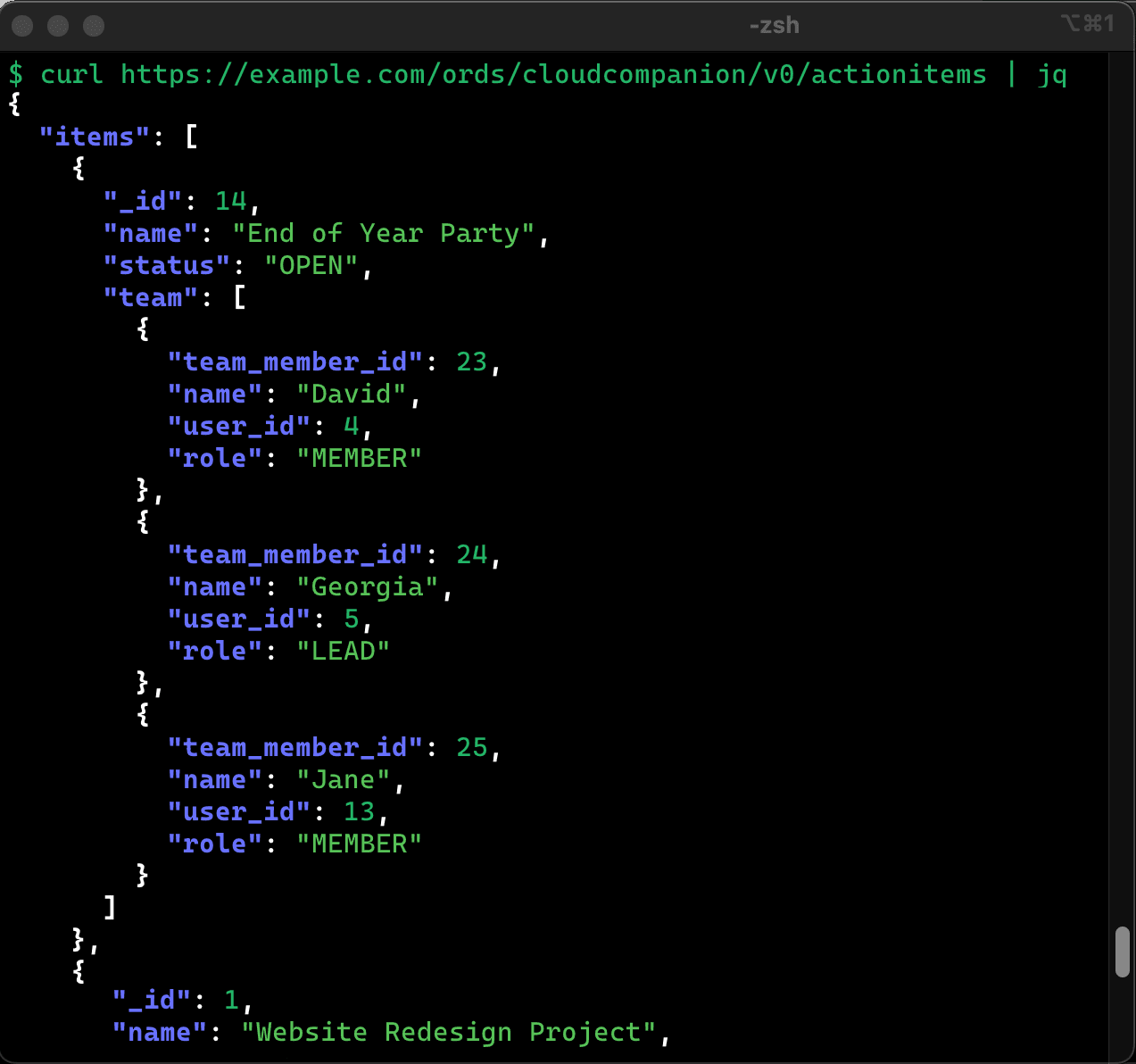
Description of the illustration curl-piped-jq.png
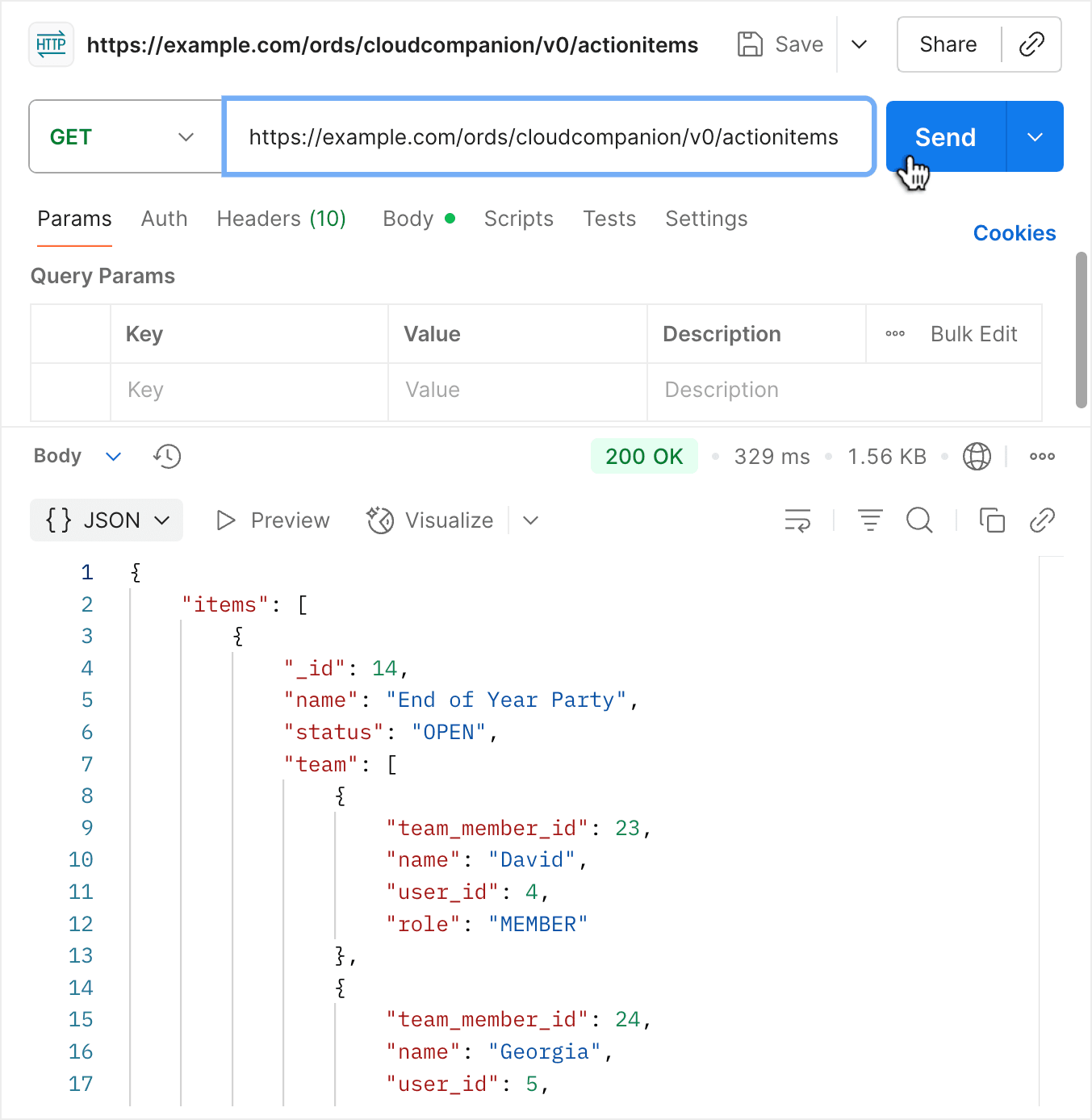
Postman is another popular tool developers use for experimenting with web APIs. As shown below, pick the HTTP method and enter the URL, then click (Send) to see the nicely-formatted response.