Uploading Multiple Data Load Files
Upload multiple employee data files and load them together, including files inside ZIP archives.
When an HR Rep like Susan visits the Load Employees page, as shown below, she can now pick an Excel file, CSV file, JSON file, and XML file all at once, and click (Load) to perform the bulk employee data load.
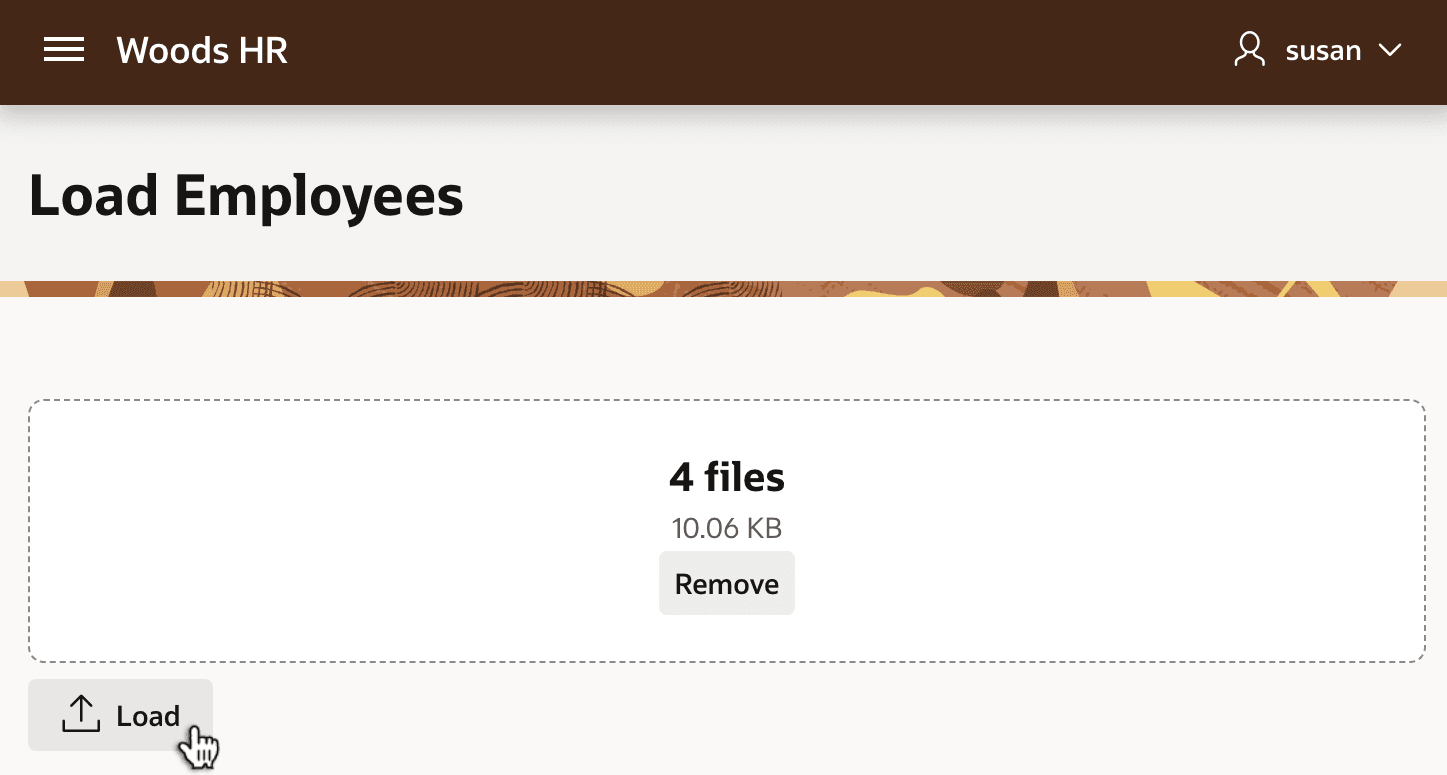
Description of the illustration dataload-four-files.png
The custom, conditional success message confirms that four files were loaded containing eight total new employees.
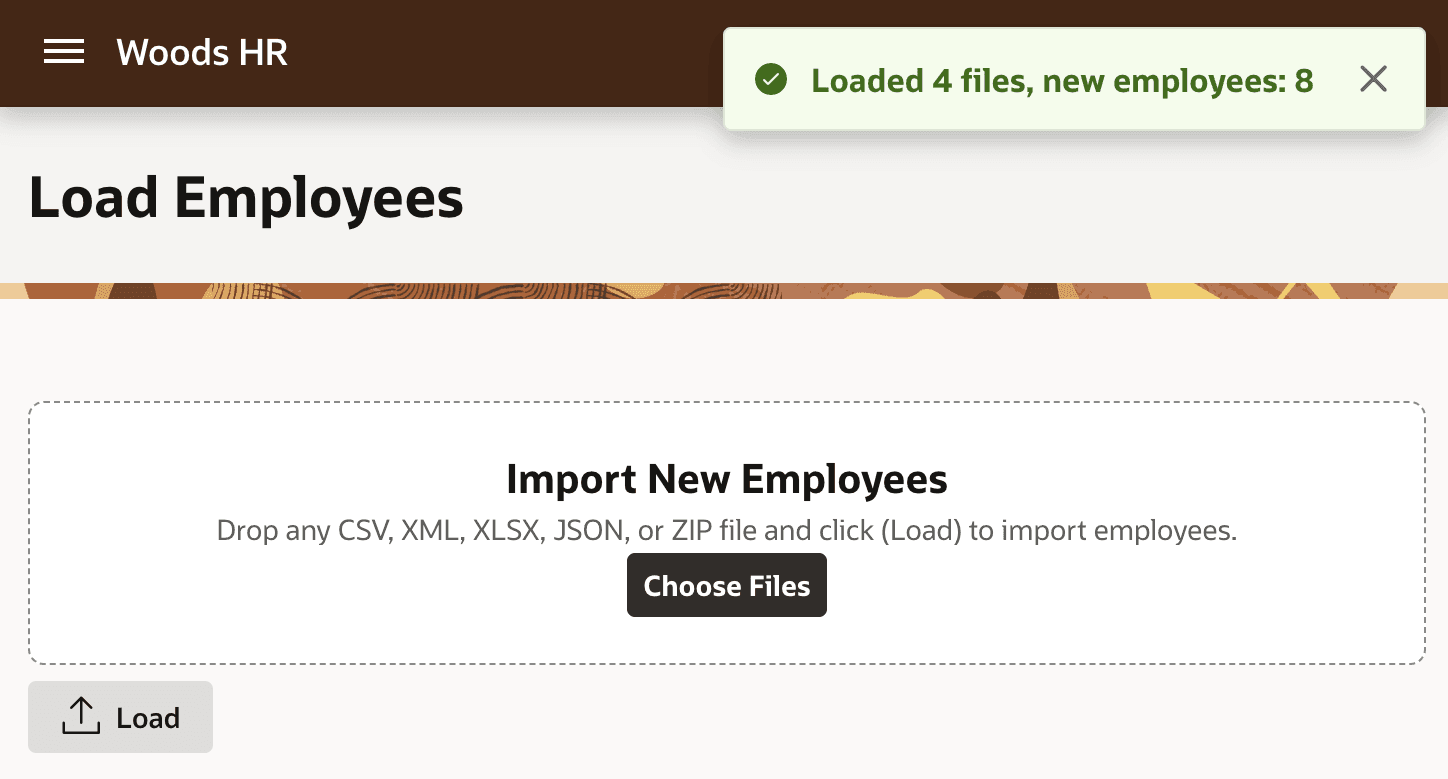
Description of the illustration dataload-four-files-success.png
The same works if Susan submits a mix of files and zip files. All the different XML, CSV, JSON, and Excel files containing employee data get loaded according to their respective Data Load Definitions, including ones that were part of any submitted ZIP files.