Working with Sample Data
While you are learning Oracle APEX, if you don’t already have an existing set of database tables to experiment with, you can work initially with built-in sample data.
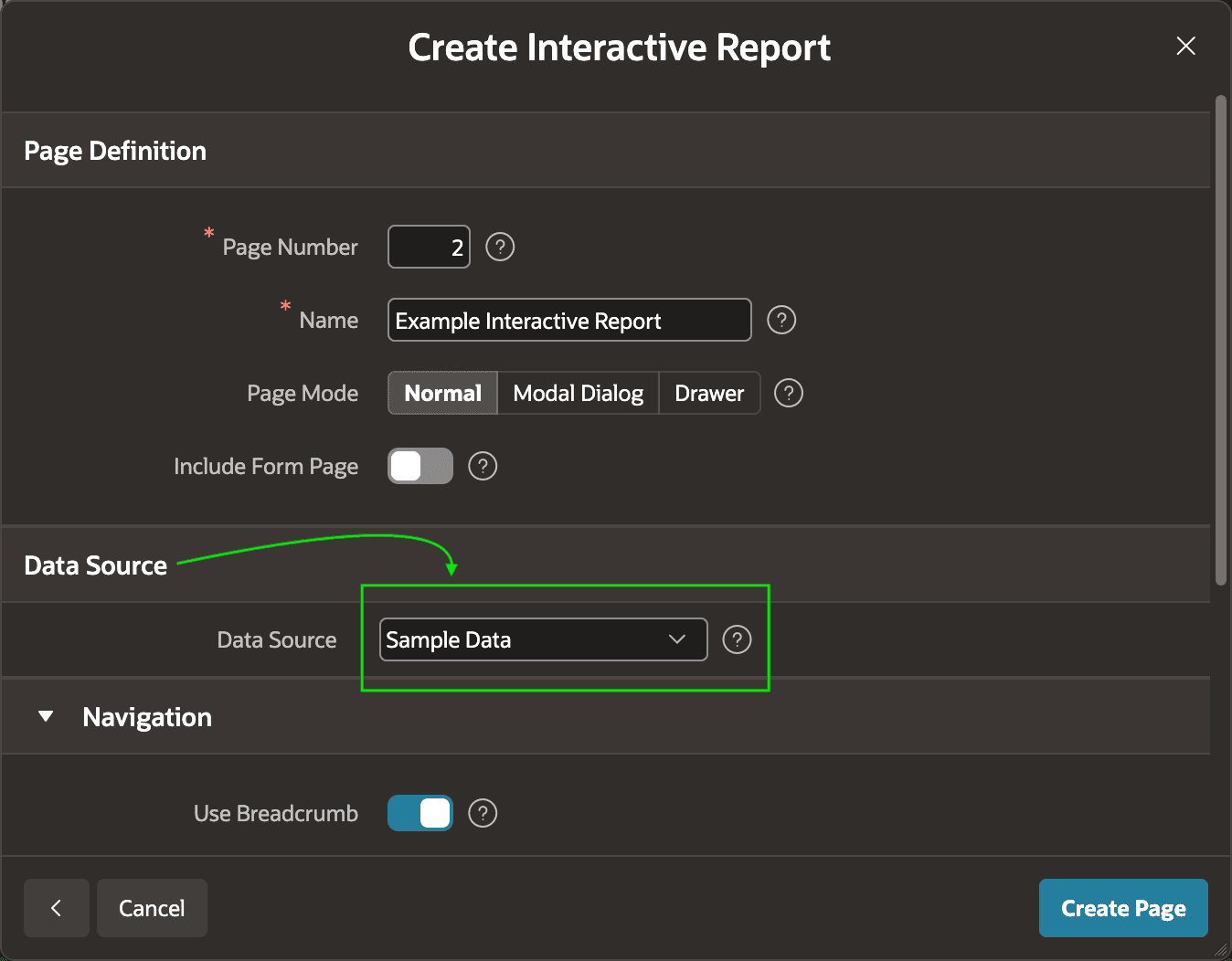
When creating new pages in App Builder, just select Sample Data for the Data Source as shown below.
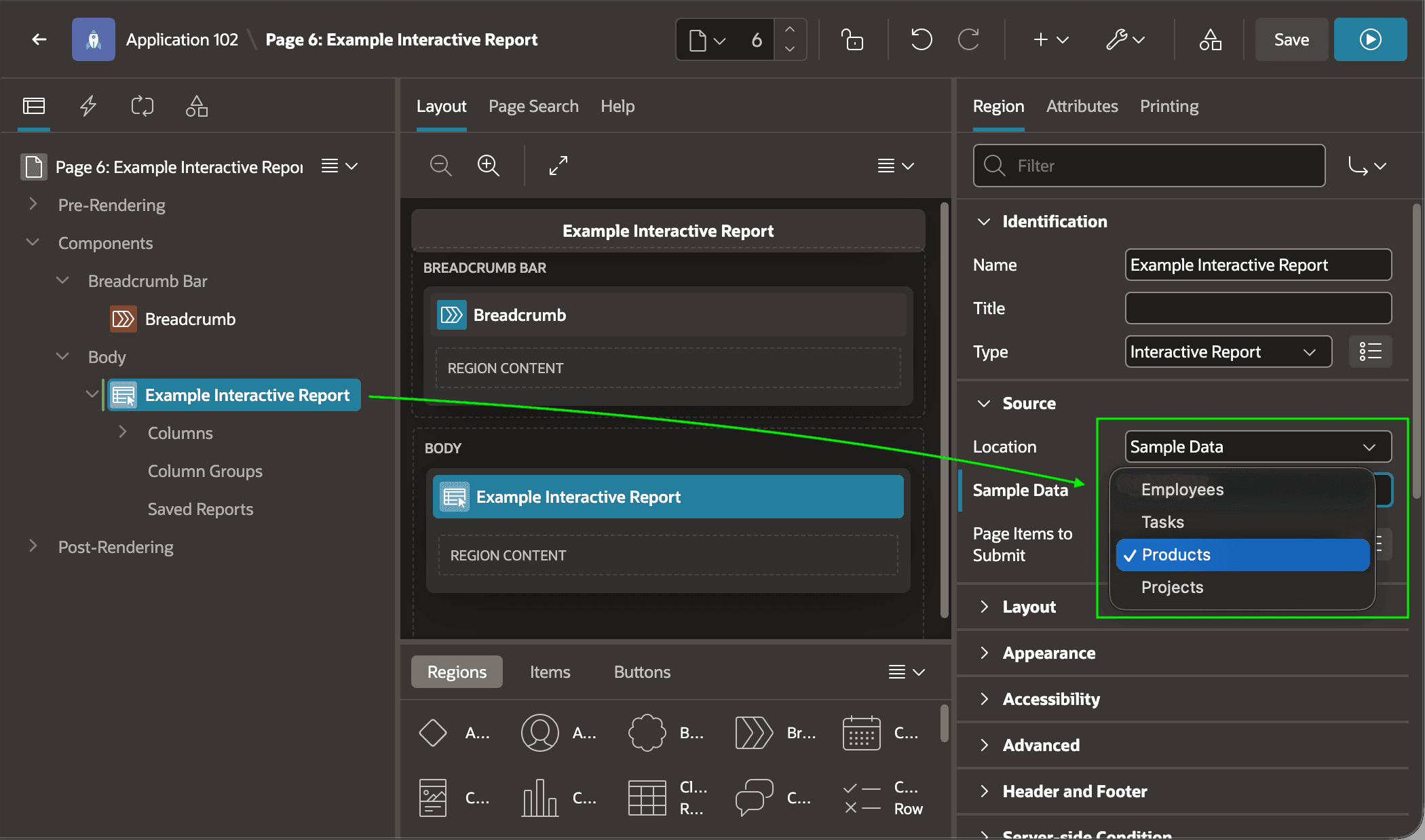
The built-in sample data defaults to using Products. As shown below, you can use the Property Editor in Page Designer to change to use Employees, Tasks, or Projects data instead.