Setting Assignees
View an issue and then set assignees.
Assignees are users in the Oracle APEX workspace. To create a new assignee, a workspace administrator or Instance administrator must create a new user.
To set assignees:
-
View the issue:
-
Navigate to Team Development.
-
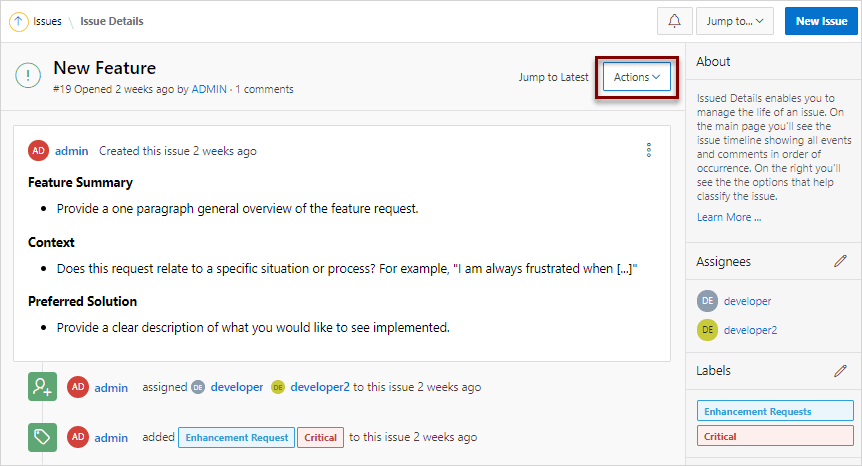
Click the issue title.
The Issue Details page appears.
Description of the illustration issue_details_action_menu.png
-
-
From the Actions menu, select Set Assignees.
You can also click the Set Assignees icon on far right side of the page.
-
In the Assignees dialog:
-
Select assignees to add to the issue.
-
Click Apply Changes.
A new event is added to the Event Timeline and the new assignees display under Assignees in the far right region.
-
For more information, see: