Updating the Issue Title
View an issue and then update the issue title.
Only an issue owner or an administrator can update an issue title.
To update the issue title:
-
View the issue:
-
Navigate to Team Development.
-
Click the issue title.
The Issue Details page appears.
-
-
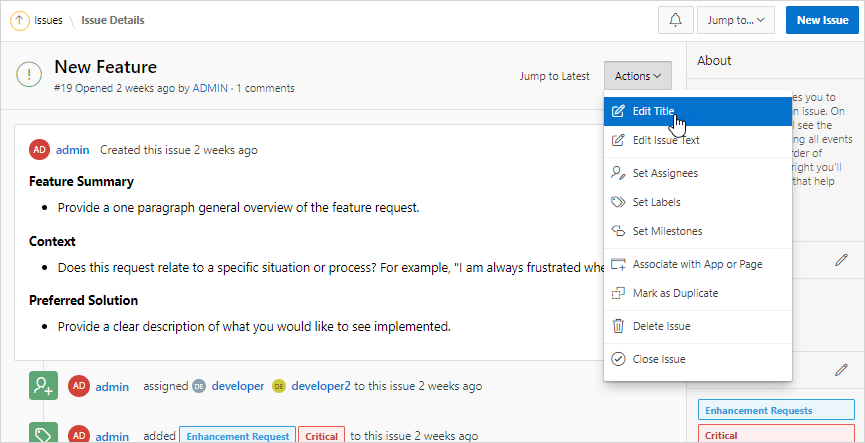
From the Actions menu, select Edit Title.
-
In Edit Issue Title dialog:
-
Issue Title - Update the title.
-
Click Apply Changes.
-