Monitoring Jobs
You can see the status of various jobs that run on the Audit Vault Server, such as report generation, and user entitlement or audit policy retrieval from targets.
-
Log in to the Audit Vault Server as an administrator.
-
Select Settings.
-
In the left navigation menu, select System.
-
In the Status page, under Monitoring section, select Jobs.
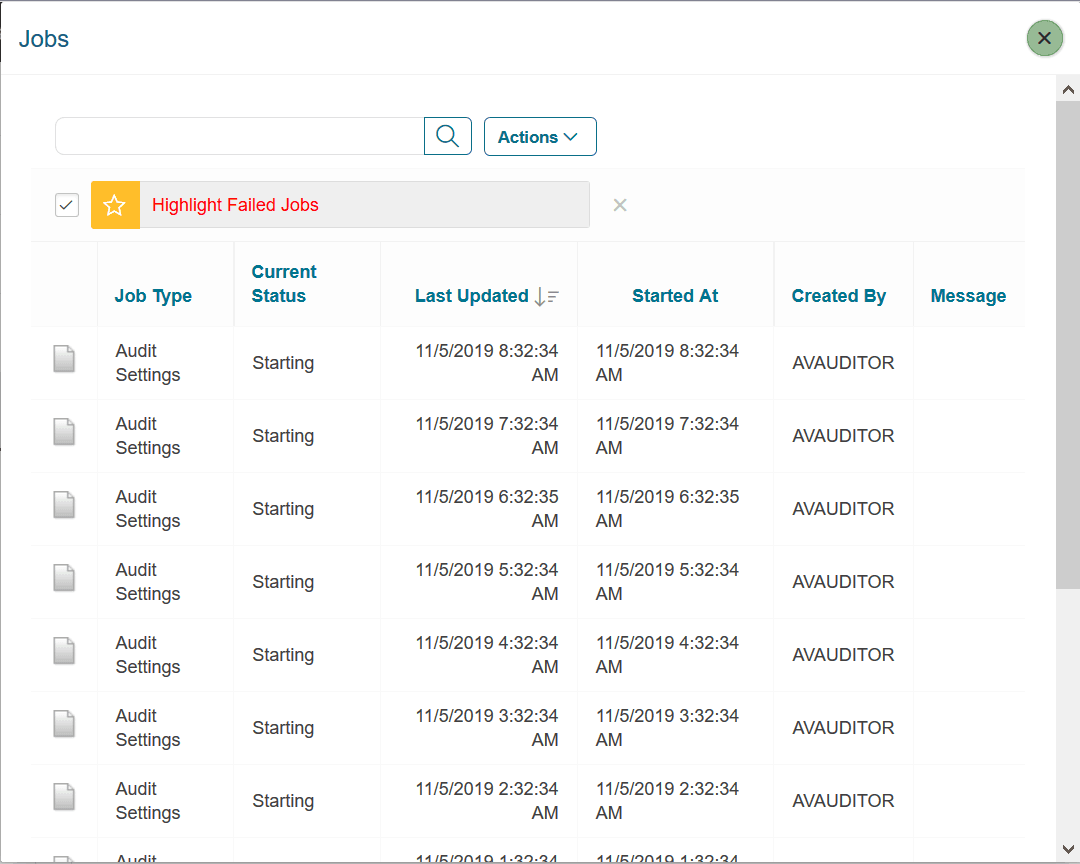
The Jobs window appears, listing all the jobs that have been configured. It shows the job type, current status (such as Starting), when last updated, when started, who created the job, and any messages that may result from the job.
-
To see details for an individual job, select Job Details icon to the extreme left of a specific job.