Select Compartment Dialog
The Select Compartment Dialog allows users to choose an OCI compartment.
Opening the Select Compartment Dialog
You can open the Select Compartment Dialog from an Update Access Control Dialog.
Using the Select Compartment Dialog
The Select Compartment Dialog appears as follows:
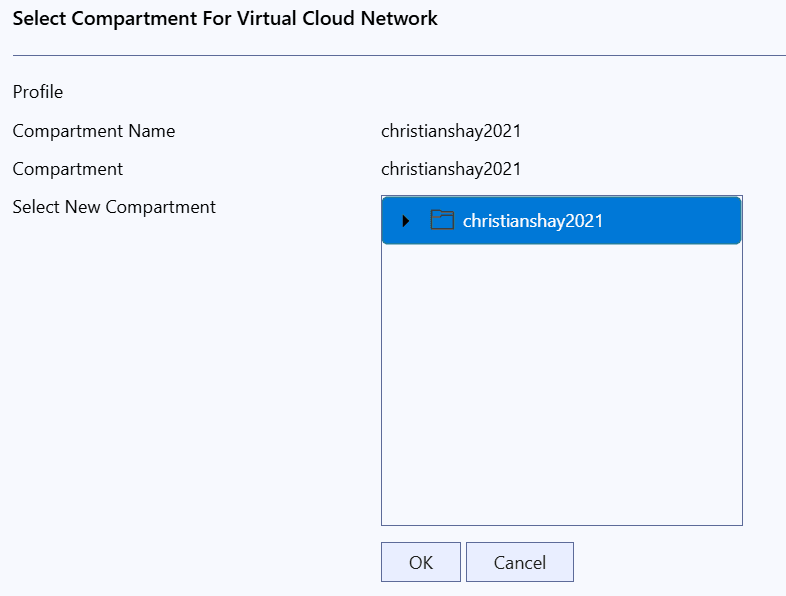
The Select Compartment Dialog has the following controls:
| Control | Description |
|---|---|
| Profile | Displays the profile being used from your OCI config file. |
| Compartment Name | The name of compartment currently in use |
| Select New Compartment | Navigate and select the compartment you wish to use via this tree control |
| OK | Click this button to apply any changes you have made in this dialog box. |
| Cancel | Closes the dialog without making changes |