Oracle Server Login Dialog
Use the Oracle Server Login dialog to specify the username or password, or both that opens an existing Oracle Developer Tools data connection in Server Explorer.
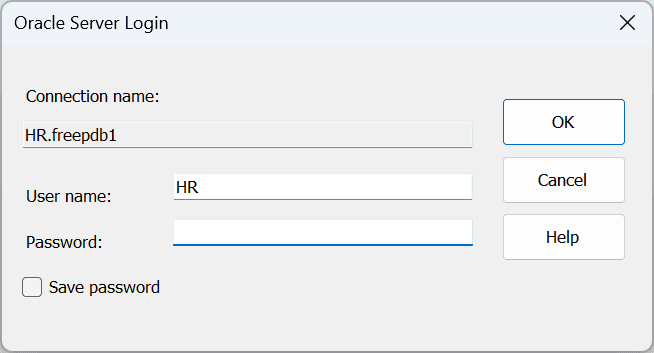
| Control | Description |
|---|---|
| Connection Name | Displays the name of the connection that is to be opened. This is read-only. |
| User name | Specify the username to be used for the connection. |
| Password | Specify the password for the connection. |
| Save Password | Specify if the password should be saved with the connection information. |
| OK | Opens the Server Explorer database connection using the specified username/password. |
| Cancel | Cancels this dialog and does not open the connection. |
| Help | Launches the help page for this dialog. |