Preview SQL Dialog
Most of these wizards and designers contain a Preview SQL button that displays the Preview SQL Dialog. The Preview SQL Dialog shows the SQL DML statements for the pending uncommitted changes in the designer or wizard from where it was launched. You cannot edit the SQL DML statements in this dialog.
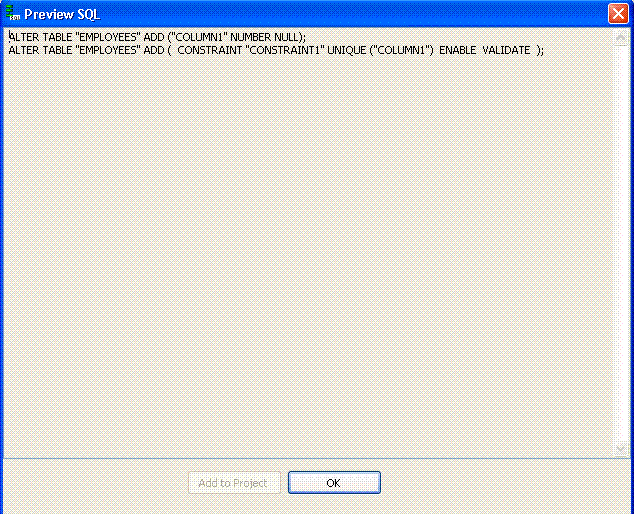
Description of the illustration preview_sql_dialog.gif
Using Preview SQL
The Preview SQL dialog has the following controls:
| Control | Description |
|---|---|
| Add to Project | Copies the displayed SQL DML statements to a .sql file and adds the .sql file to the open Oracle Database Project. If there are multiple open projects, you will be prompted to select the project to add the script to. See Managing Oracle Script Files. |
| OK | Closes the dialog. |
See Also Using Preview SQL Dialog Box to Generate Scripts to Projects