Accessibility
You can turned on or off the accessibility during the user session.
To disable accessibility, click on the username drop-down menu on the top right of the page, and turn off the Accessibility option.
Figure: Disabled Accessibility
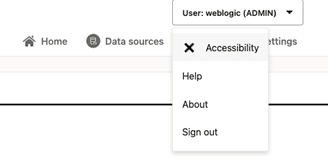
Description of the illustration accessibility_disabled.png
To enable accessibility, click on the username drop-down menu on the top right of the page, and turn on the Accessibility option.
Figure: Enabled Accessibility
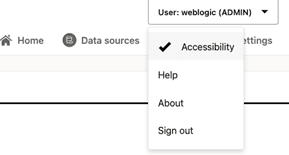
Description of the illustration accessibility_enabled.png
When accessibility is turned on, the graph view of SPARQL queries is disabled.
Figure: Disabled Graph View
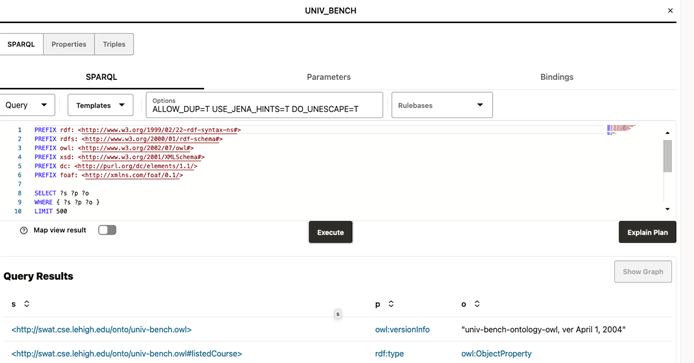
Description of the illustration accessibility_graph_view.png