Sessions
Sessions Manager displays the active user sessions that you are authorized to view.
If you have the PGX_SERVER_GET_INFO privilege, typically granted through the GRAPH_ADMINISTRATOR role, you can view and search all active user sessions. You can terminate your own sessions. To terminate other users’ sessions, you must also have the PGX_SERVER_MANAGE privilege.
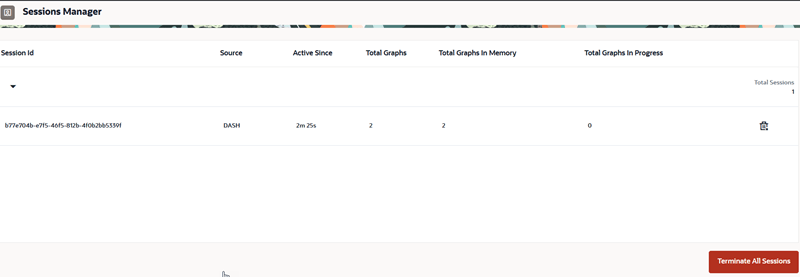
Description of the illustration sessions_manager.png
If you are an authenticated non-administrator having the GRAPH_DEVELOPER role, you can view and terminate only your own sessions and the graphs associated with them.
If the displayed sessions belong to only one user, the user name is not displayed and the session details are expanded by default.