Setting Preferences in Spatial Studio
Using Preferences, you can configure default settings for Spatial Studio, including the UI language and default map visualization options.
Click Preferences from the user profile
drop-down menu in the top right of the page.
The Preferences dialog opens with the default configuration values as shown:
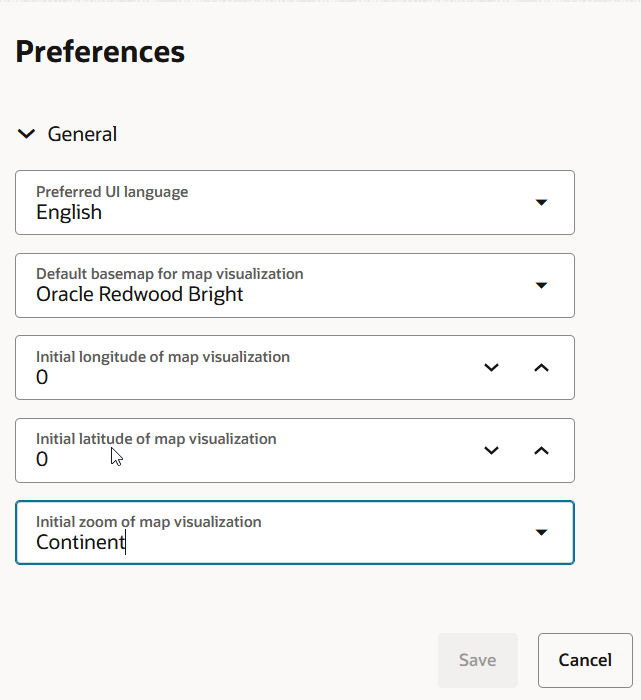
Spatial Studio supports the configuration of the following settings:
- Preferred UI language: Select the language to use for the Spatial Studio interface.
- Default basemap for map visualization: Select the initial basemap to use when a map visualization is created.
- Initial longitude of map visualization: Enter the default longitude for the initial map center.
- Initial latitude of map visualization: Enter the default latitude for the initial map center.
- Initial zoom of map visualization: Select the default zoom level for the initial map view.
Click Save to apply the configured settings in Spatial Studio.