Checking Server Status
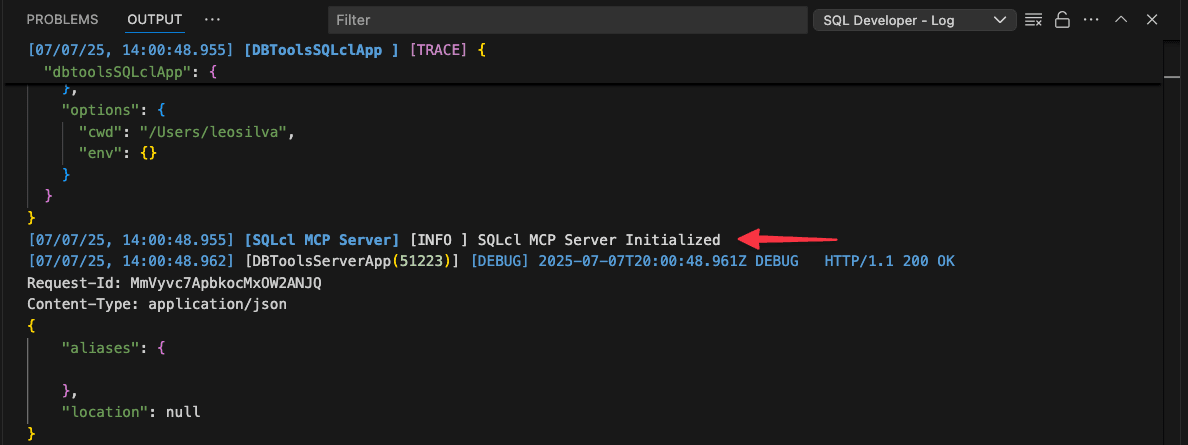
When the SQLcl MCP Server starts successfully, it displays a confirmation message with the startup timestamp, indicating it’s ready to accept connections from the MCP client.
You can verify this message on the SQL Developer - Log output panel to confirm server readiness. Here’s an example server message on startup: