Database Object Details
When you double-click an object in the diagram, you are navigated to the object details window.
For example, double-clicking the LOCATIONS table in the diagram will open several tabs with detailed information about the LOCATIONS table.
You can select the respective tabs to view details about the object. Selecting the SQL tab generates the DDL for the LOCATIONS table object.
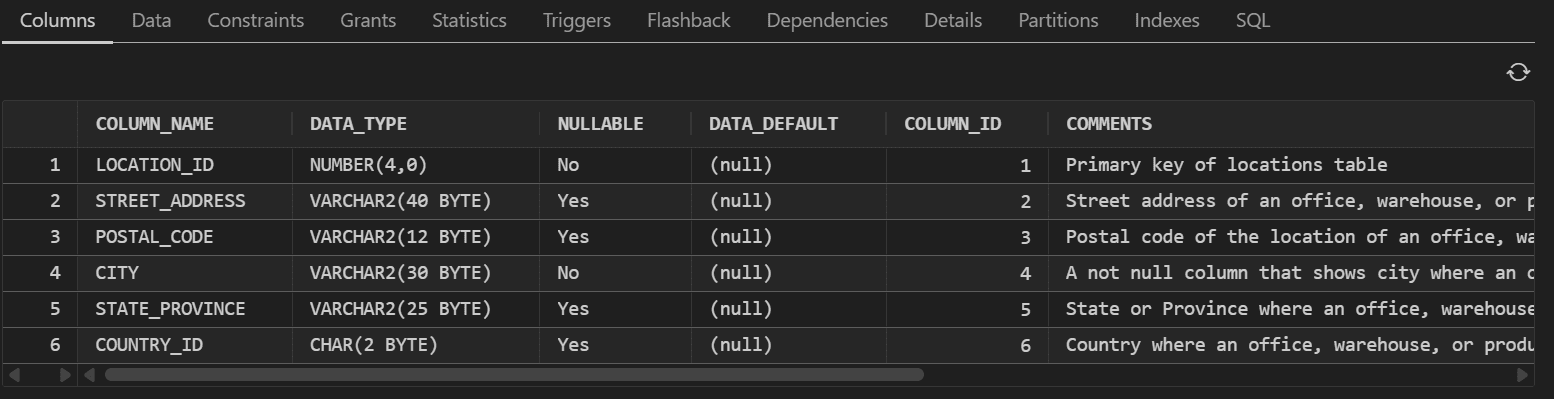
Description of the illustration object_details.png
Similarly, you can also view detailed information about views and duality views.