Enabling AI Enrichment for a Schema
To view enrichment opportunities for your schema and take action, you must first enable the AI enrichment feature.
This is a one-time process that sets up your schema by creating the necessary objects to store the enrichment metadata.
To enable the feature:
-
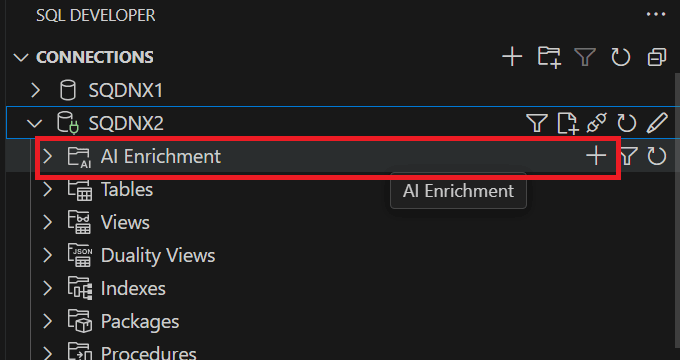
In the Connections panel, expand your database connection tree, and click the AI Enrichment folder.
-
In the dialog box that appears, click Yes to confirm the creation of AI enrichment objects.
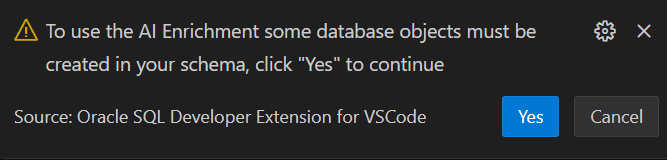
The AI enrichment feature is now available for your schema.
Note: Do not use AI Enrichment on SYS or SYSTEM schemas, as the creation of AI Enrichment objects in a SYS-level schema may fail due to potential conflicts during installation.