Exporting an APEX Application
Exporting an application saves an existing APEX application from the database as an APEXlang project on your local file system. This lets you edit and manage the application as source files and import it back into APEX when needed.
Perform the following steps to export an APEX application:
-
In the Connections navigator, locate the APEX application node.
-
Right-click the application and select Export….
-
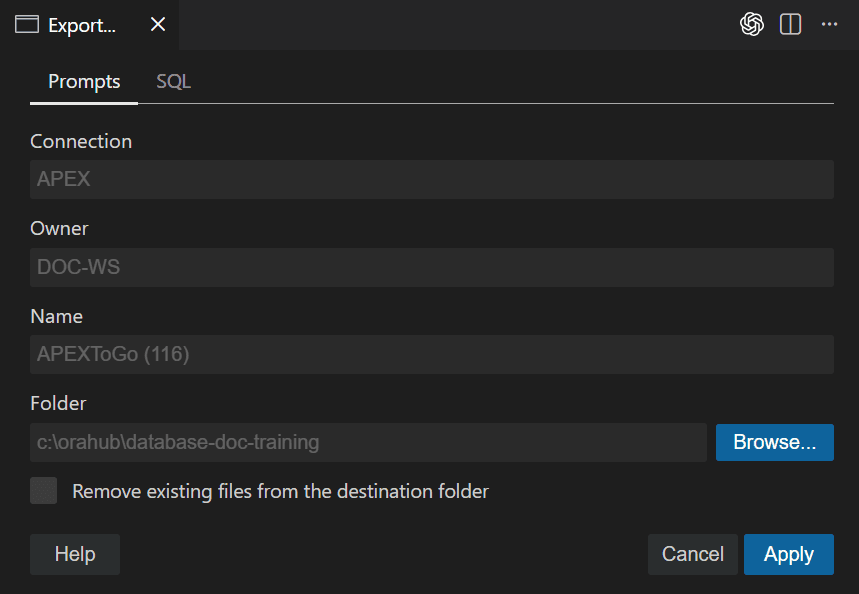
In the Export dialog, click Browse and select the target folder.
-
(Optional) Select Remove existing files from the destination folder to delete any existing APEXlang export files in the selected folder before exporting.
This ensures the export writes a clean, up-to-date project without leftover files from a previous export.
-
(Optional) Review the generated SQLcl command details on the SQL tab.
-
Click Apply.
After the export completes, the generated
application.apxfile opens automatically in the editor with the database connection already established. For subsequent exports, the Folder value is remembered and defaults to the most recently used location.