Importing an APEX Application
Importing an application compiles the APEXlang project and deploys it to the attached Oracle Database connection where APEX is installed.
Perform the following steps to import an APEX application:
-
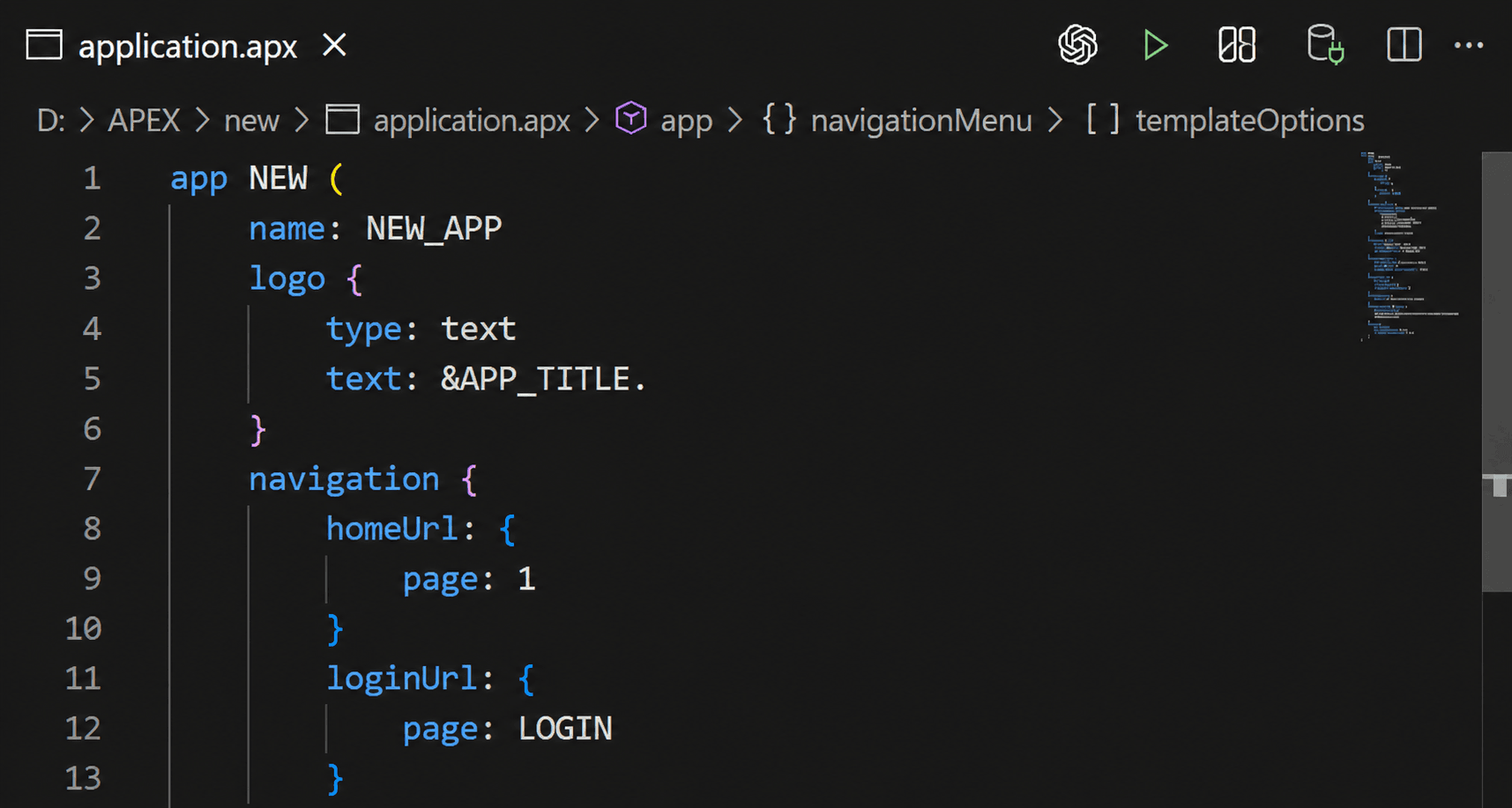
Open the APEXlang application on disk (for example, open
application.apxfrom the exported or generated project folder). -
In the editor toolbar, click Attach Connection (plug icon) and select the target connection.
If prompted, enter credentials to connect.
-
Verify that the editor shows the connection as attached.
-
Click Import (play icon) on the editor toolbar.
If you have unsaved changes in any application file, click Save All when prompted, and then continue the import.
-
Review the confirmation message indicating whether the import succeeded or failed.