Import Workflow Enhancements
SQL Developer for VS Code provides optional and automatic behaviors that can run as part of importing an APEXlang application.
Export Before Import
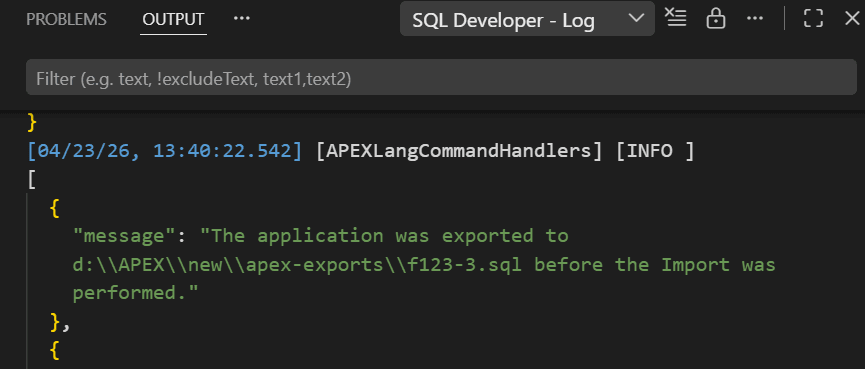
Optionally, when you click Import, SQL Developer for VS Code can export the application (SQL export) before compiling and importing the APEXlang sources.
Click Settings, then go to Extensions, select Oracle SQL Developer Extension for VSCode, and then select APEXlang to configure the following:
-
enabling or disabling export-before-import
-
the number of export files to retain
-
the export location
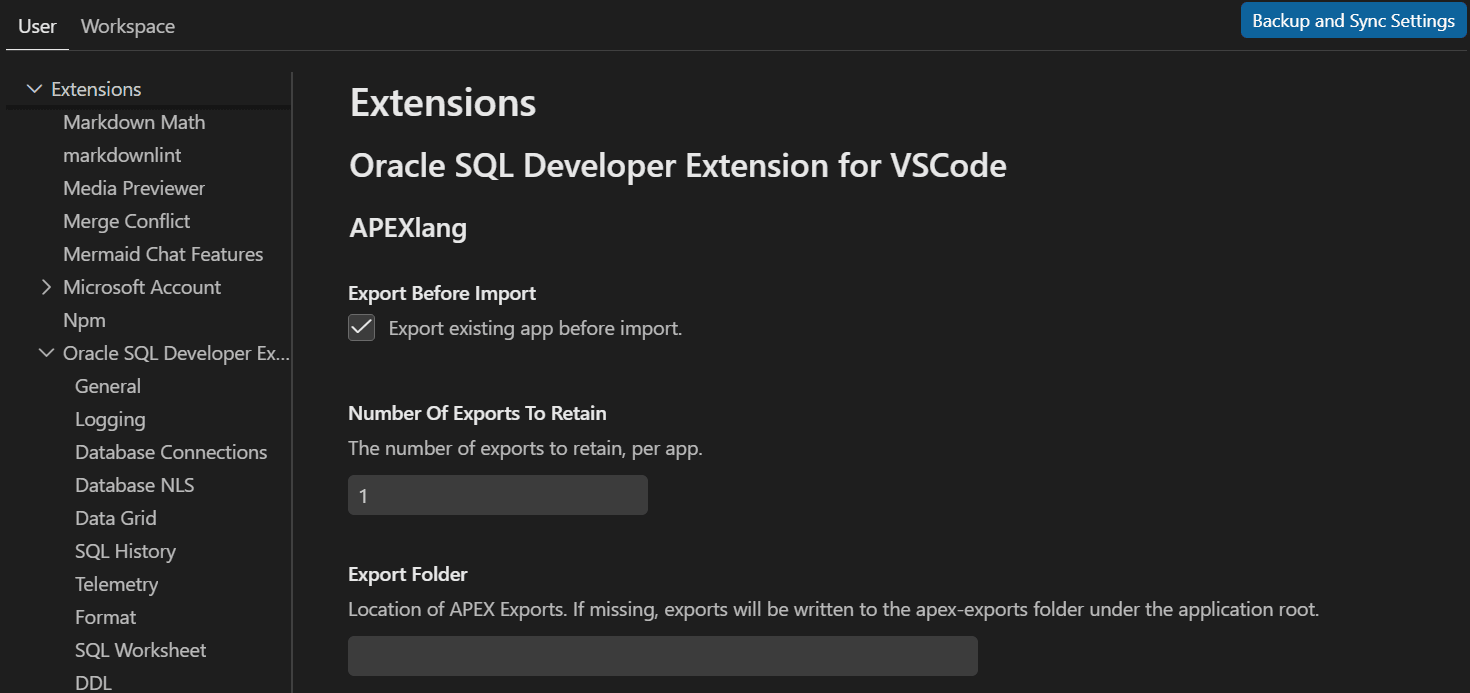
Description of the illustration apex_settings.png
If the export location is not defined, a folder named apex-exports is created and used. The folder also includes supporting files such as a README and .gitignore.
Auxiliary File Maintenance
During import, auxiliary files may be created or updated to support repeatable deployments. For example:
-
If the deployment file does not record the application ID, it is created or updated so subsequent imports use the same ID.
-
If
.apex/apexlang.jsonis missing, it is created.
Information about these updates, or warnings if they fail, is written to logs. When this occurs, the import confirmation provides an option to open the import logs.