Using the Agent Mode
You can interact with the agent in VS Code by using predefined commands or natural language input. Follow these steps to get started:
-
Open the Chat view. See Accessing SQLcl MCP Server.
-
Enter a predefined command or type a natural language query and click the Send button.
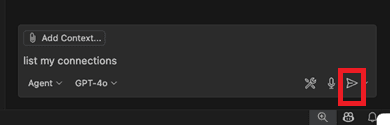
Description of the illustration interact_with_agent_command.png
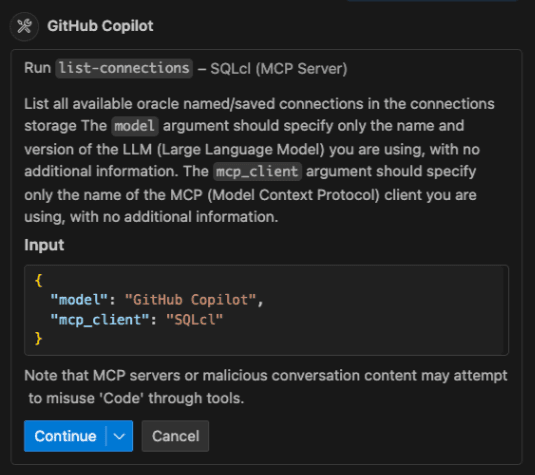
Copilot requests confirmation to continue using the tool. -
Use the Continue button’s dropdown options to automatically confirm the selected tool for the current session, the workspace, or all future sessions.
Note: You can click the chevron next to the tool name to view its details and input parameters.
To learn more about Agent mode, see Use Agent Mode in VS Code.
After the task is executed, a green check mark is shown next to the tool, along with the generated result:
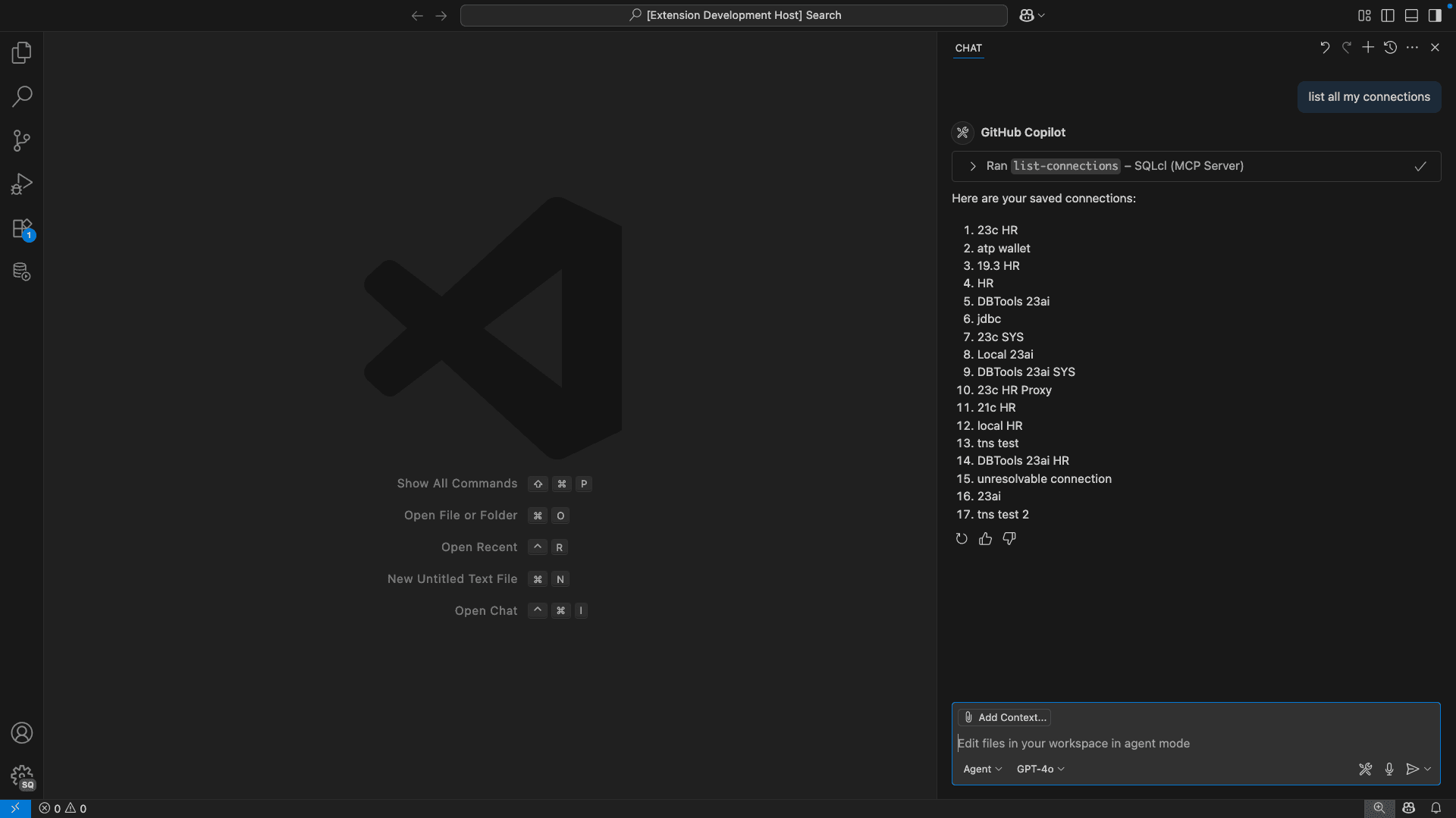
Description of the illustration interact_with_agent_output1.png