Configuring and Managing Data Import
This feature enables importing data from delimited files, such as Comma Separated Values (CSV), Tab Separated Values (TSV), Microsoft Excel (.xls/.xlsx), or other similar formats into your database. You have the flexibility to either create new tables or populate existing ones, with a range of configuration options to suit your data import needs.
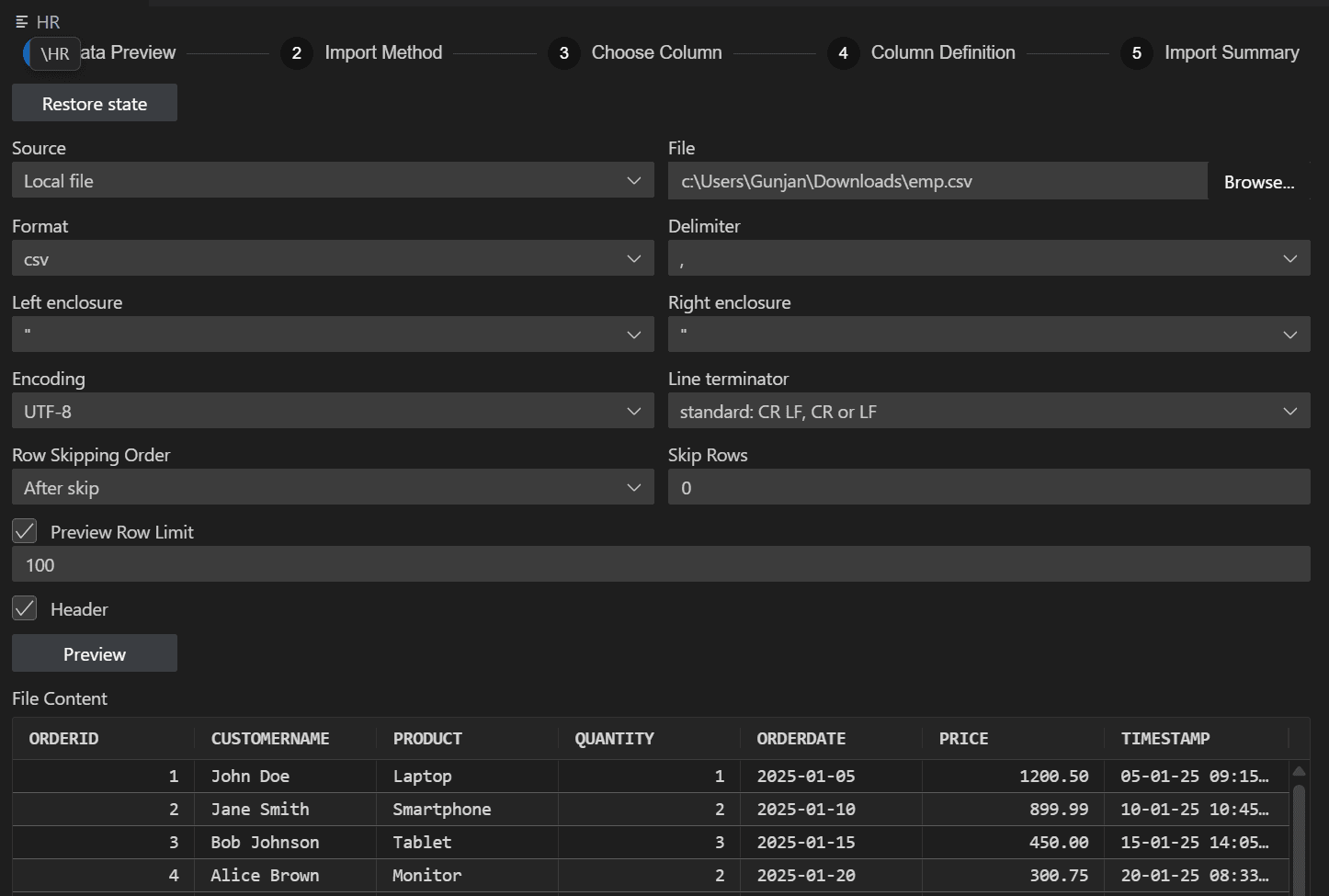
Description of the illustration data_import_landing.png
The data import workflow includes the following steps:
-
Previewing Data: Review and validate the data from your source file before importing.
-
Choosing Import Method: Select how the data will be imported.
-
Choosing Columns: Select which columns from the source data should be imported.
-
Defining Column Metadata: Specify or adjust column definitions, data types, and other attributes.
-
Summarizing the Import: Review a summary of your selections and confirm the import configuration before proceeding.