Searching for Objects in the Diagram
The SQL Developer extension for VS Code provides the functionality to search for an object in the schema object diagram.
-
From the toolbar available on the diagram window, click the Search icon.
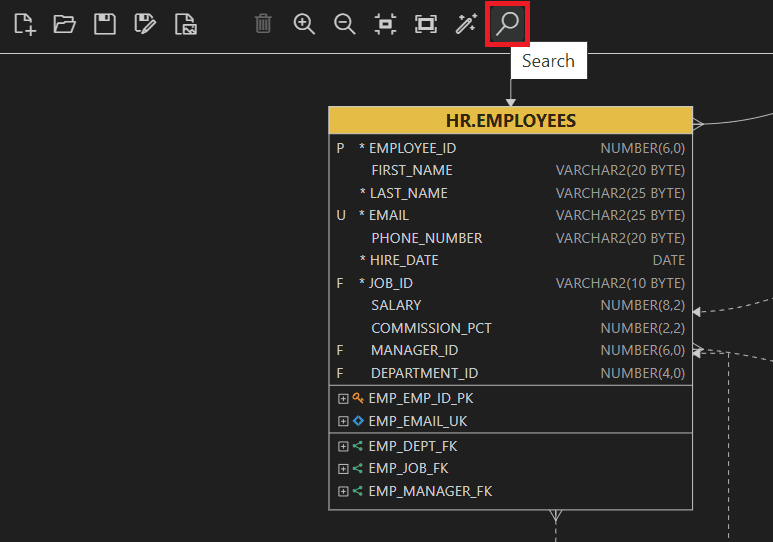
Description of the illustration search_icon.png
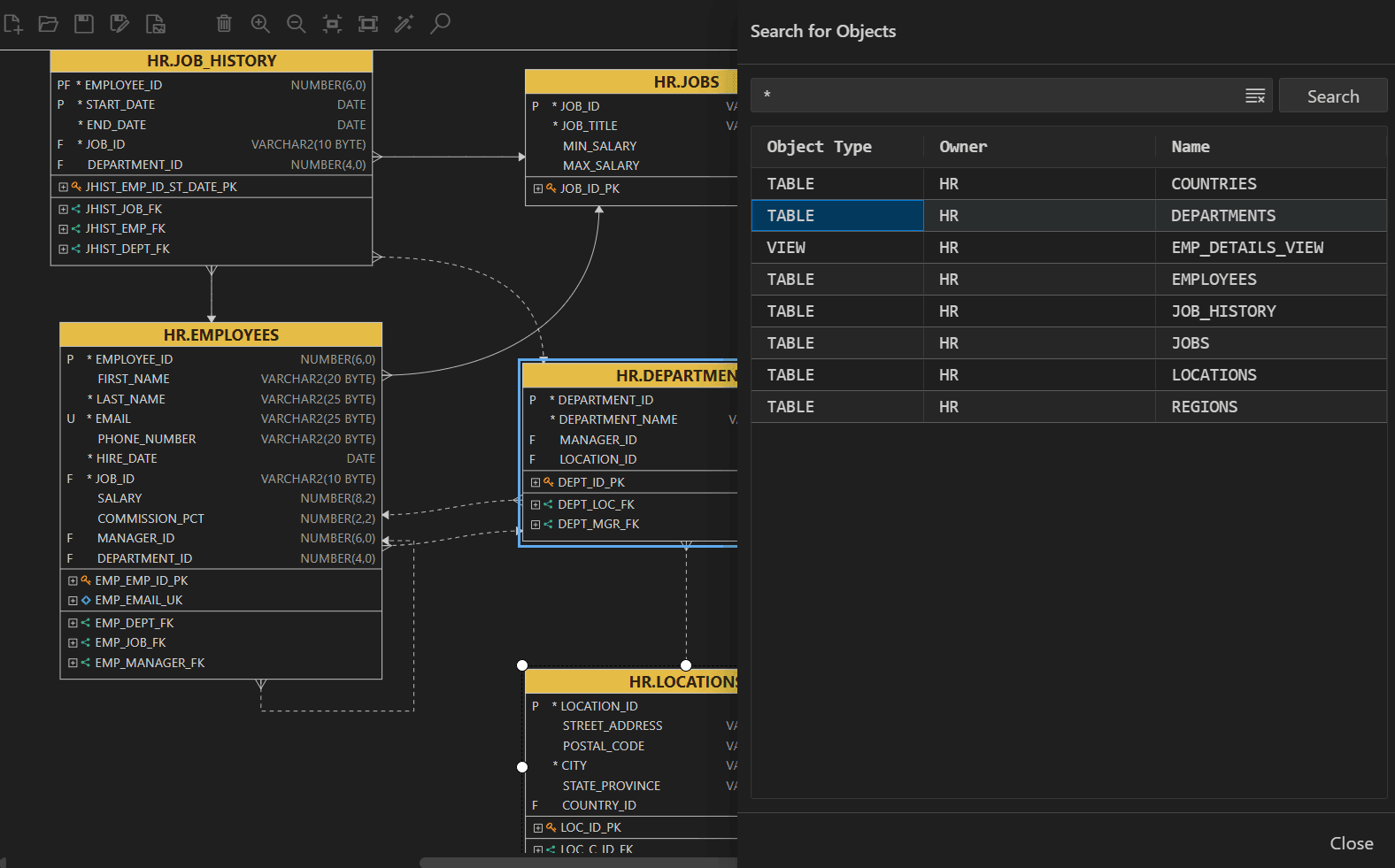
The Search for Object dialog box is displayed. -
In the search box, type the name of the object (table name, view name, or duality view name) you want to search for.
Note: Type * to list all the objects of an object type (tables, views, or duality views) in the schema. You can also search by typing a few characters.
-
Click Search.
The search result are displayed in the grid below. Clicking on an object in the output grid highlights the corresponding object in the diagram.