Viewing Single Record
Right-click on an output row and select Single Record View to view its details.

Description of the illustration single_view_record.png
The details of the selected row is displayed:
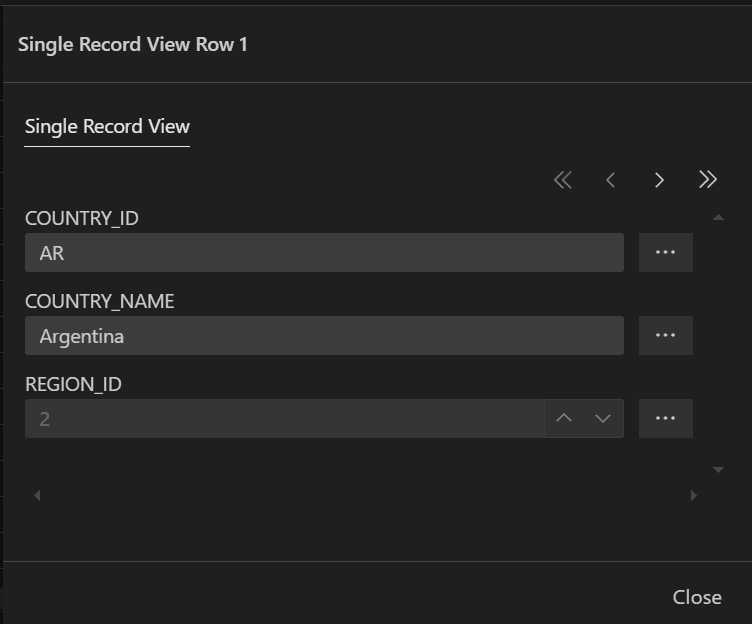
Description of the illustration single_view_record_output.png
You can use the <<, <, >, and >> buttons to navigate to the first, previous, next, and last records, respectively. Clicking Close closes the dialog box.