3.12 Setting Password for Each User
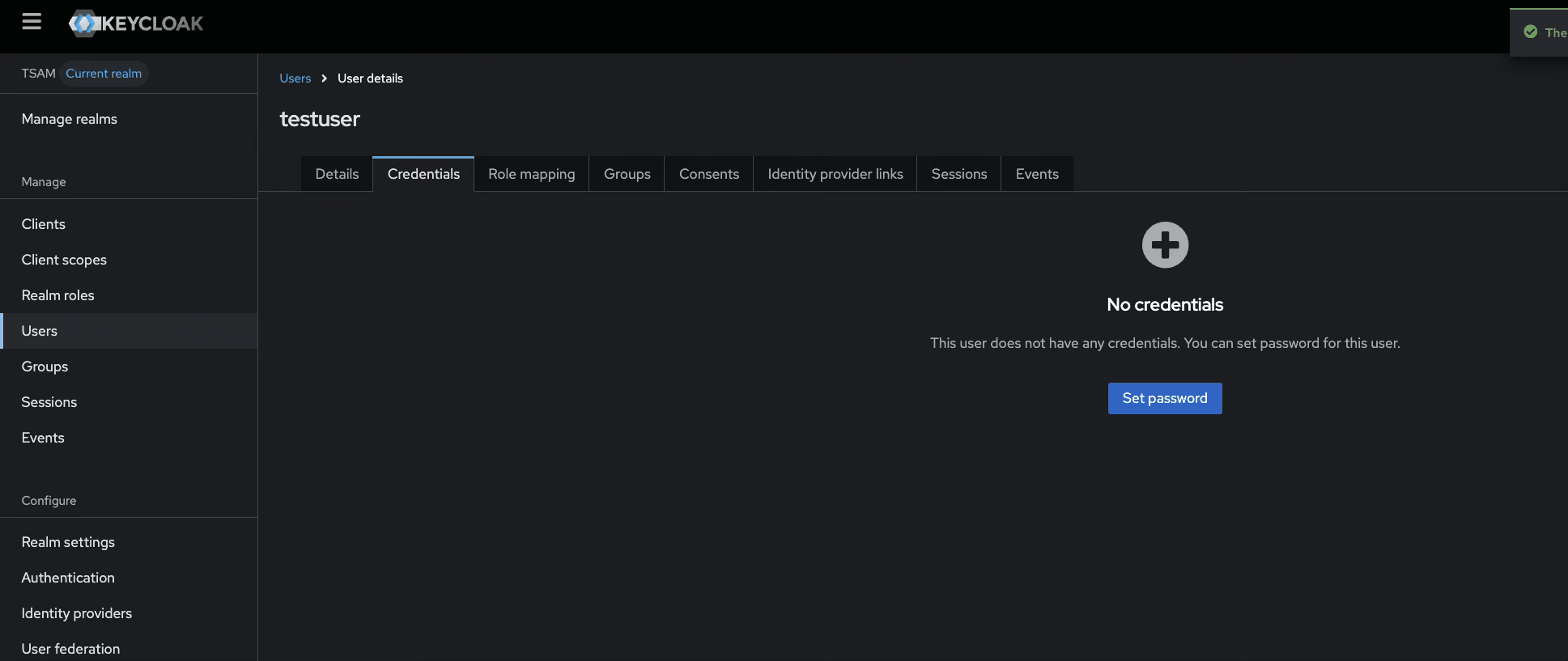
After you create users in Keycloak, you need to set a password for each user. Follow the steps below to set the password for each user:
- Open the user
- Go to the Credentials tab
- Set a password
- Optionally disable Temporary if you do not want the user to reset the password at first log in
- Save the password.
Figure 3-17 Set Password for Each User