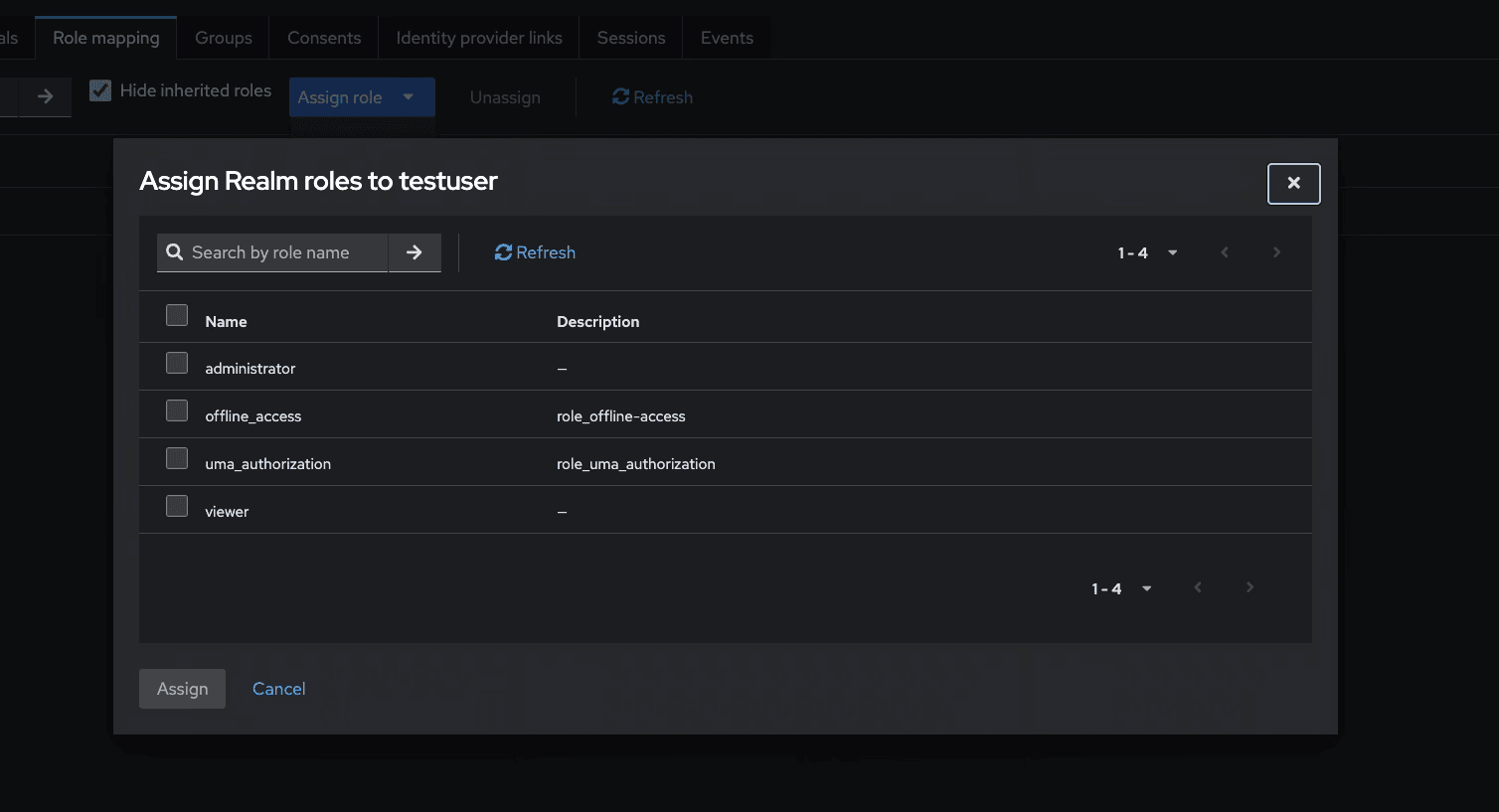
3.13.3 Mapping the Viewer User Role
Follow the steps below, to view the role of a user:
- Open a user, such as
tsamviewer - Go to the Role mapping tab.
- Click on Assign Role → Realm roles
- Assign the role:
viewer
Note:
After mapping the roles, you need to verify the following:tsamadminhas theadministratorroletsamviewerhas theviewerrole
Figure 3-18 Viewing Role of a User
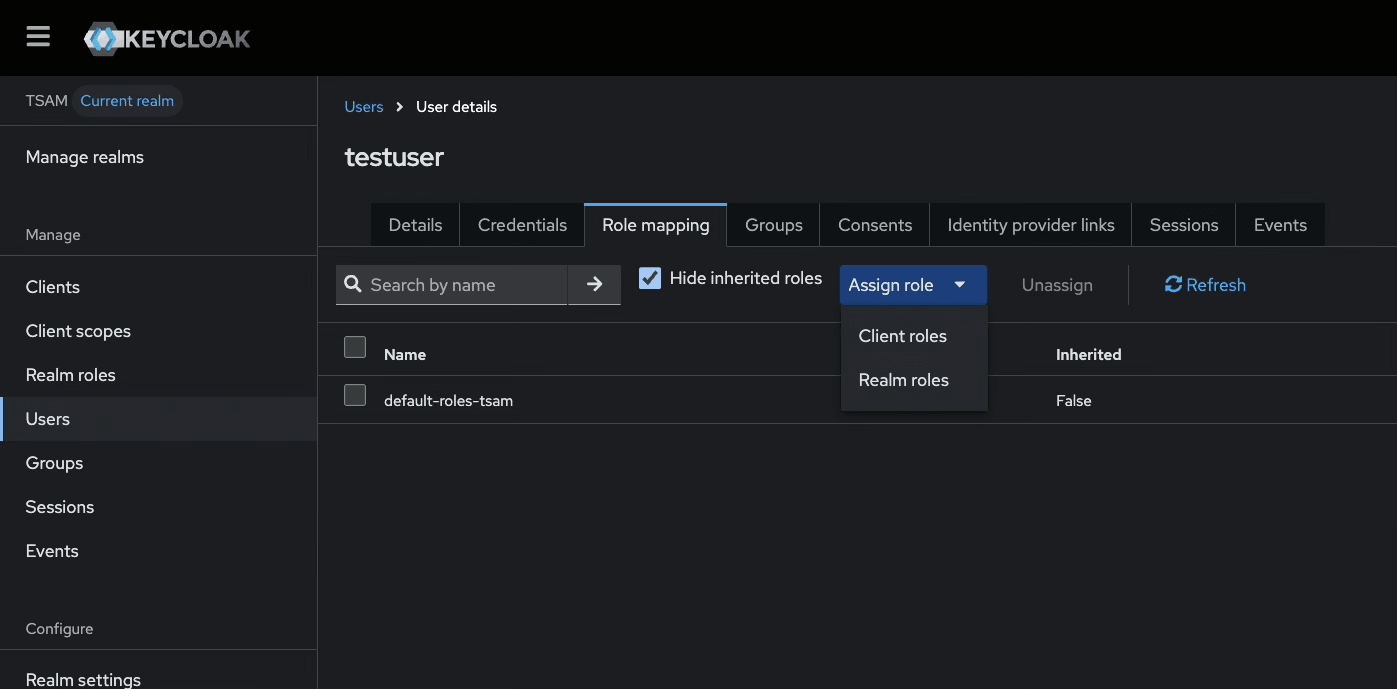
Figure 3-19 Assign Realm Roles to a user