View and Manage Notifications in the Essbase Web Interface
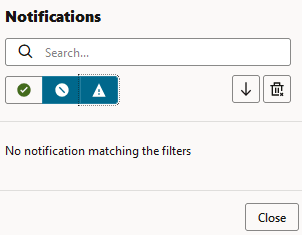
There is a notifications panel in the Essbase web interface for success, warning, and error messages from your active session.
You can access the notifications by clicking the notifications icon  in the upper right hand corner of your screen. These messages are stored in the
browser session and remain available until your session has ended. After the session
expires or you sign out, the messages are automatically cleared. You can filter by
message type using the provided icons, and you can sort ascending or sort descending by
timestamp using the arrow icon.
in the upper right hand corner of your screen. These messages are stored in the
browser session and remain available until your session has ended. After the session
expires or you sign out, the messages are automatically cleared. You can filter by
message type using the provided icons, and you can sort ascending or sort descending by
timestamp using the arrow icon.