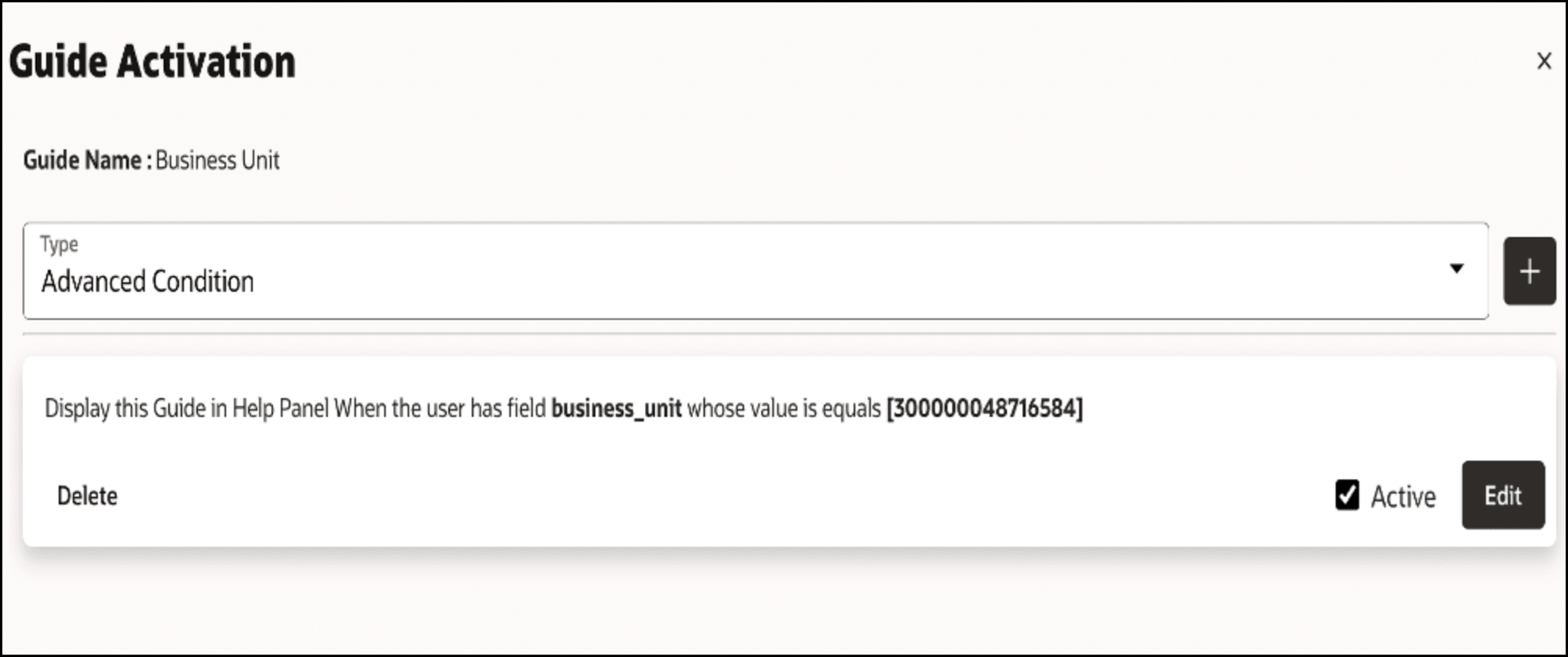
How to Configure Business Unit Segmentation
Perform the following steps to configure business units:
- Get the profile option from https://docs.oracle.com/en/cloud/saas/financials/24b/faipp/set-the-default-business-unit-profile-option.html
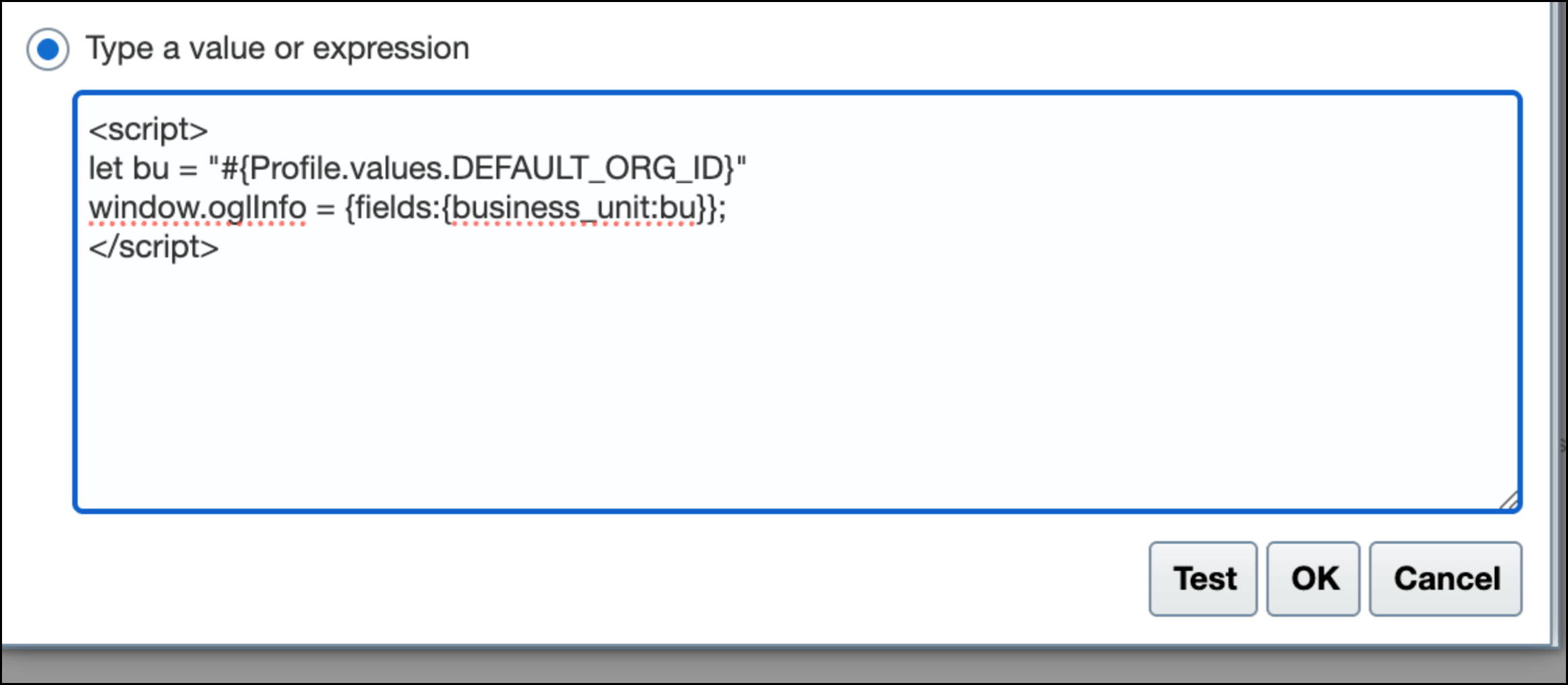
- Add a custom script in fusion expression builder.
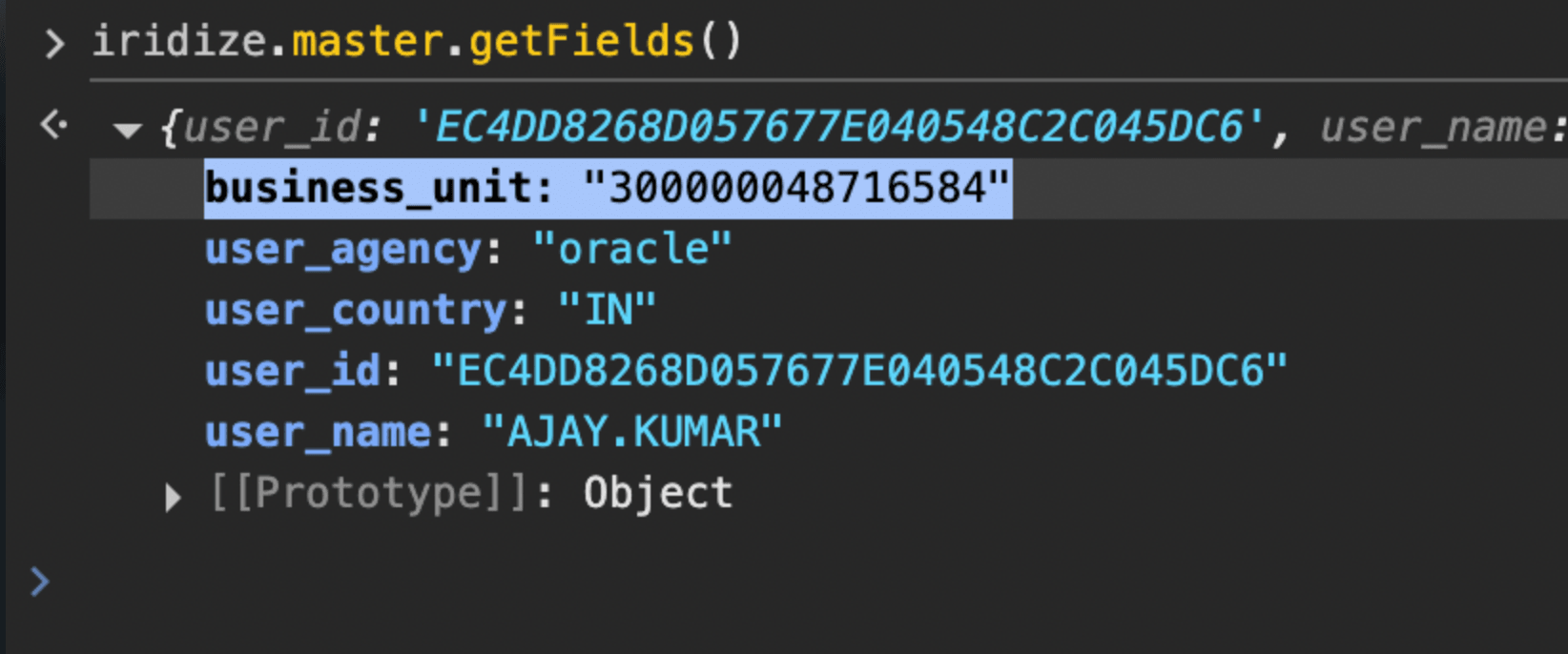
- Check if the default business unit is working as expected.
- Once this script is added and verified, now the Default business unit can be
used to segment guides.