Retrofitting Base Content
This article outlines the key checks, updates, and best practices to be followed when importing a base content for Oracle Guided Learning (OGL). It is intended to guide content reviewers and developers through a structured validation process to ensure quality, accuracy, and alignment with customer-specific configurations.
Key areas covered are:
- Activation and step conditions
- Role and label verification
- Content editor validations
- Product/module alignment
- Selector validation for correct element tracking
This article serves as a reference to ensure consistency and completeness across all imported guides during the retrofitting process.
Validation Steps:
- Activation condition: Verify that all activation conditions are appropriate, including URL matching criteria and settings for the Always Help Panel or Autoload functionality.
- Role Condition: If a role condition is present within the imported guide, it
should be removed and replaced with the appropriate role as specified by the
customer.
Note:
Roles should be clearly defined and appropriately configured in the Custom Roles section of the console.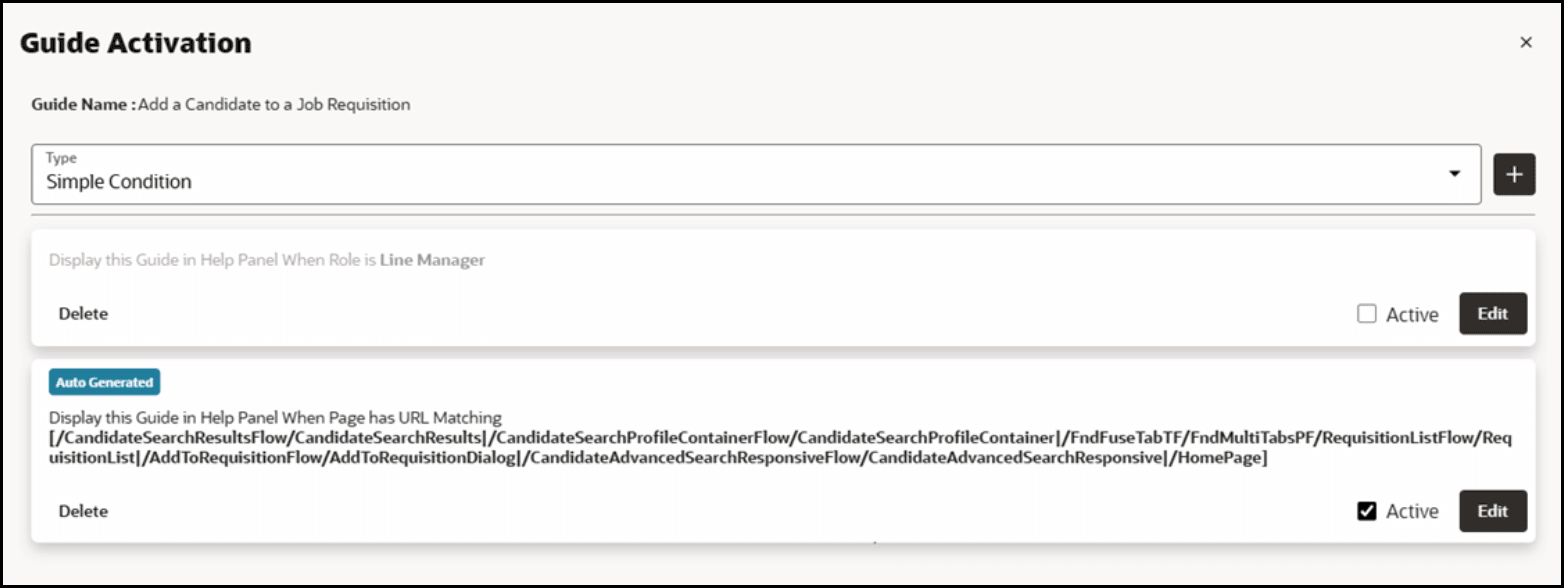
- Labels: Verify that the existing labels are relevant; if any are missing, add
the necessary labels accordingly.

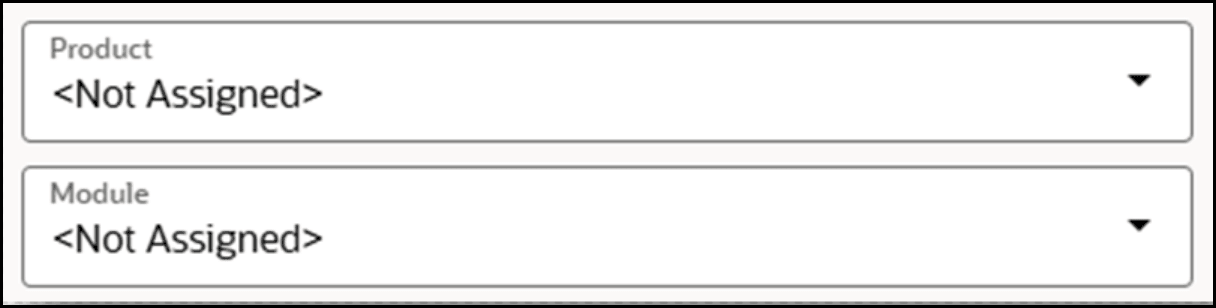
- Product, Module and Display Group: Check if the right product, module and
display group are added. Change them if required.

- Quick glance on content editor: As part of the sanity testing, review the guide in the Content Editor to get an overview of the navigation flow.
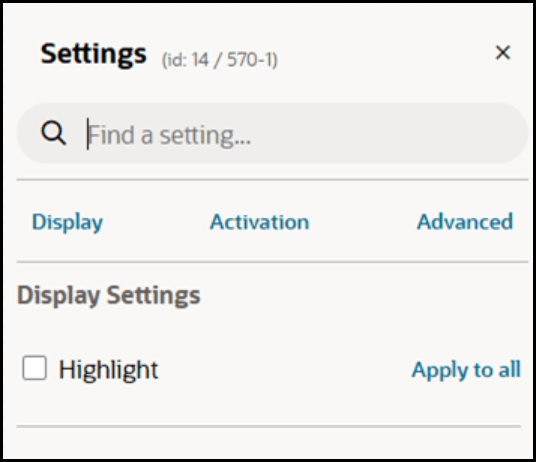
- Splash Tip Selector: If a splash tip includes a
body selector, it should be updated to html > body to enable extended
Highlight options.
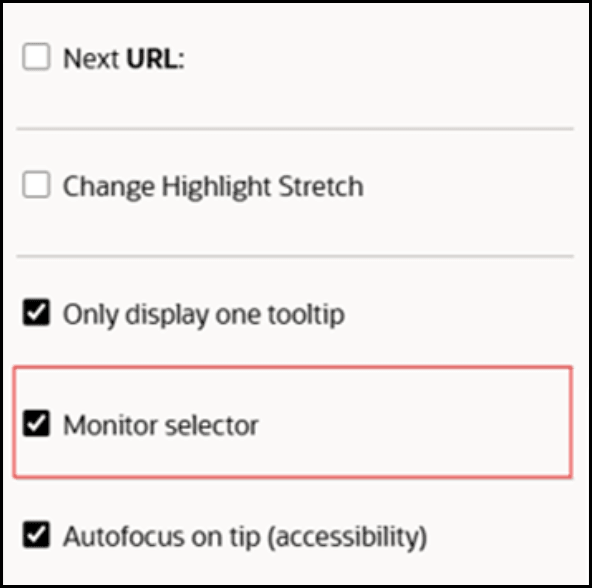
- Monitor Selector should be enabled: For many steps in a guide, this option is
often not enabled during import. However, it should be enabled to ensure accurate
element tracking.
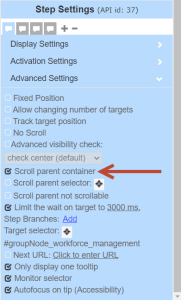
- Missing horizontal scroll condition: The horizontal scroll
condition for tips located within the homepage sections — such as Me, My
Team, My Client Groups, etc.— is typically not enabled upon import.
However, this setting is mandatory when multiple tabs exist within the homepage to
ensure accurate element tracking.
- Step conditions: Verify that all step conditions are appropriate and aligned with the guide’s intended functionality.