Replacing an Existing Gateway and Migrating Its Data
During this portion of the installation process, you are guided through a series of questions to collect the necessary information to use this Gateway to replace an existing one and to migrate its data. You will need console access to complete the following steps.
-
Reboot the server as instructed in the previous
section.
The login screen appears.
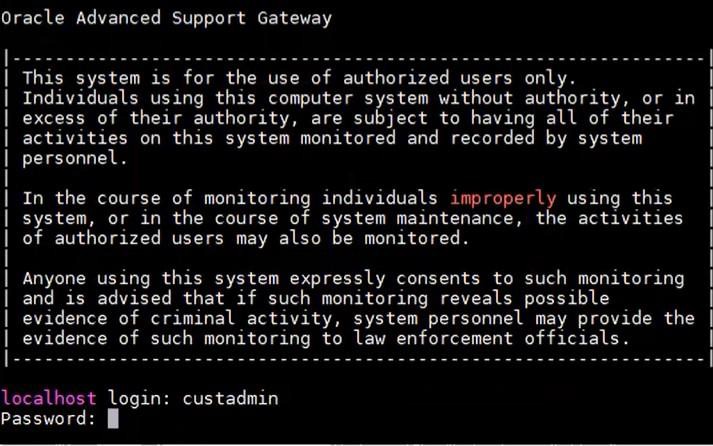
- Log in using the default administrator account:
- Login: custadmin
- Password: install
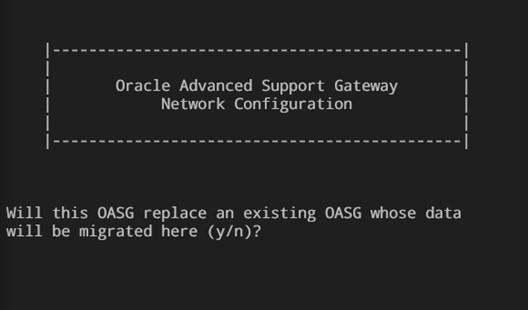
Upon successful login, a screen displaying a message asking whether you wish to migrate an existing Gateway appears (OASG means Oracle Advanced Support Gateway).
-
Select one of the following options:
- Enter y to use this Gateway to replace an existing Gateway and migrate its data. Continue with the next step.
The script executes a migration script on the system which automates the process. It first uses saved information to restore the Gateway’s network configuration, and then completely restores the rest of the Gateway, including the activation phase.
- Enter n to set up a new gateway. Refer to Registering the Gateway With Oracle