Accounts
The Accounts link on the Oracle Enterprise Communications Platform (Oracle ECP) Settings page navigation pane launches the Accounts page, which displays a drop-down list of the account types your role allows you to view and manage.
You can view Mobile Device Management (MDM) accounts.
Note:
To change the credentials for accessing your accounts, contact Oracle Software-as-a-Service (SaaS) Operations.MDM Accounts
You can view account information for your Mobile Device Management (MDM) enabled devices on the MDM Accounts page that you access from the Accounts panel on the Settings page.
The following screen capture shows an example of the Accounts table for MDM-enabled devices.
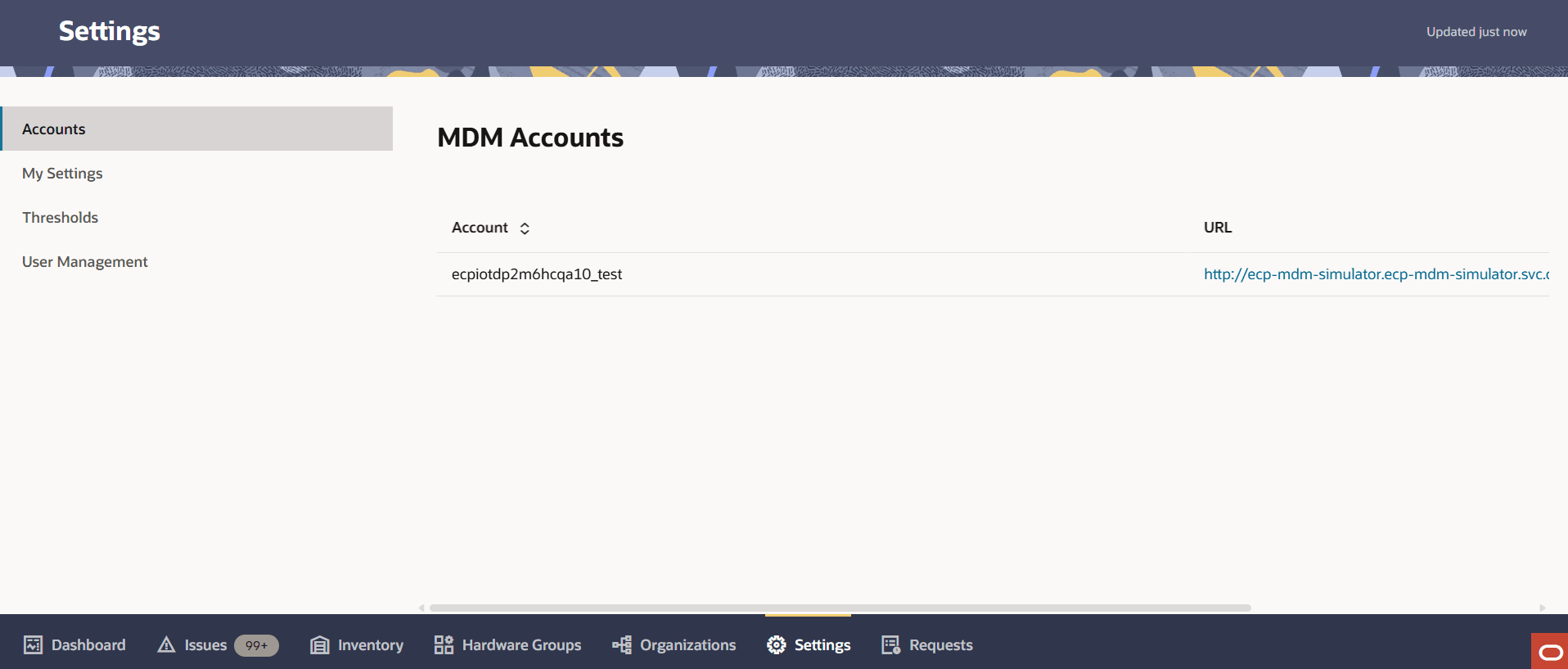
Table 11-5 MDM Accounts Column Headers
| Column Header | Description |
|---|---|
| Account | Lists your MDM accounts by name. |
| URL | Lists the URL for the account used with the Ivanti Neurons for MDM Solution. |